Installation Procedure
 Courtesy of GENERAL MOTORS CORP.
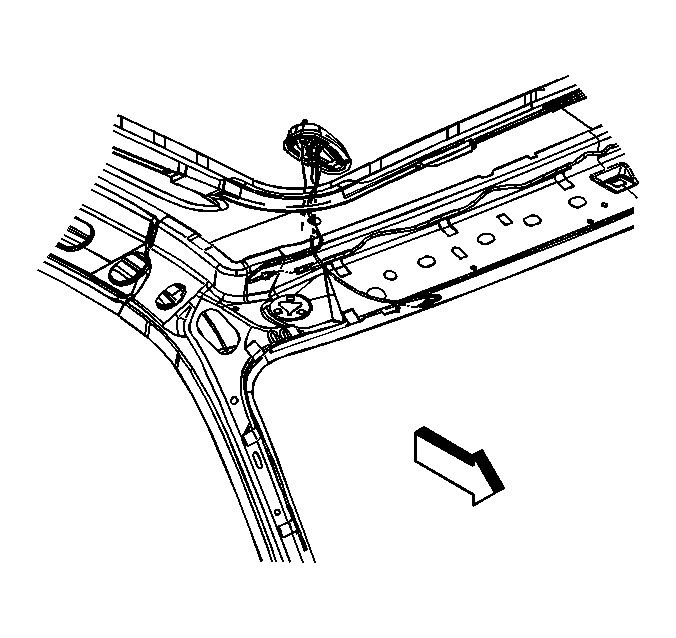
- Route the antenna cable above the headliner.
- Connect the antenna cable to the antenna.
- Secure the cable to the roof, above the headliner as noted during disassembly.
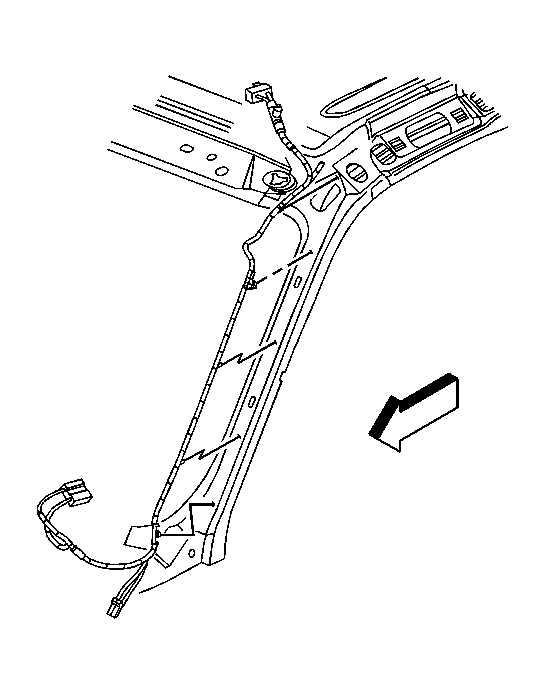
- Attach the mechanics wire or string, used during removal, to the end of the antenna cable.
 Courtesy of GENERAL MOTORS CORP.
- Carefully pull the antenna cable past the top pad to below the I/P.
- Secure the antenna cable to windshield pillar area and below the I/P as noted during disassembly.
- Connect the antenna cable to the I/P harness.
- Install the XM radio receiver, if equipped. Refer to Digital Radio Receiver Replacement .
- Install the right body hinge pillar trim panel. Refer to Body Hinge Pillar Trim Panel Replacement - Right Side
.
- Install the headliner. Refer to Headlining Trim Panel Replacement (SUT)
or Headlining Trim Panel Replacement (SUV)
.