Mobile Telephone Antenna Coaxial Cable Replacement
WARNING: This page is about a different car, the 2009 Saturn Vue. However, it is still accessible from the selected car via links, so may be relevant.
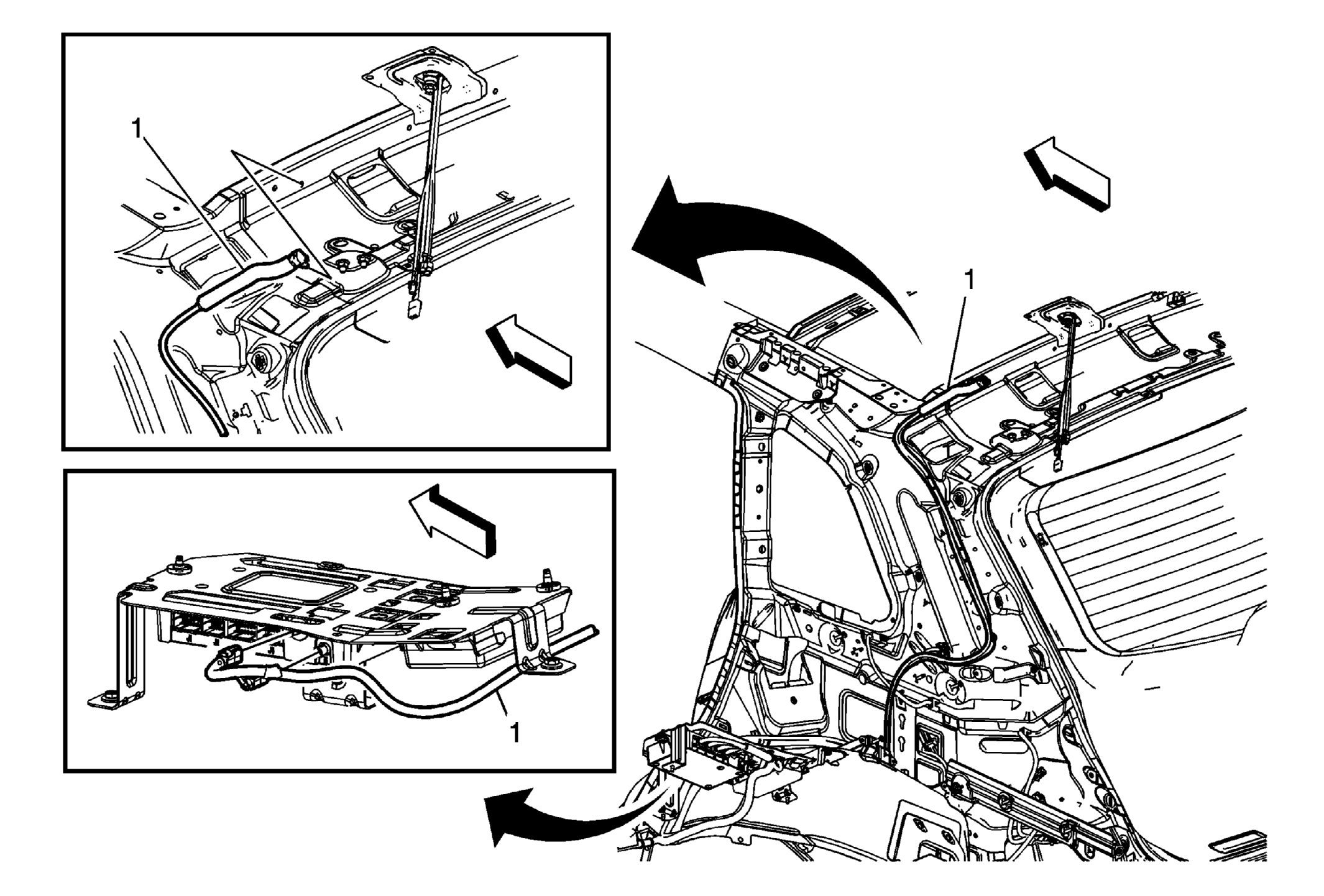 Courtesy of GENERAL MOTORS CORP.
| Callout |
Component Name |
|
Preliminary Procedures
- Remove the right rear quarter upper trim panel. Refer to Quarter Upper Trim Panel Replacement
.
- Remove the right rear quarter lower trim panel. Refer to Quarter Lower Rear Trim Panel Replacement
.
- Remove the right rear front floor panel carpet as needed. Refer to Front Floor Panel Carpet Replacement
.
- Lower the rear of the headliner as needed. Refer to Headlining Trim Panel Replacement
.
|
| 1 |
Mobile Telephone Control Module Cable Assembly Procedure
- Disconnect the electrical connectors at each end of the cable.
- If the mobile telephone (m/tel) cable is taped into the wiring harness then cut the ends off the old cable and route the new m/tel cable close to the old one as possible using tie straps to secure the new cable.
|