Removal Procedure
 Courtesy of GENERAL MOTORS CORP.
- Remove the driver knee bolster bracket. Refer to Driver Knee Bolster Bracket Replacement (Left Hand Drive)
or Driver Knee Bolster Bracket Replacement (Right Hand Drive)
.
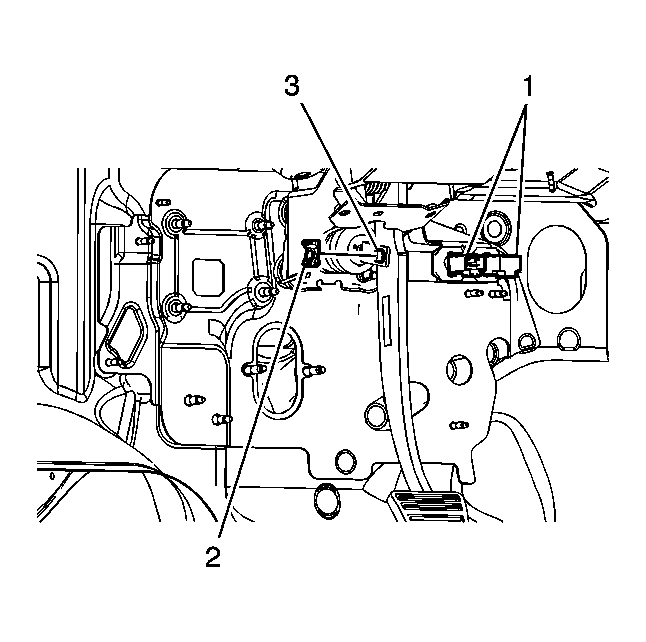
- Disconnect the stoplamp switch and cruise release switch electrical connectors (1).
- Remove the retainer (2) from the clevis pin.
- Remove the brake pedal pushrod clevis pin (3).
 Courtesy of GENERAL MOTORS CORP.
- Without disconnecting the upper steering column intermediate shaft, lower and support the steering column. Refer to Steering Column Replacement
.
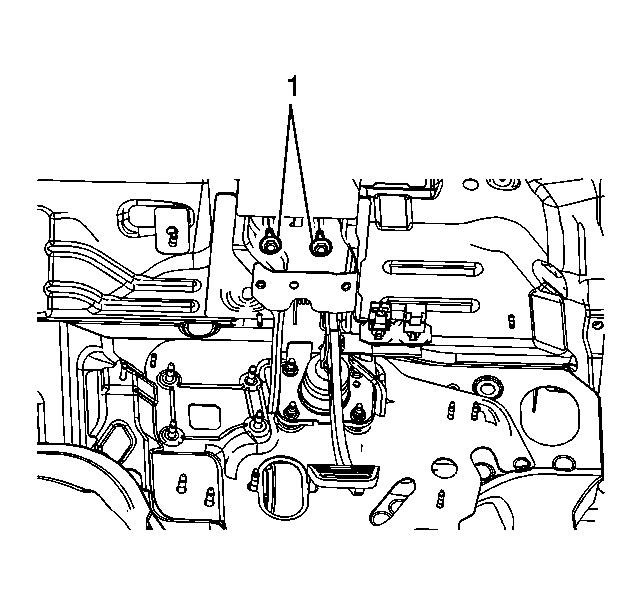
- Remove the 2 upper brake pedal bracket bolts (1).
 Courtesy of GENERAL MOTORS CORP.
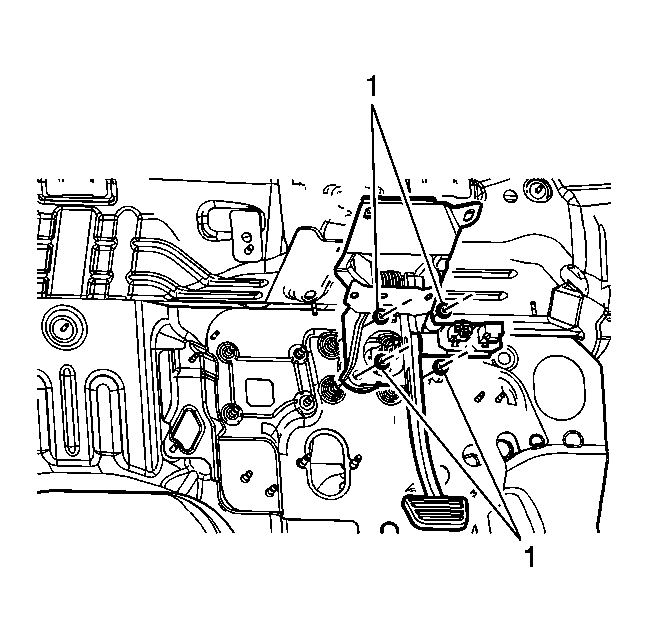
- Remove the 4 brake master cylinder nuts (1).
- Remove the brake pedal assembly.