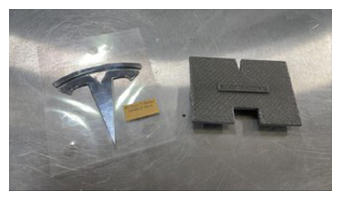
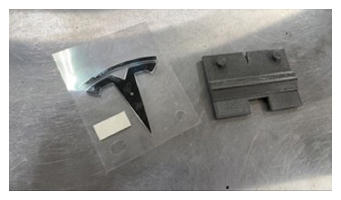
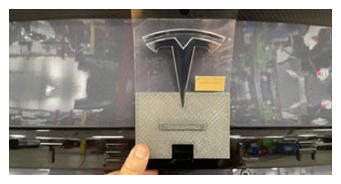
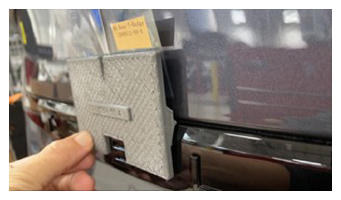
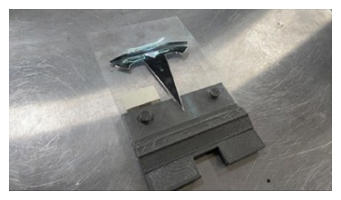
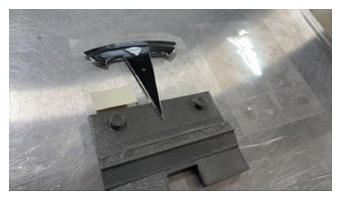
- Secure the rear Tesla badge (x2 datums) with film onto the badge alignment tool.
NOTE:
Perform a dry fit as required.
NOTE:
The badge alignment tool lines up with the rear applique.
 Courtesy of TESLA, INC. Courtesy of TESLA, INC.
|
 Courtesy of TESLA, INC. Courtesy of TESLA, INC.
|
 Courtesy of TESLA, INC. Courtesy of TESLA, INC.
|
 Courtesy of TESLA, INC. Courtesy of TESLA, INC.
|
- Peel off the adhesive backing film when ready to install badge.
 Courtesy of TESLA, INC. Courtesy of TESLA, INC.
|
 Courtesy of TESLA, INC. Courtesy of TESLA, INC.
|
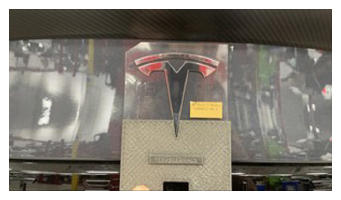
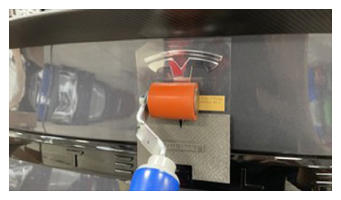
- Install the rear Tesla badge onto trunk.
NOTE:
Start from the bottom of the badge and work your way upwards. Use a roller to go over the badge. Apply pressure and allow the badge to fully adhere, and then remove the alignment tool.
 Courtesy of TESLA, INC. Courtesy of TESLA, INC.
|
 Courtesy of TESLA, INC. Courtesy of TESLA, INC.
|
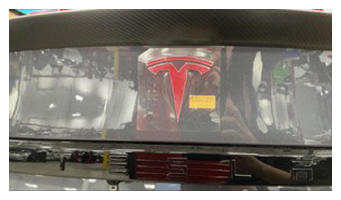 Courtesy of TESLA, INC. Courtesy of TESLA, INC.
|
- Remove the adhesive film from Tesla badge once fully seated.
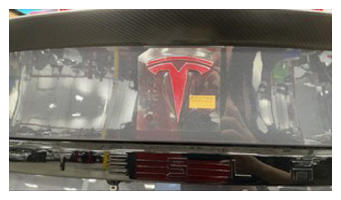 Courtesy of TESLA, INC. Courtesy of TESLA, INC.
|
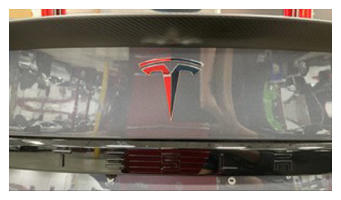 Courtesy of TESLA, INC. Courtesy of TESLA, INC.
|
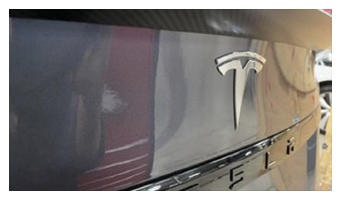
- Verify fitment of the Tesla badge.
NOTE:
Visually inspect the badge and verify it is properly installed. Wipe away any contamination.
 Courtesy of TESLA, INC. Courtesy of TESLA, INC.
|
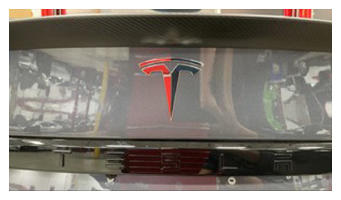 Courtesy of TESLA, INC. Courtesy of TESLA, INC.
|
 Courtesy of TESLA, INC. Courtesy of TESLA, INC.
|