Dock Connector - Telephone - USB - Center Console - Remove And Replace: Removal
- Open the rotating door on the center console insert.
- Remove the rubber mat and set it aside.
- Remove the screws (x2) that secure the dock connector to the center console carrier.
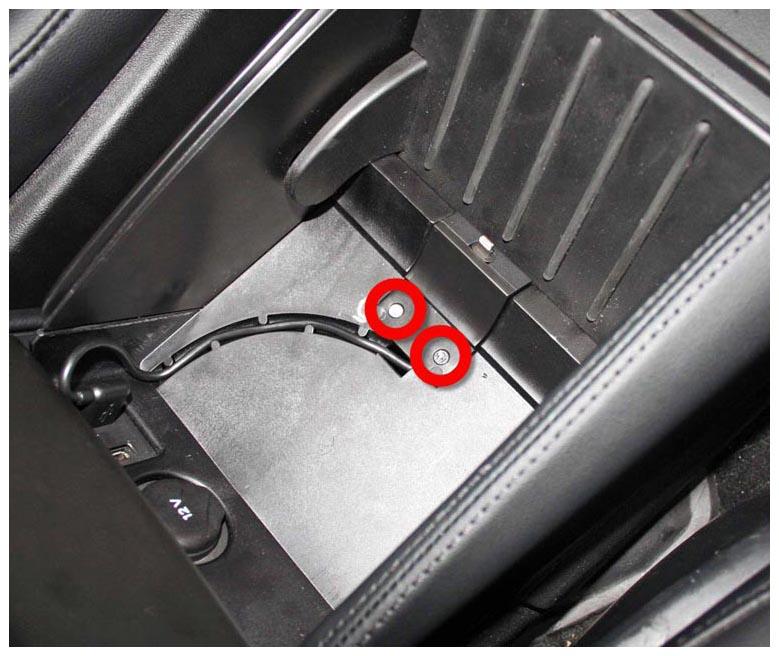 Courtesy of TESLA, INC. Courtesy of TESLA, INC.
|
- Disconnect the USB connector from the USB port.
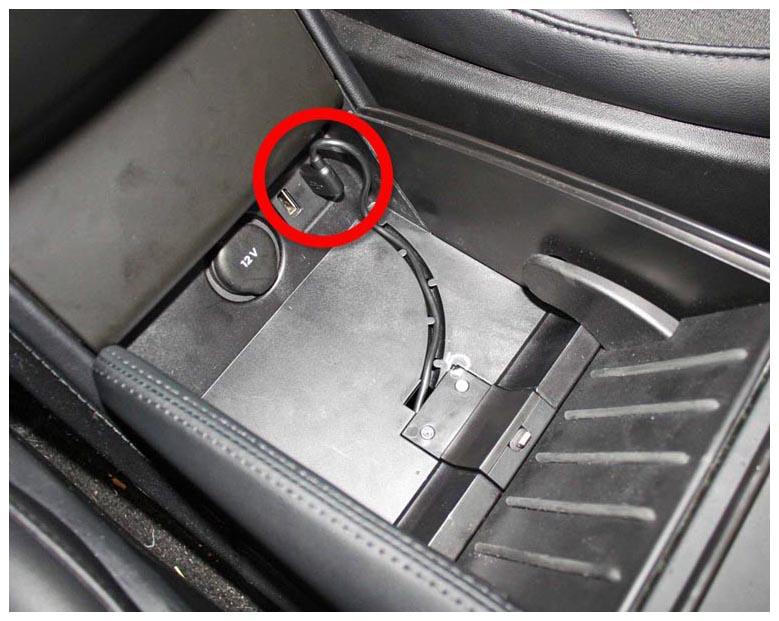 Courtesy of TESLA, INC. Courtesy of TESLA, INC.
|
- Carefully lift the dock connector up from the center console and release the USB cable from the tabs on the center console.
- Remove the dock connector from the vehicle.