Event Record Data: Operation
- On »Main Menu« display, select {Each System Check}.
- On »System Selection Menu« display, select {Airbag System}.
- On »Airbag System« display, select {Event Record Data}. After it is selected, {IMPORTANT NOTICE} screen is displayed.
- Once you have read the contents of the »IMPORTANT NOTICE«, click the Yes checkbox.
- If doing so will not violate any laws, click the {Yes} button to retrieve the EDR data.
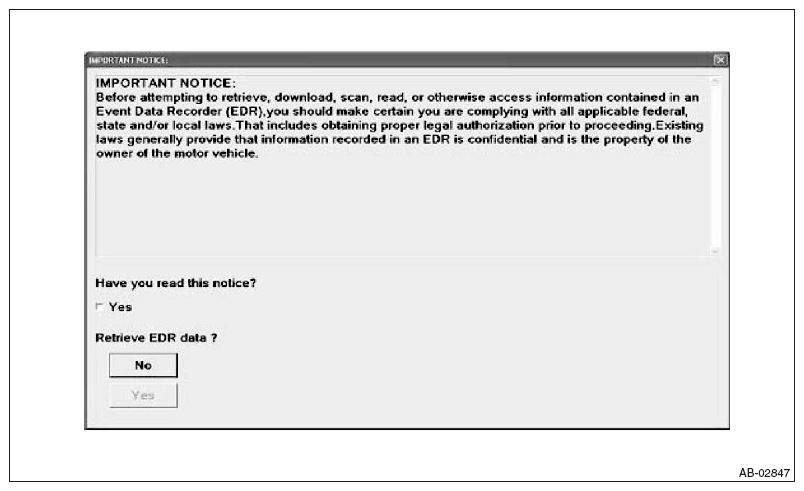 Courtesy of SUBARU OF AMERICA, INC.
- Select the items to be checked from each event record data.
- Select the record data to be checked from each record data.
- The selected record data is displayed. If there is no data recorded, »No Event Record Data Recorded« is displayed.
- Select [Exit] to return to each event record data screen.