Removal & Installation: Console: Removal
- Gently pull on left and right side console extensions to remove extensions.
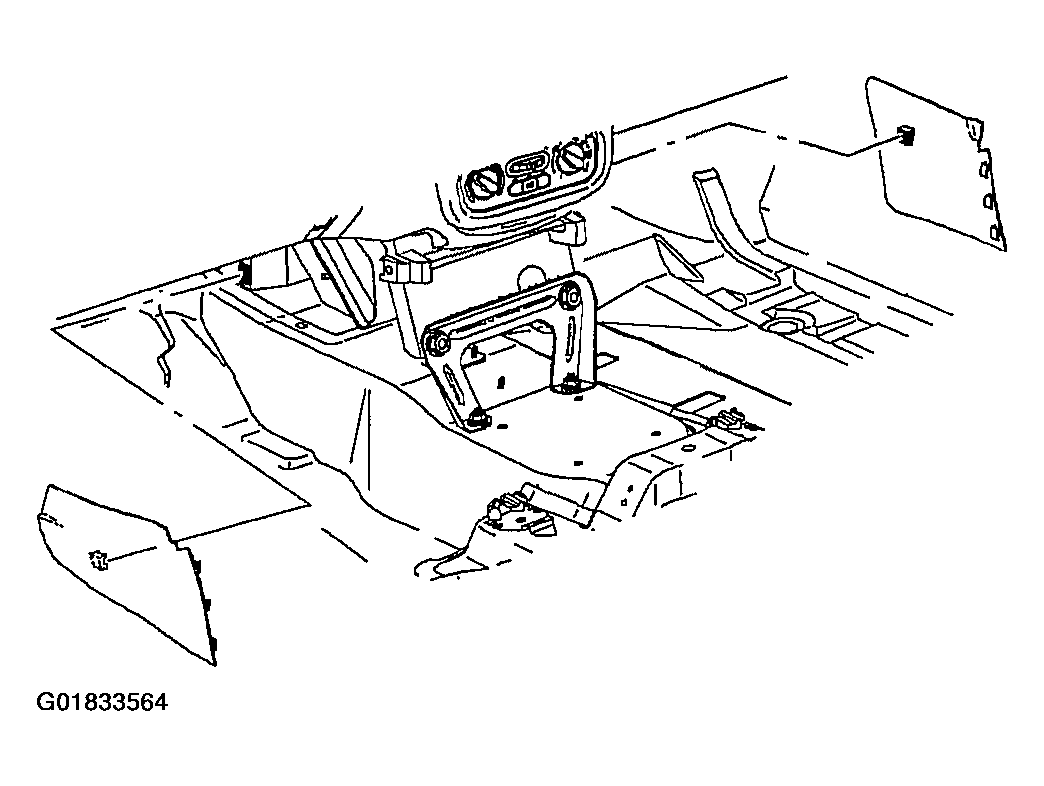 Courtesy of GENERAL MOTORS CORP.
- On power windows, using a small flat blade screwdriver, gently pry upward on rear portion of the power window switch to partially disengage switch from console.
- On power windows, disconnect power window switch harness from switch and remove power window switch.
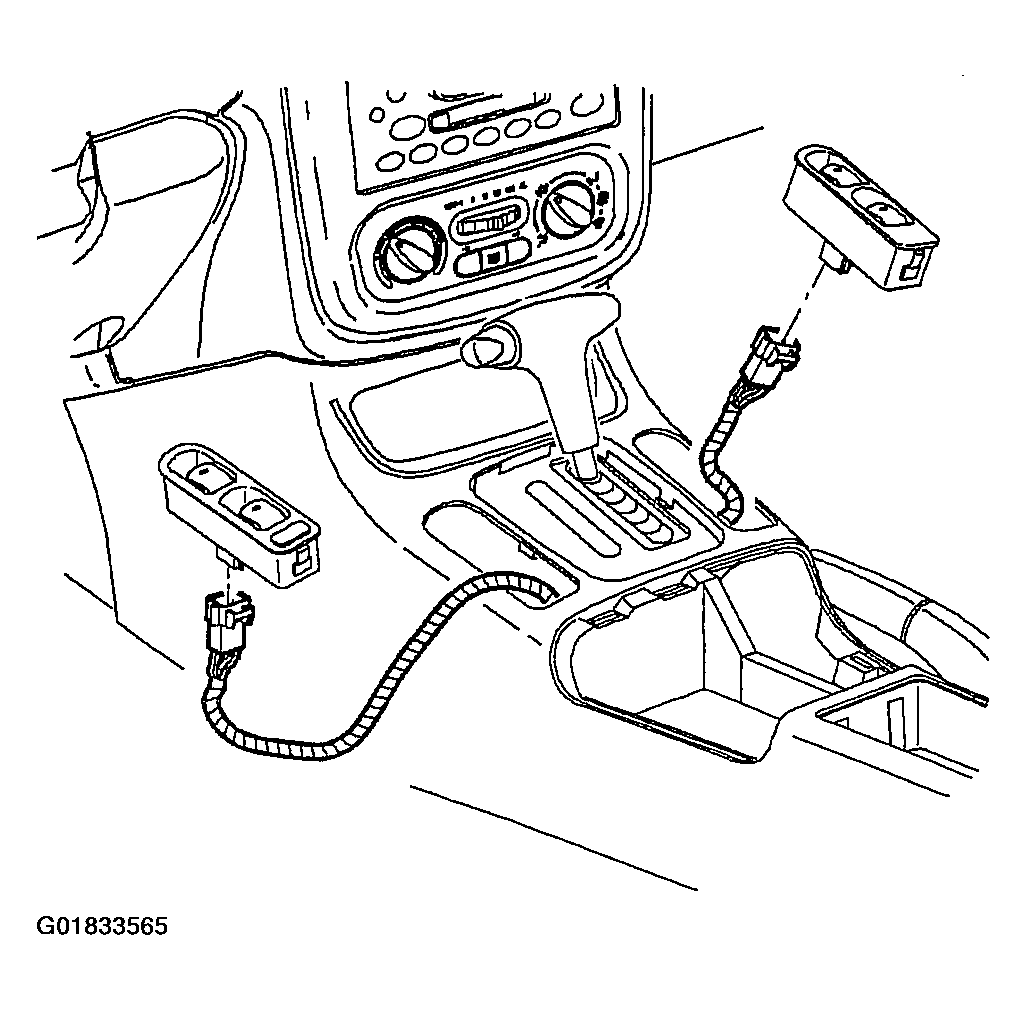 Courtesy of GENERAL MOTORS CORP.
- Disengage console park brake boot by squeezing the boot in while pulling upward.
- Lift park brake boot over park brake assembly.
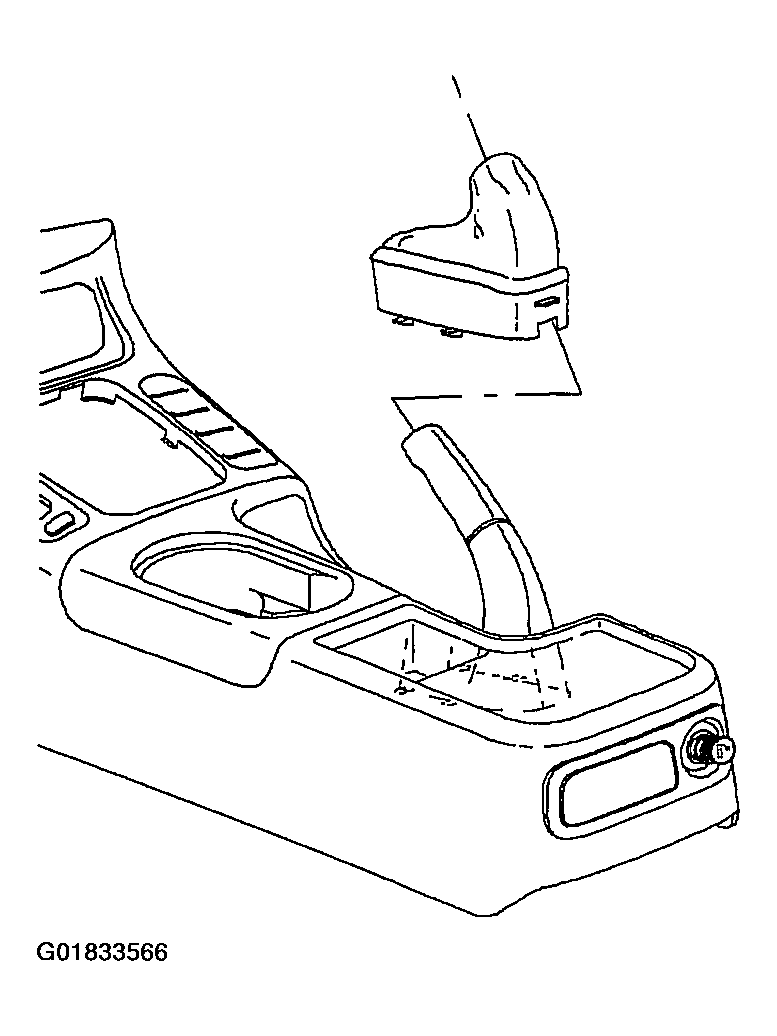 Courtesy of GENERAL MOTORS CORP.
- Remove front console tray by pulling upward on tray assembly.
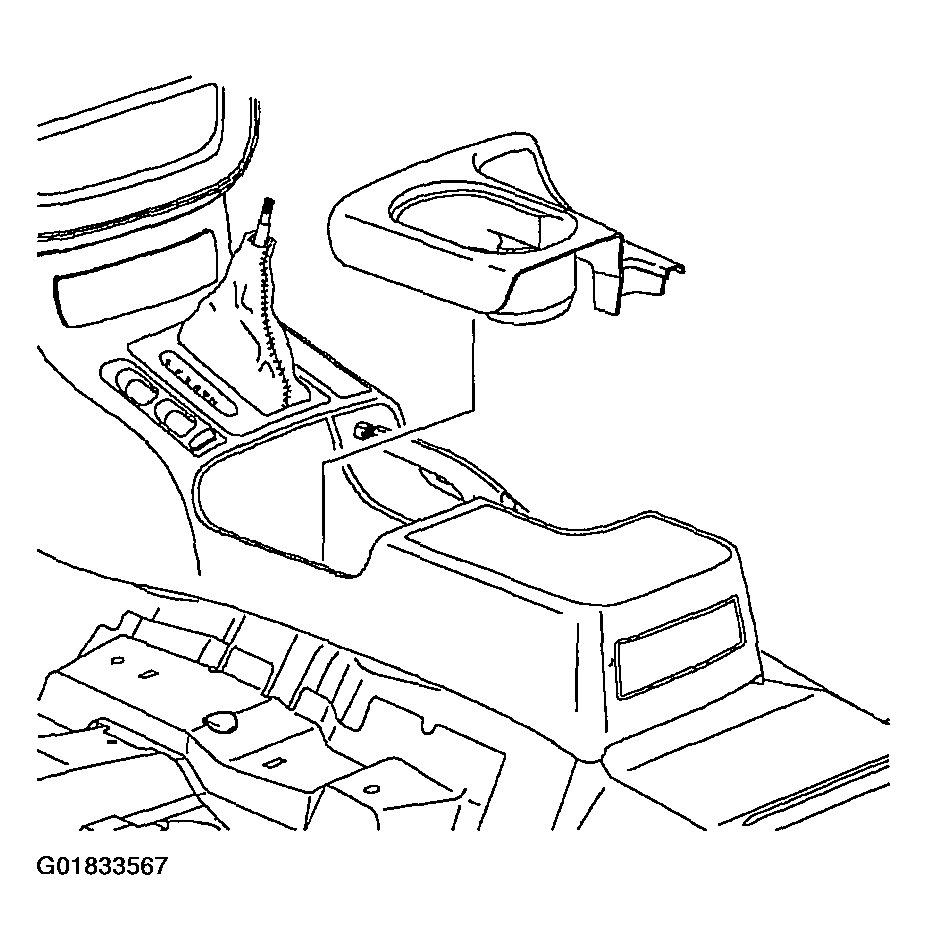 Courtesy of GENERAL MOTORS CORP.
- Disconnect console wiring harness from main body harness located under front console tray.
- On automatic transmissions, pull up on PRNDL cover to disengage cover.
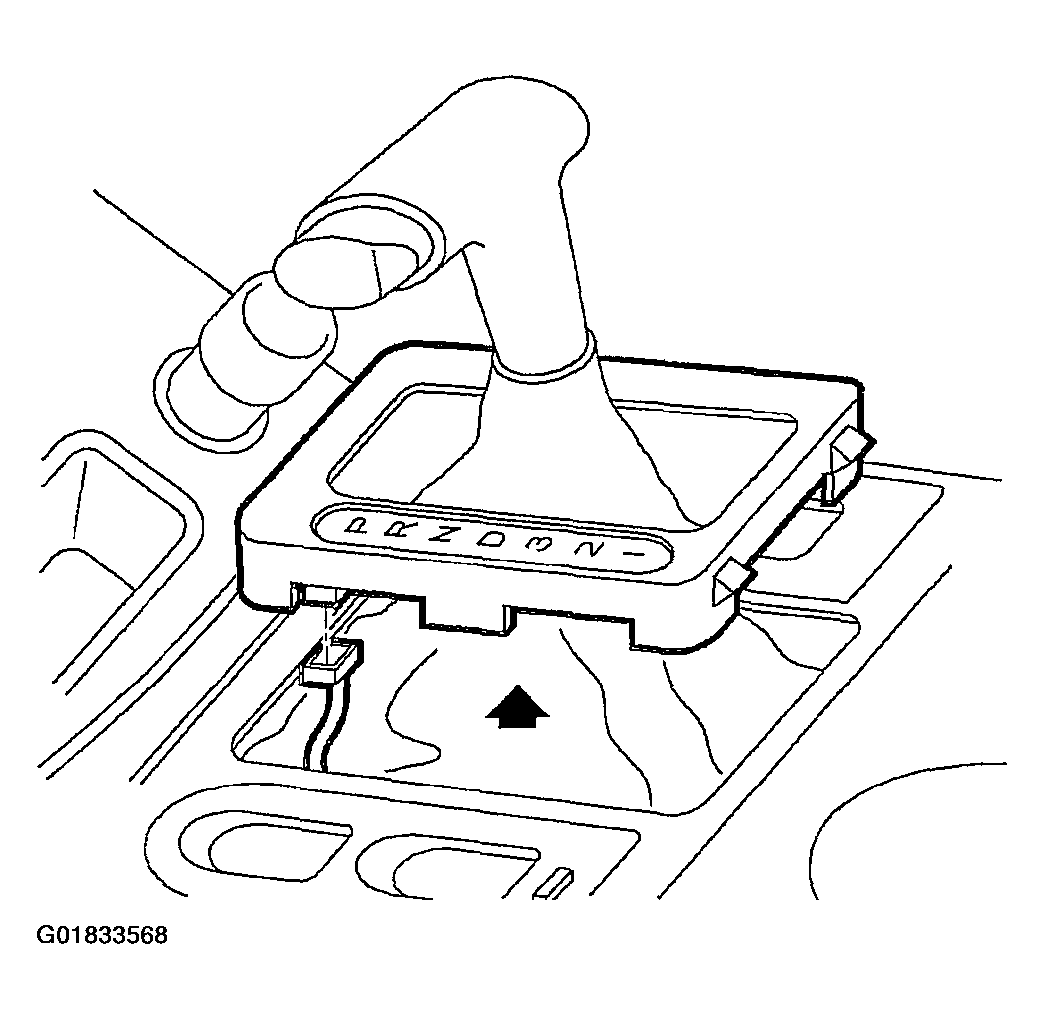 Courtesy of GENERAL MOTORS CORP.
- On 5-speed transmissions, pull up on shifter boot to disengage boot.
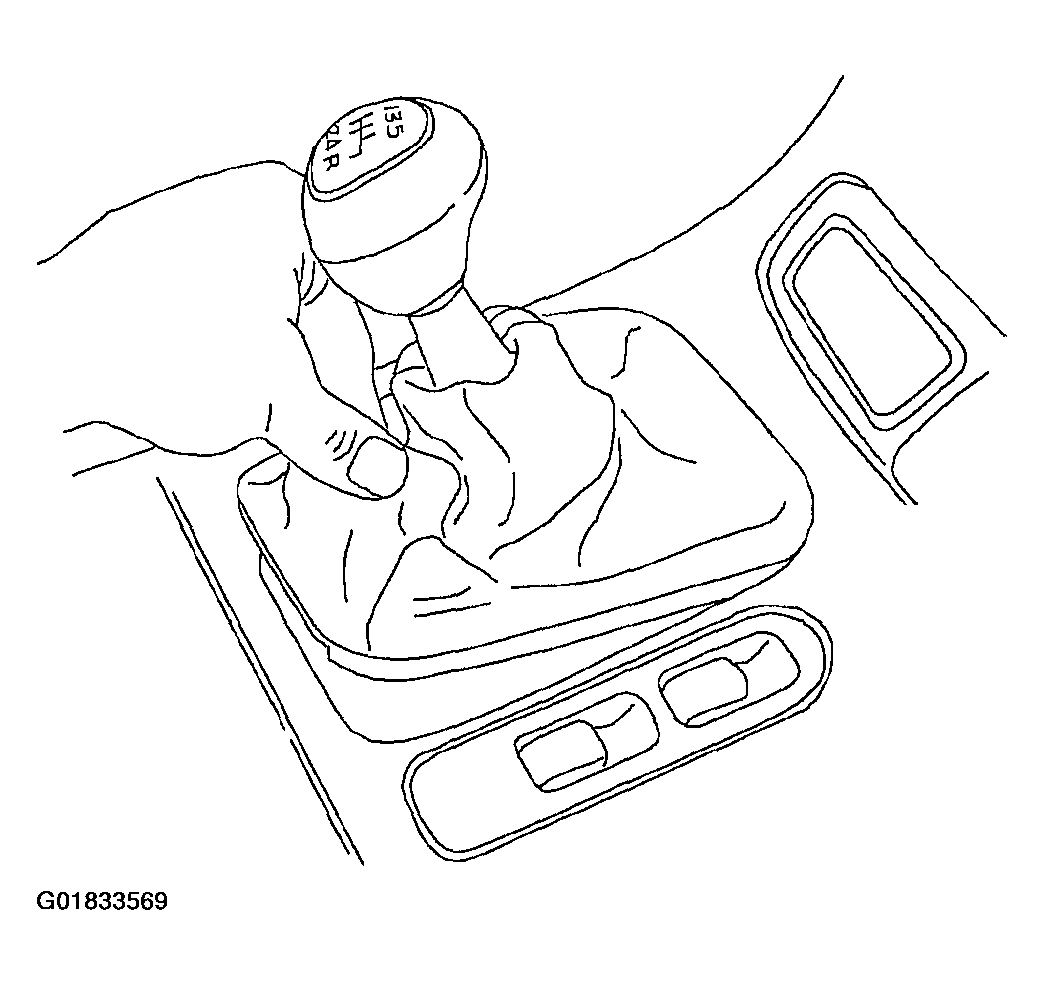 Courtesy of GENERAL MOTORS CORP.
- Move front seats to forward most position and remove console rear fasteners.
- Move front seats to rearward most position and remove console front fasteners.
- Gently lift console up and over shifter or PRNDL cover and remove console assembly.
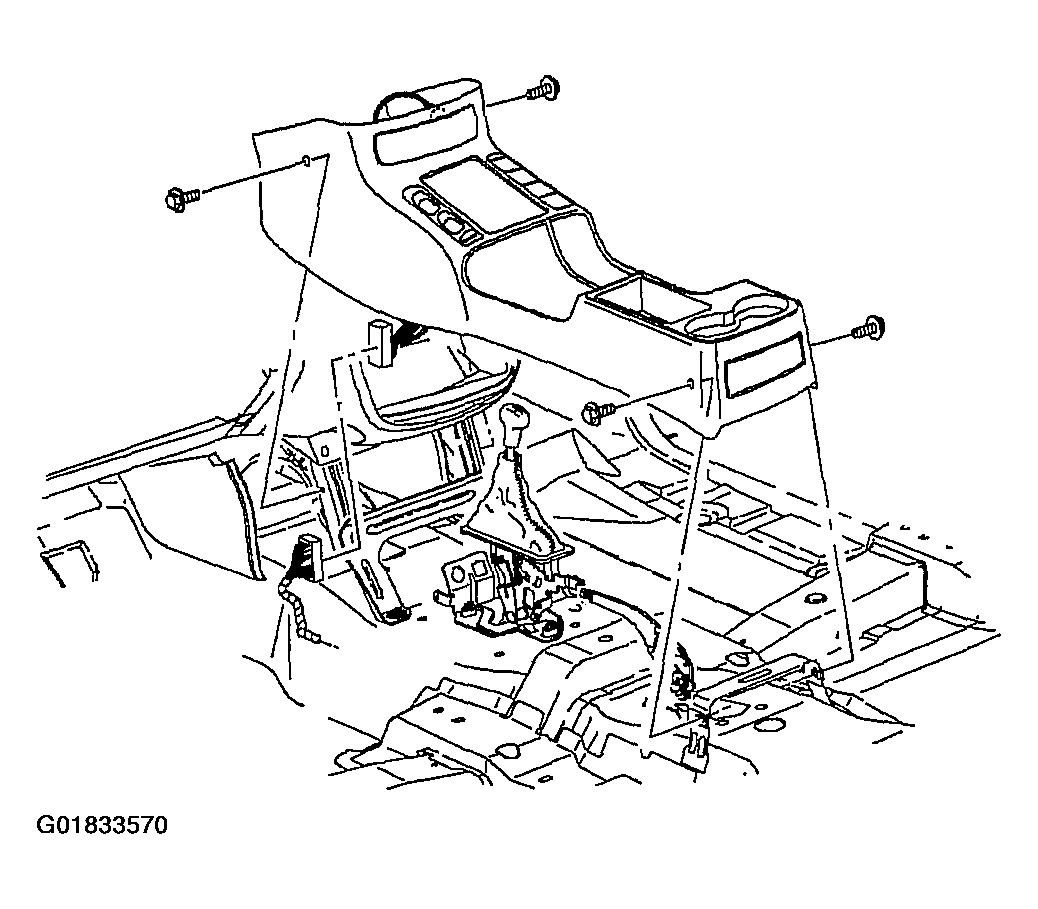 Courtesy of GENERAL MOTORS CORP.