Setting the clock
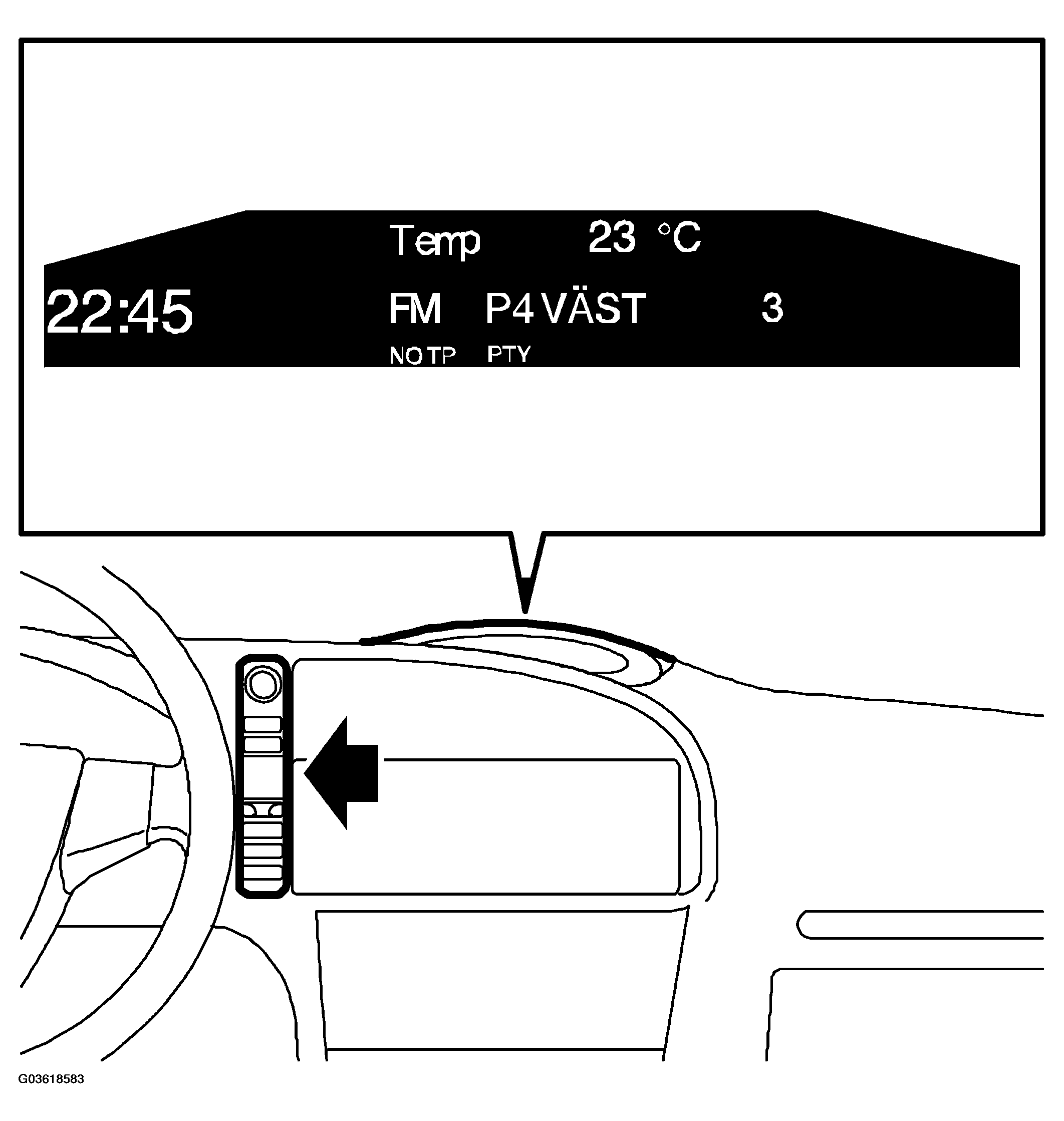 Courtesy of SAAB-SCANIA OF AMERICA, INC.
- Set the ignition lock to ON position.
- Press the CUSTOMIZE button on the SIDC (SID control panel).
- Select "Clock/Alarm" from the menu, followed by "Set Clock".
- Select "Manual" and set the correct time.