Removing Mobile Communication Antenna
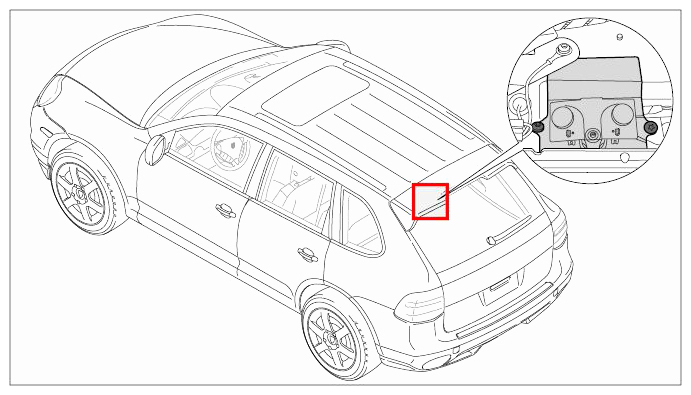 Courtesy of PORSCHE CARS NORTH AMERICA, INC.
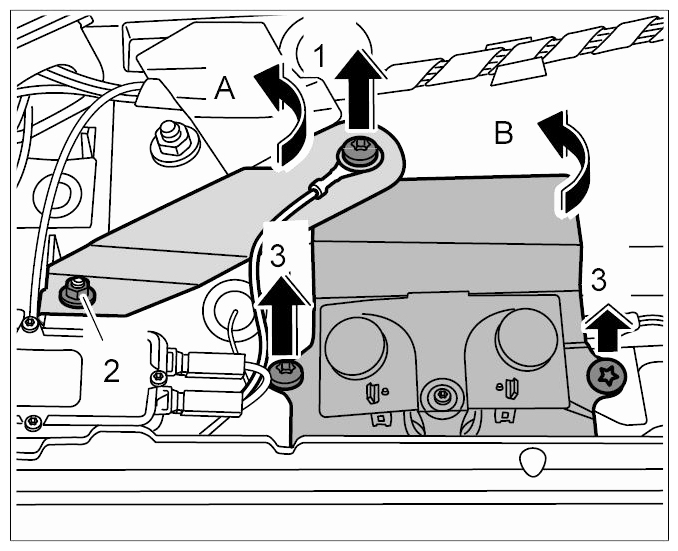
- Unscrew fastening screw -arrow 1-
.
 Courtesy of PORSCHE CARS NORTH AMERICA, INC.
- Loosen fastening nut -2-
and turn the ground strap away to the left -arrow A-
.
- Unscrew fastening screws -arrows 3-
and set the mobile communication antenna aside -arrow B-
.
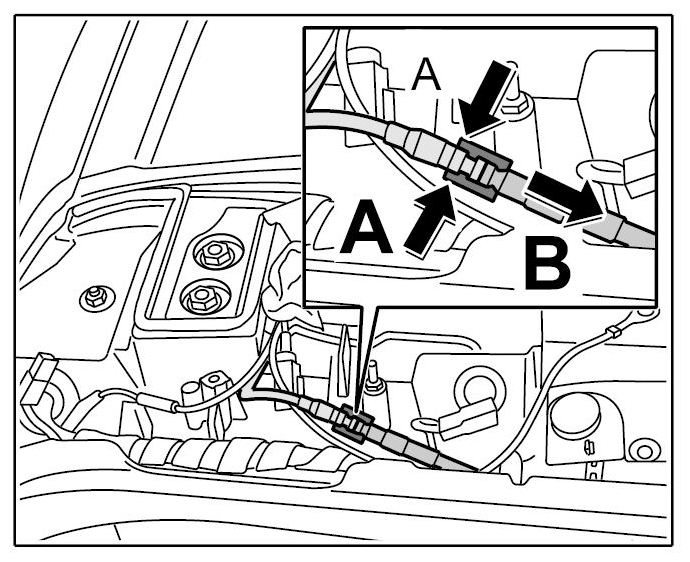
- Release lock on the mobile communication antenna -arrows A-
and pull off the connector -arrow B-
.
 Courtesy of PORSCHE CARS NORTH AMERICA, INC.
- Remove mobile communication antenna.