Removal Procedure
 Courtesy of GENERAL MOTORS CORP.
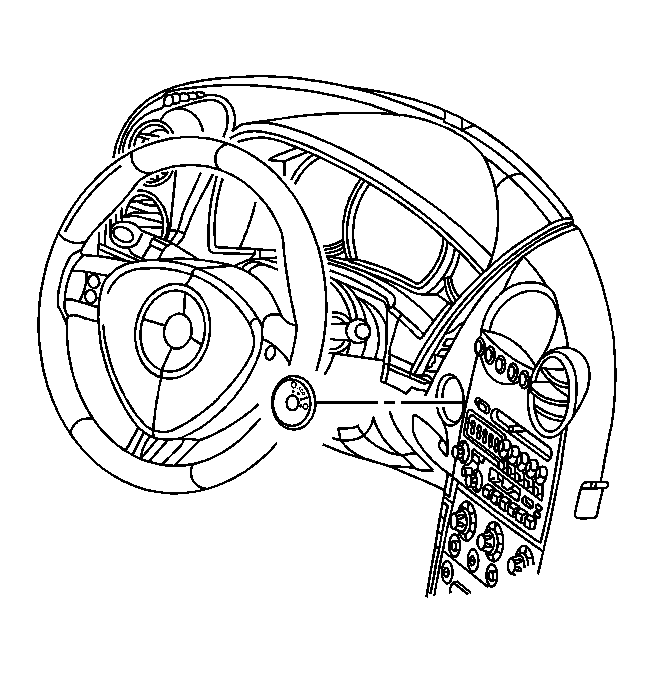
- Use a plastic trim tool to remove the ignition switch bezel.
 Courtesy of GENERAL MOTORS CORP.
- Pull the instrument panel (I/P) accessory trim plate rearward slightly for access to the steering column filler. Refer to Trim Plate Replacement - Instrument Panel (I/P) Accessory .
- Remove the steering column filler. Refer to Steering Column Filler Replacement .
- Tilt the steering wheel to the lowest position.
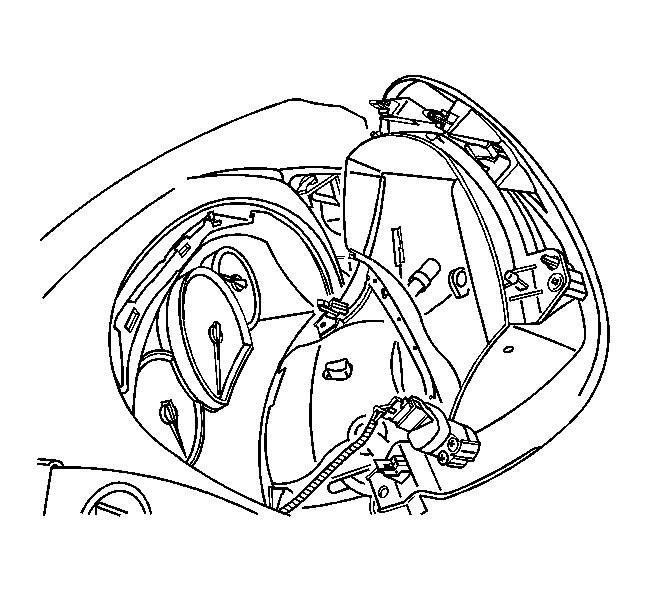
- Grasp the edge of the I/P cluster trim plate. Pull rearward to disengage the retainers.
- Disconnect the electrical connector from the headlamp dimmer switch.
 Courtesy of GENERAL MOTORS CORP.
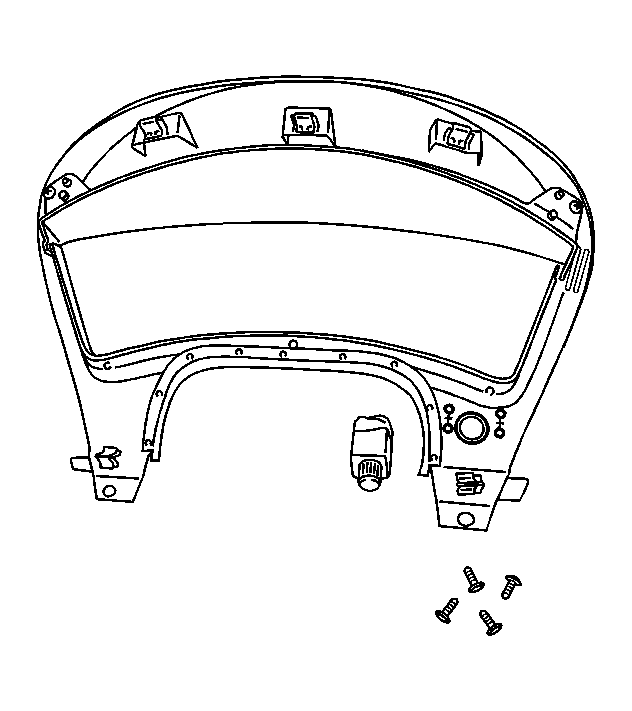
- Remove the headlamp dimmer switch screws.
- Remove the headlamp dimmer switch.
- Remove the I/P cluster trim plate.