OnStar(R) Cellular Antenna Replacement
REMOVAL PROCEDURE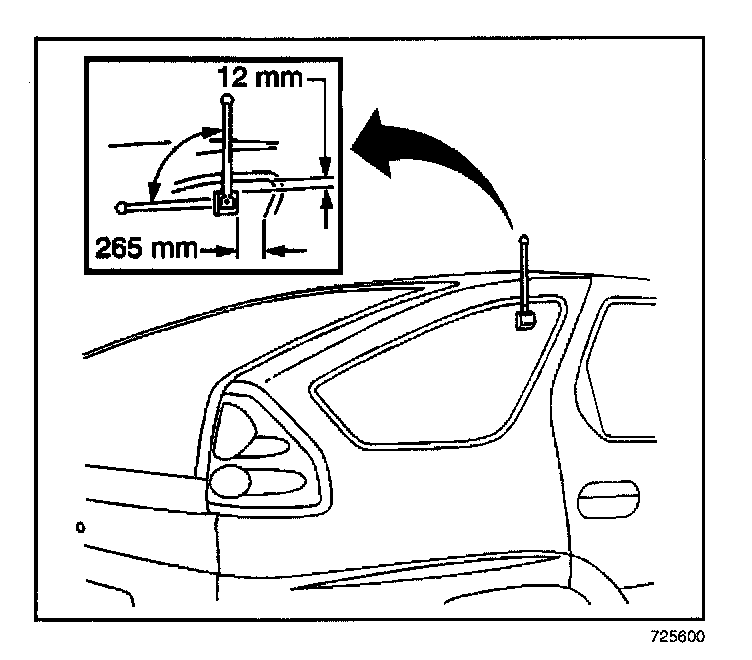
1. Remove the cell antenna base from the inside of the glass, by grasping the base and pulling outward.
2. Disconnect the coaxial cable from the cell antenna base.
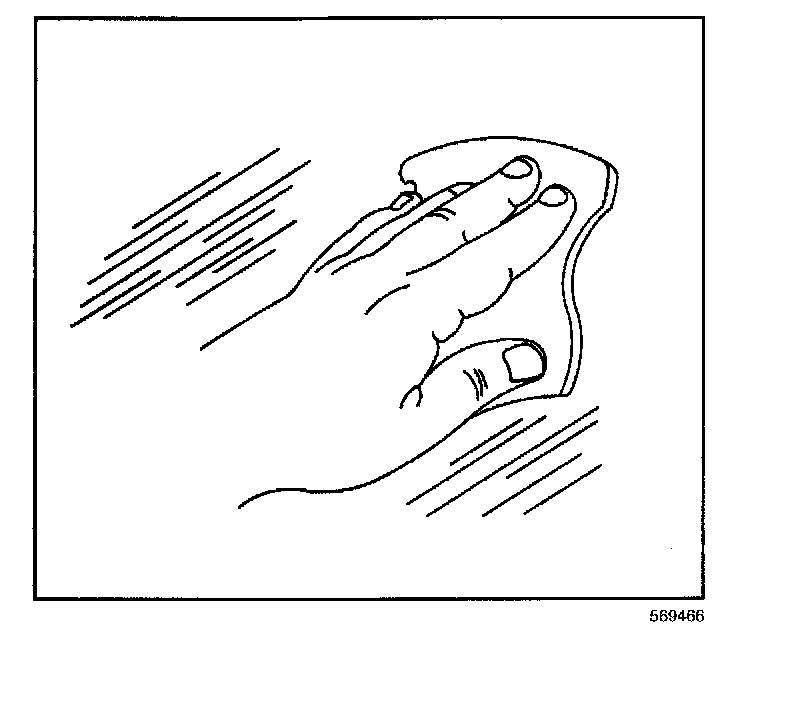
3. Remove the antenna mast from the outside of the glass, by grasping the base and pulling outwards.
4. Remove all residue by using a razor blade and isopropyl alcohol.
INSTALLATION PROCEDURE
1. Clean the glass at the installation location inside and outside with an alcohol wipe.
2. Apply the mast assembly to the outside of the glass, below the blackout area.
3. Obtain the pre-wired coax cable from behind the C-pillar trim.
4. Connect the coaxial cable to the cell antenna base.
5. Apply the cell antenna base to the inside of the glass.
6. Install the mirror to the outer antenna placement.