Removal and Installation
- Disconnect the battery ground cable. For additional information, refer to BATTERY DISCONNECT
.
- Set the parking brake.
- Remove the instrument panel finish panel. For additional information, refer to INSTRUMENT CLUSTER FINISH PANEL
.
- Remove the lower steering column cover.
- Remove the lower steering column cover bolts.
- Position the parking brake release aside and remove the lower steering column cover.
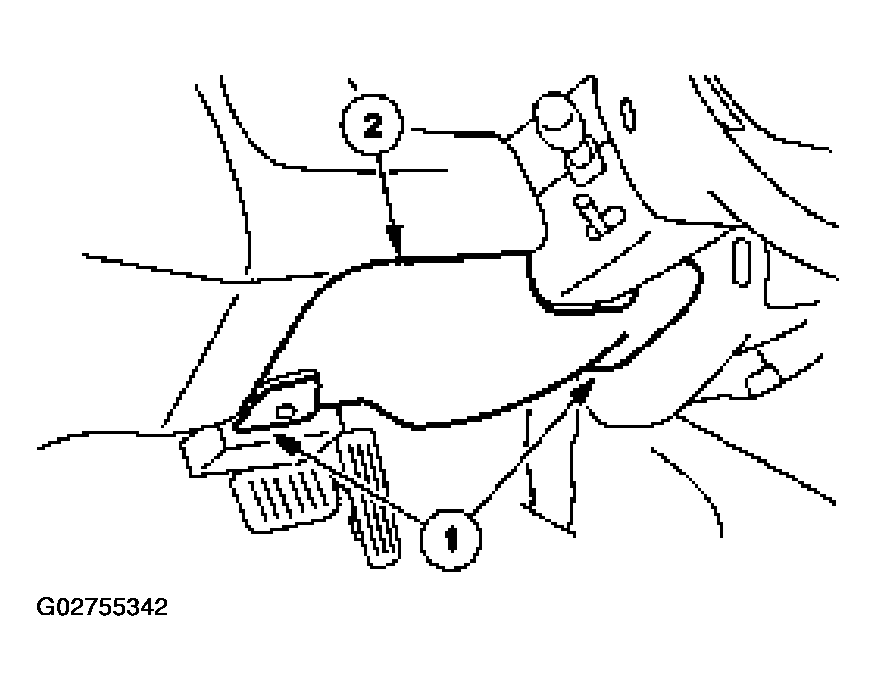 Courtesy of FORD MOTOR CO.
- Remove the bolts and the lower steering column reinforcement.
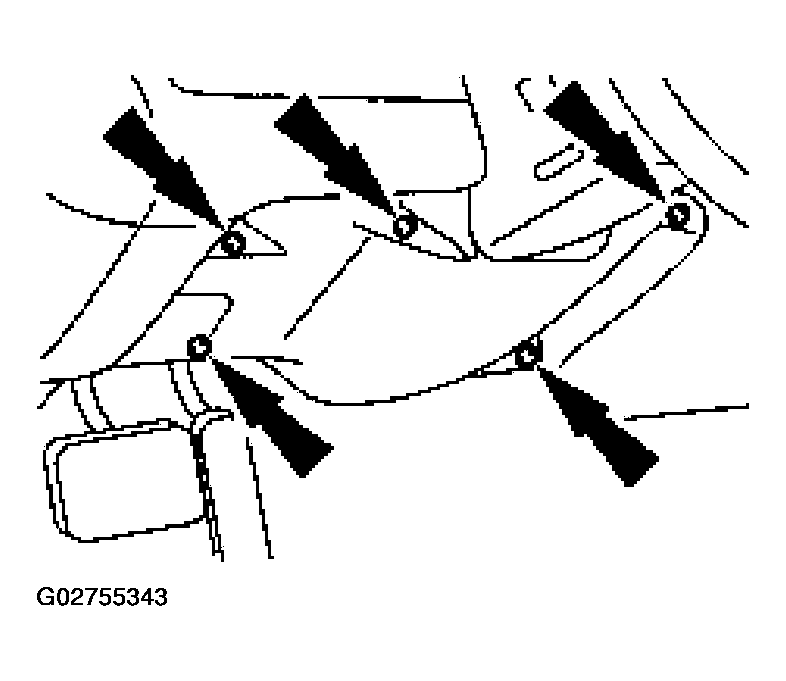 Courtesy of FORD MOTOR CO.
- If equipped, position the transmission range indicator cable out of the way.
- Disconnect the cable.
- Remove the screw and position the cable aside.
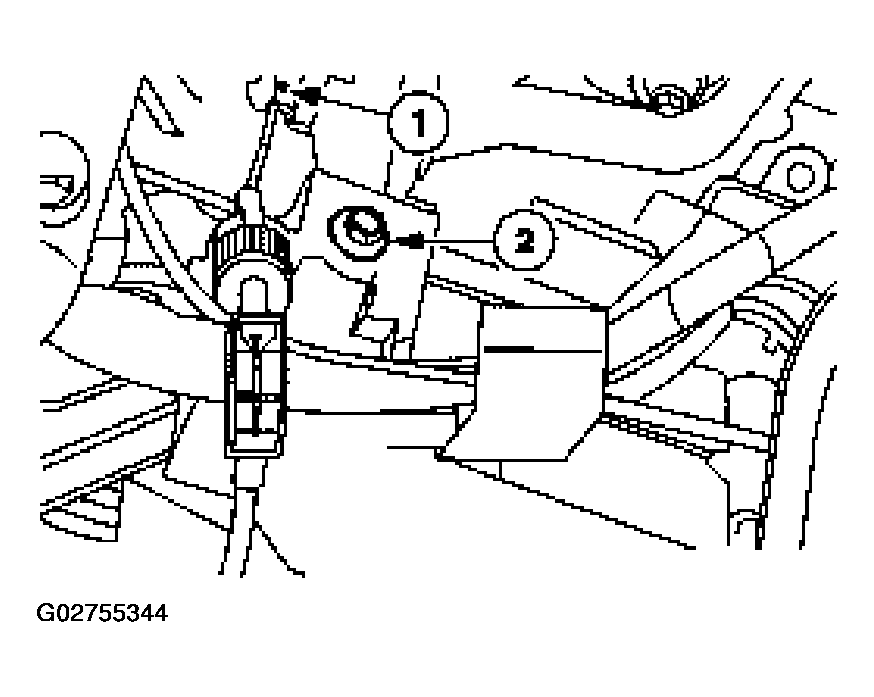 Courtesy of FORD MOTOR CO.
- Loosen the steering column assembly.
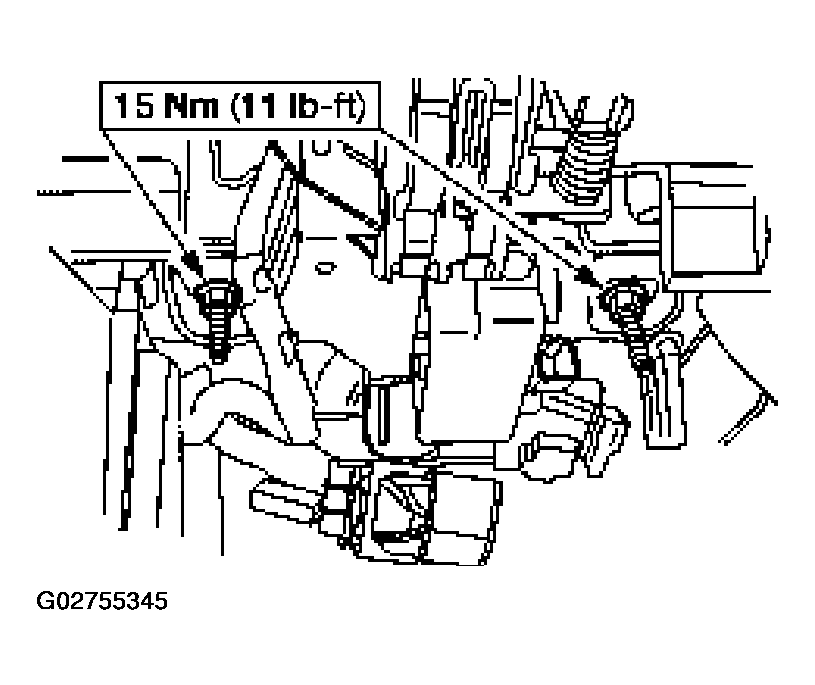 Courtesy of FORD MOTOR CO.
- Remove the screws.
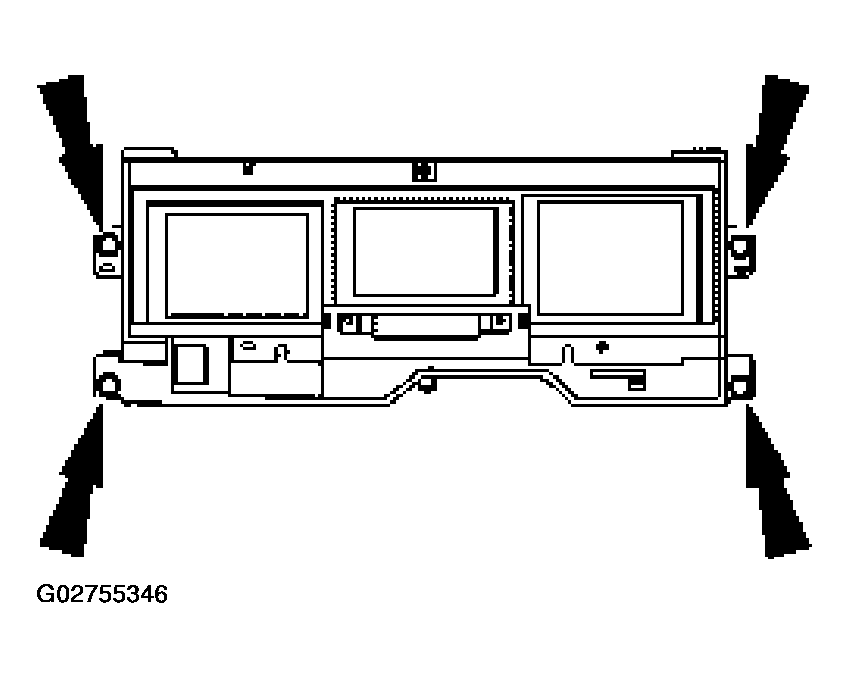 Courtesy of FORD MOTOR CO.
- Disconnect the electrical connector.
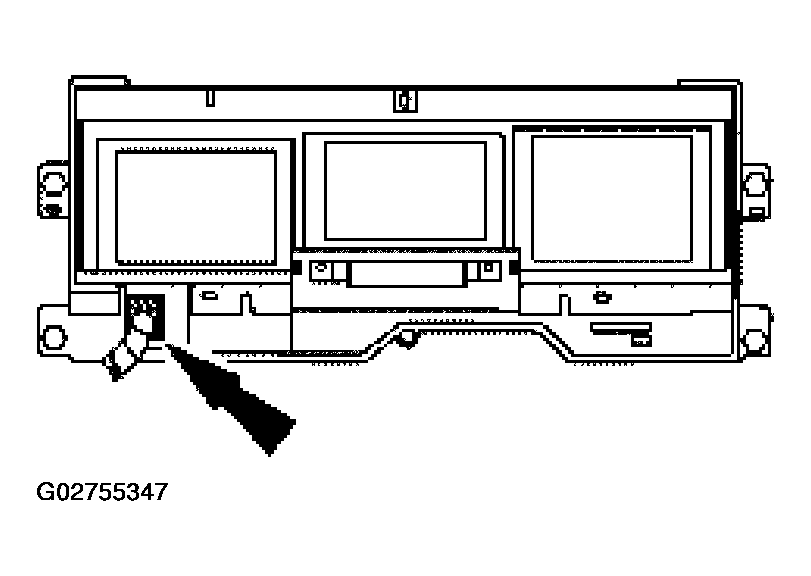 Courtesy of FORD MOTOR CO.
- Pull the instrument cluster out from the instrument panel and disconnect the electrical connectors.
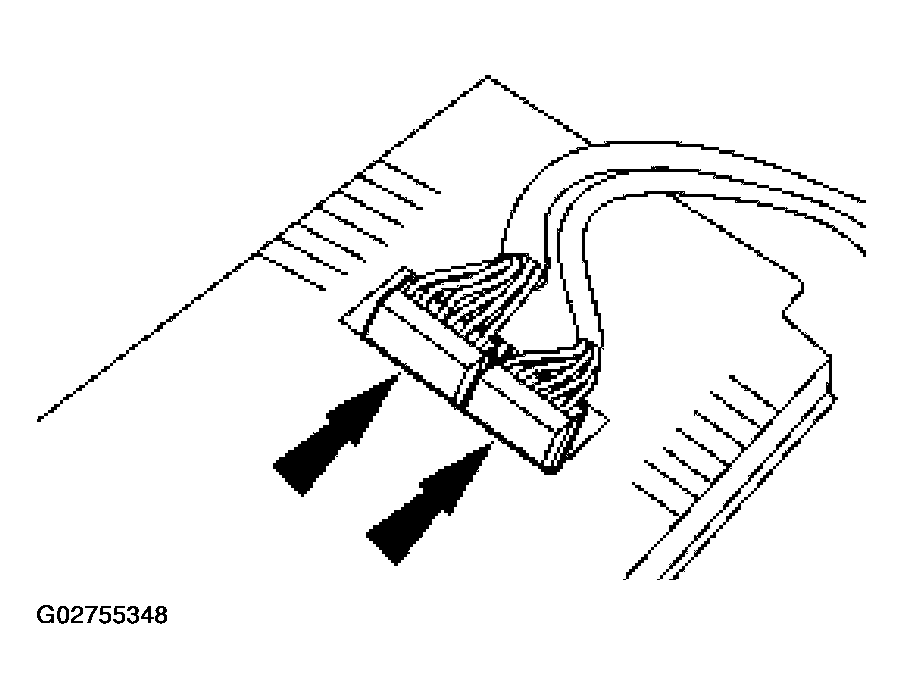 Courtesy of FORD MOTOR CO.
- To install, reverse the removal procedure.