Component Tests and General Diagnostics
SEAT WEIGHT SENSOR INSPECTIONCAUTION:
- If any of the following work is performed or when the vehicle has been involved in a collision, perform the seat weight sensor inspection using the M-MDS.
- Removal of the front passenger-side seat
- Loosening and retightening of front passenger-seat fixing bolts
- If any of the following work is performed, perform the seat weight sensor calibration using the M-MDS. (See SEAT WEIGHT SENSOR CALIBRATION.)
- Replacement with a new seat weight sensor
- Replacement with a new seat weight sensor control module
- Replacement with new front passenger-side seat parts
- Disassembly of the front passenger-side seat
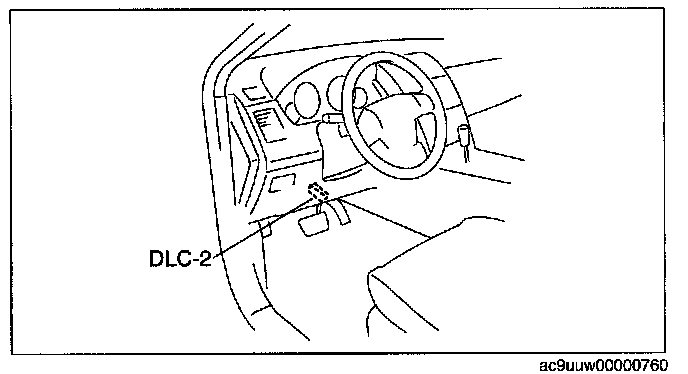
1. Connect the M-MDS to the DLC-2 connector.
2. After the vehicle is identified, select the following items from the initial screen of the M-MDS.
- When using the IDS (laptop PC)
1. Select the "Toolbox" tab.
2. Select "Body".,
3. Select "Restraints".
- When using the PDS (Pocket PC)
1. Select "All Tests and Calibrations".
3. Then, select item from the screen menu in the following order.
1. Select "Passenger Seat Weight Sensor ReZero".
4. Perform inspection following the procedures on the M-MDS screen.