Audio (Standard Audio)
MEMORY CLEARING PROCEDURE [AUDIO (STANDARD AUDIO)]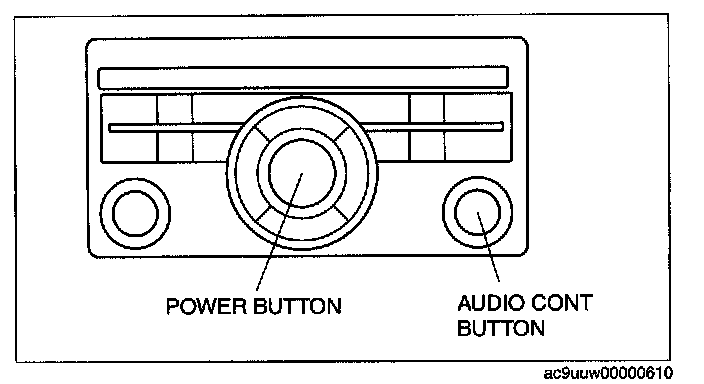
1. Start the on-board diagnostic test mode.
2. While pressing the POWER button, simultaneously press the AUDIO CONT button for 2 5 or more.
CAUTION: Before clearing the memory, be sure to enter all of the DTCs displayed in the on-board diagnostic test mode in the Audio Repair Order Form.
3. To stop the on-board diagnostic test mode, turn the ignition switch off.