Antenna Actuation Diagnosis
- Connect the cable of GDS to the data link connector in driver side crash pad lower panel.
- After IG ON, select the "ACTUATION TEST".
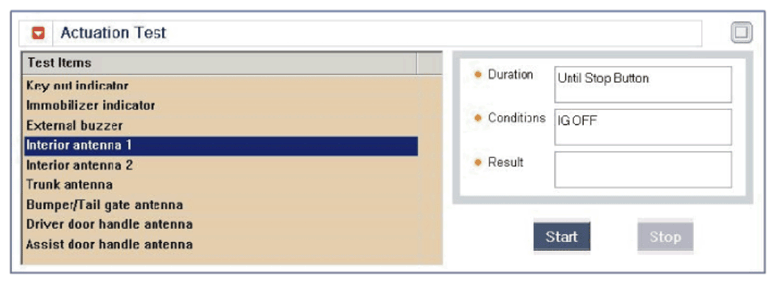 Courtesy of KIA MOTORS AMERICA, INC.
- Set the smart key near the related antenna and operate it with a GDS.
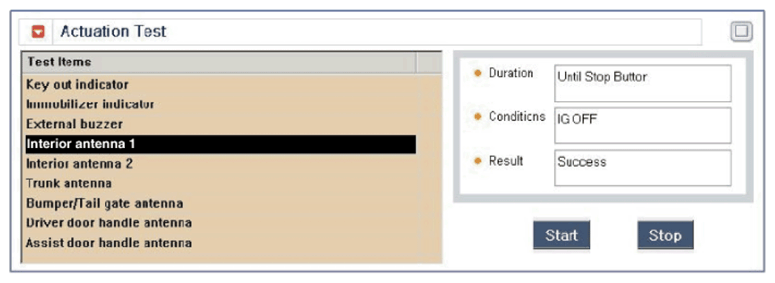 Courtesy of KIA MOTORS AMERICA, INC.
- If the LED of smart key is blinking, the smart key is normal.
- If the LED of smart key is not blinking, check the voltage of smart key battery.
- Antenna actuation
- INTERIOR Antenna 1
- INTERIOR Antenna 2
- Trunk antenna
- BUMPER/Antenna
- DRV_DR Antenna
- AST_DR Antenna