Monitor DTC Status
Monitor DTC Status
1. Connect scan tool and select "Diagnostic Trouble Codes (DTCs)" mode.
2. Press F4 (DTAL) to select DTC information from the DTCs menu.
3. Confirm that "DTC Readiness Flag" indicates "Complete". If not, drive the vehicle within conditions noted in the freeze frame data or enable conditions.
4. Read "DTC Status" parameter.
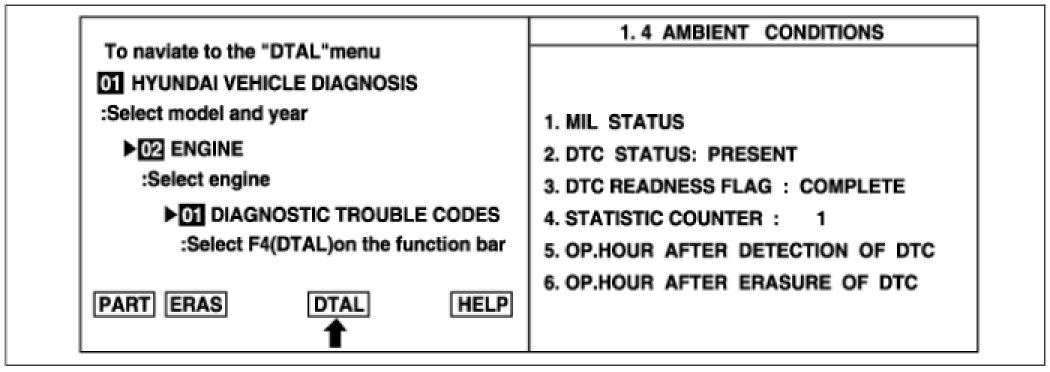
5. Is parameter displayed "History (Not Present) fault" ?
NOTE:
- History (Not Present) fault : DTC occurred but has been cleared.
- Present fault : DTC is occurring at present time.
