Monitor Scantool Data
Monitor Scantool Data
1. Connect 'TPMS exciter' or scantool to Data Link Connector (DLC).
2. Select "TPMS DIAGNOSIS" mode.
3. Select the "FULL" mode of "TPM DATA VALUES" function.
4. Monitor the parameters of 'Front Left WE sensor (S1)' on the 'TPMS exciter' or scantool.
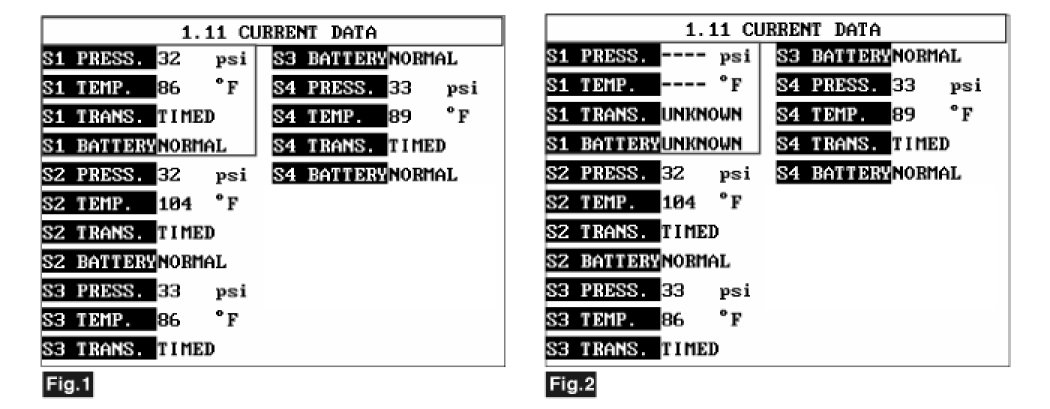
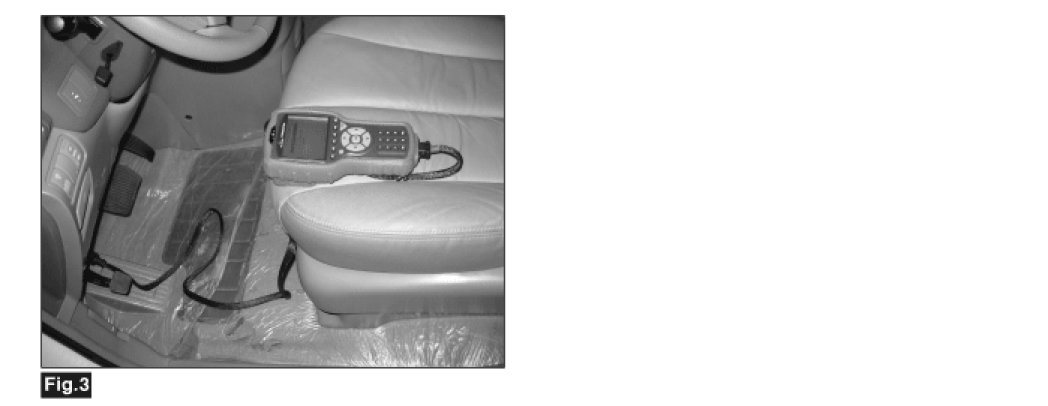
Fig.1) Sensor current data (normal)
Fig.2) Sensor current data (failure)
Fig.3) Connect the DLC for 'TPMS exciter'
5. Are parameter normal?
YES
1) Fault is intermittent. It has been repaired and TPMS receiver module memory is not cleared yet.
2) Go to "Verification of Vehicle Repair" procedure.
NO
1) Replace Sensor 1 and register sensor ID with 'TPMS exciter'.
2) Go to "Verification of Vehicle Repair" procedure.