Installation Procedure
- Lubricate the brake caliper, bushings, bolts and seals with high temperature silicone brake lubricant.
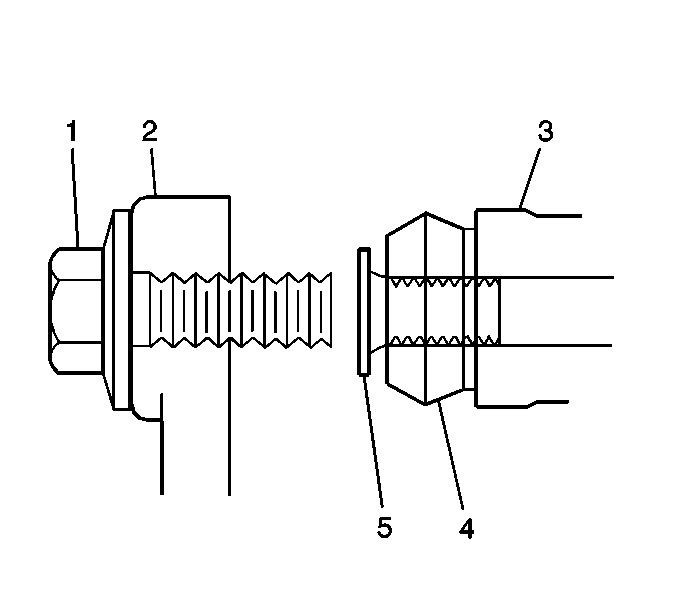 Courtesy of GENERAL MOTORS CORP.
- Install the caliper pin boots (4) to the disc brake caliper mounting bracket.
- Install the caliper pins (5) to the disc brake caliper mounting bracket (3).
- Install the disc brake pad retainers to the disc brake caliper bracket.
- Install the disc brake pads to the disc brake caliper bracket.
- Install the disc brake caliper to the mounting bracket. Refer to Front Brake Caliper Replacement .
- With the engine OFF, gradually apply the brake pedal approximately 2/3 of its travel distance.
- Slowly release the brake pedal.
- Wait 15 seconds, then repeat steps 7-8 until a firm brake pedal is obtained. This will properly seat the brake caliper pistons and brake pads.