Removal (Right Rear)
- Disable the park brake cable automatic adjuster. Refer to Disabling the Park Brake Cable Automatic Adjuster .
- Raise and support the vehicle. Disconnect the right rear cable from the equalizer. See Fig 1. Remove the right rear cable from the cable support. See Fig 2.
- Remove the track bar clips from the track bar. See Fig 3. Remove the cable from the backing plate by compressing the spring to access and depress the locking tabs, pull the cable out of the backing plate, and routing the cable through the slot in the backing plate. See Figure.
- Remove the cable from the lever. Remove the right rear cable from the cable guide. See Figure. Remove the cable from the vehicle.
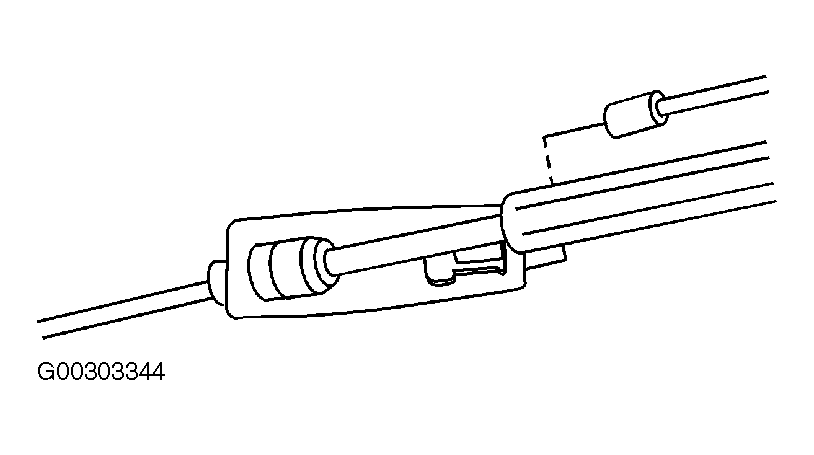 Courtesy of GENERAL MOTORS CORP.
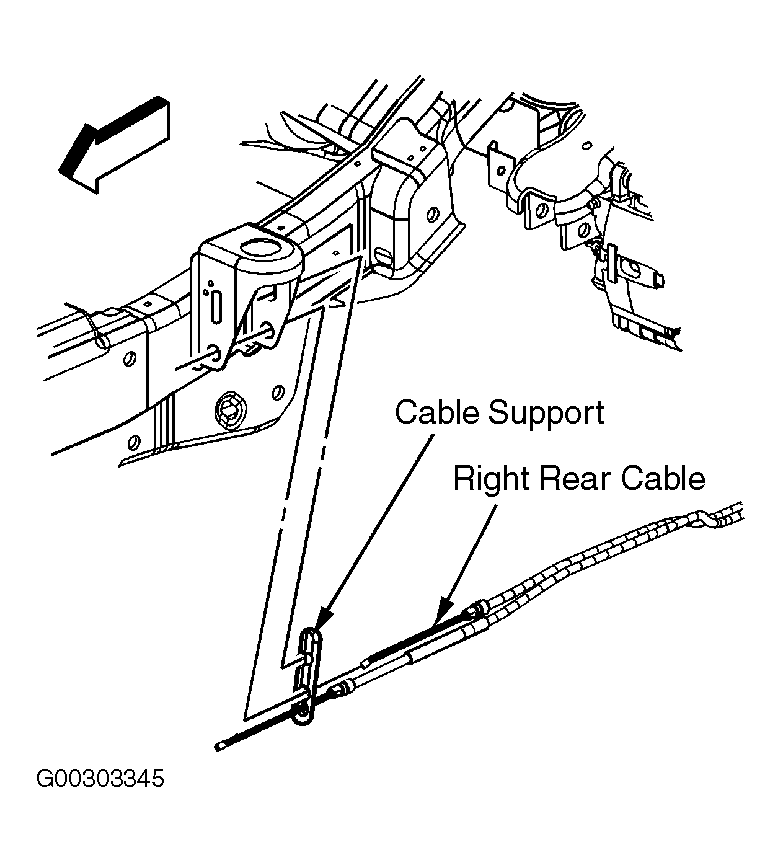 Courtesy of GENERAL MOTORS CORP.
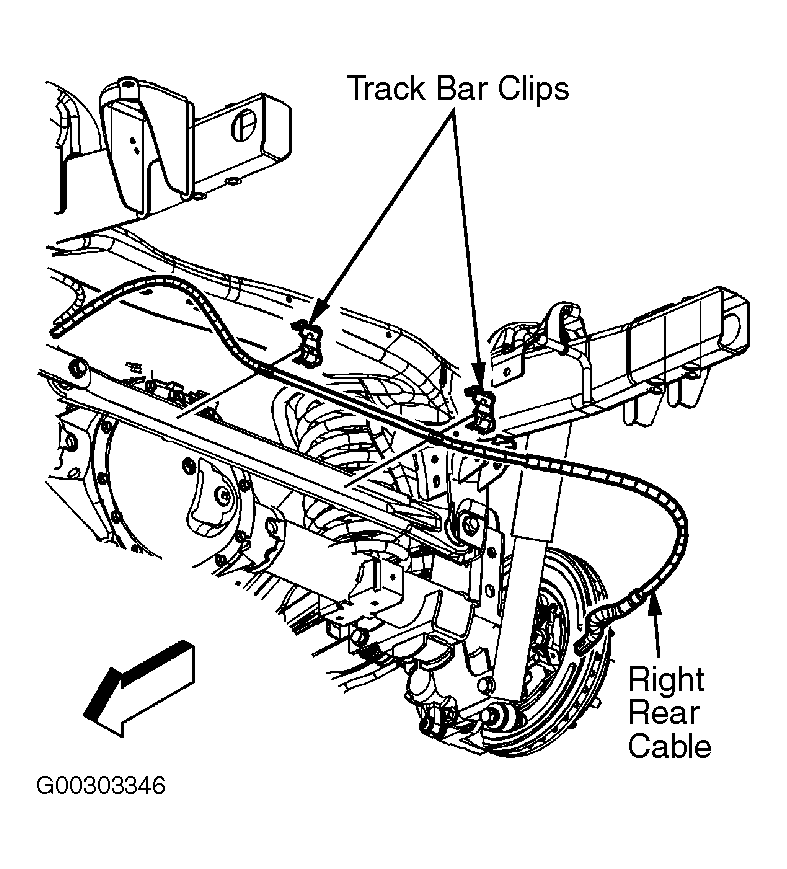 Courtesy of GENERAL MOTORS CORP.