With Manufacturer's Scan Tool
How to Clear DTCs1. With the ignition switch at LOCK (0), connect the HDS to the data link connector, (DLC) (A) located under the driver's side of the dashboard.
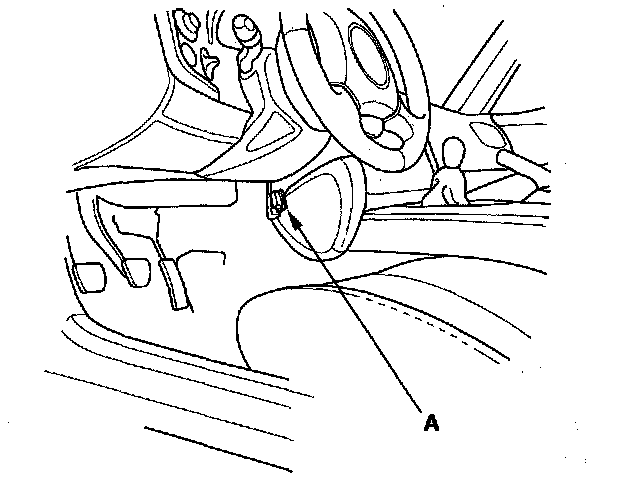
2. Turn the ignition switch to ON (II).
3. Make sure the HDS communicates with the vehicle and the TPMS control unit. If it doesn't, troubleshoot the DLC circuit.
4. Clear the DTC(s) by following the screen prompts on the HDS.
NOTE: See the HDS Help menu for specific instructions.
5. Turn the ignition switch to LOCK (0).