Front Side Door Emblem/Nameplate Replacement (Acadia)
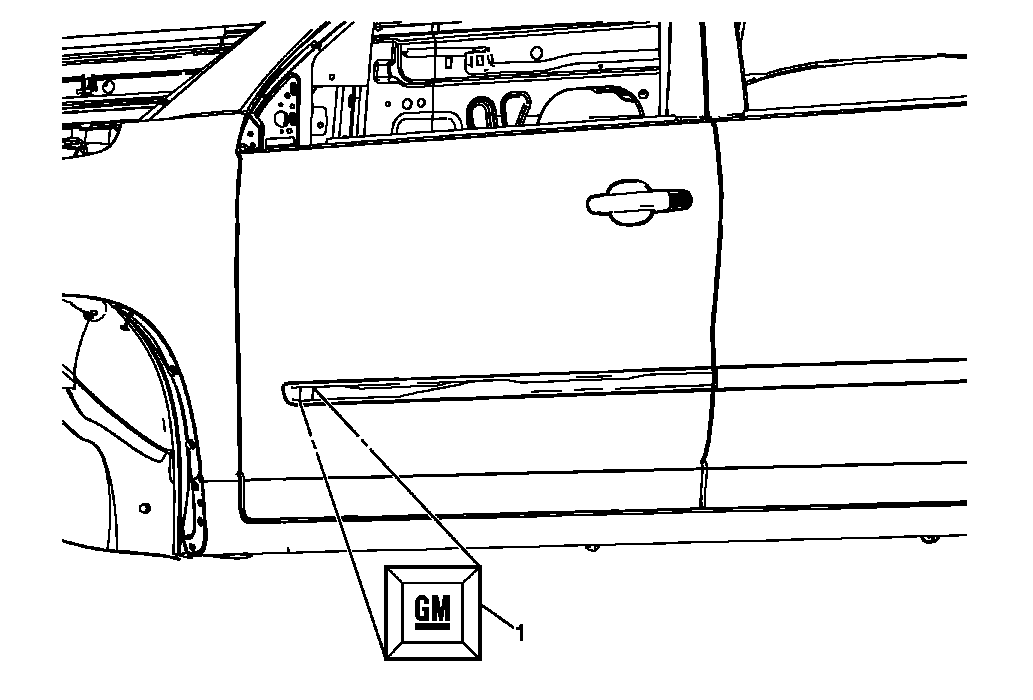 Courtesy of GENERAL MOTORS CORP.
 Front Side Door Emblem/Nameplate Replacement (Acadia)
| Callout |
Component Name |
| 1 |
Front Door Nameplate (GM) Procedure
- When removing protective liners from adhesive backed nameplates, be careful not to touch the tape with hands and do not allow the tape to come in contact with dirt or any foreign matter prior to adhesion.
- Use a J 25070
heat gun or equivalent to remove the old nameplate. Clean all the adhesive residue from the door, wipe the surface dry with a clean lint-free towel prior to installing the new GM nameplate.
- Press the nameplate firmly to the front door molding to ensure full adhesion to the molding is made.
|