Antenna Cable - Satellite Radio
Antenna Cable - Satellite Radio
Front Satellite Radio Antenna Cable
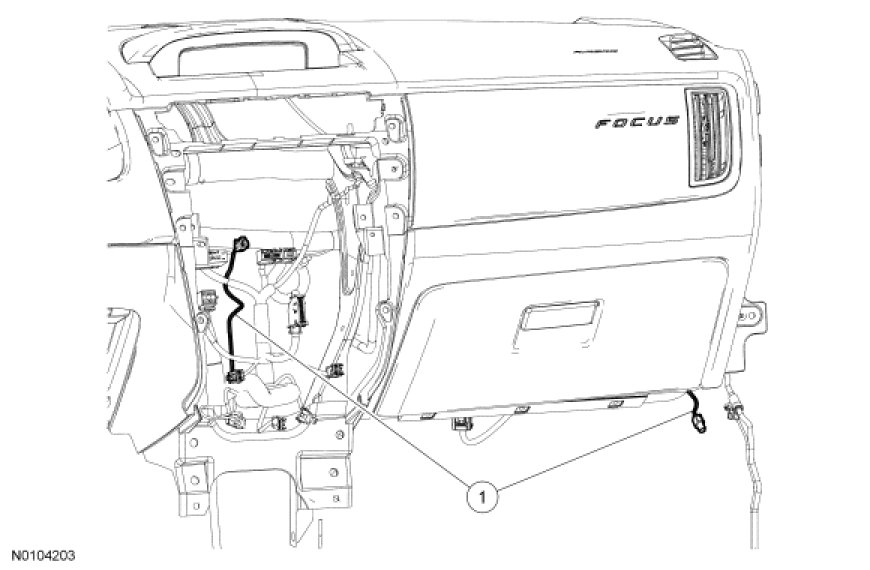

Rear Satellite Radio Antenna Cable
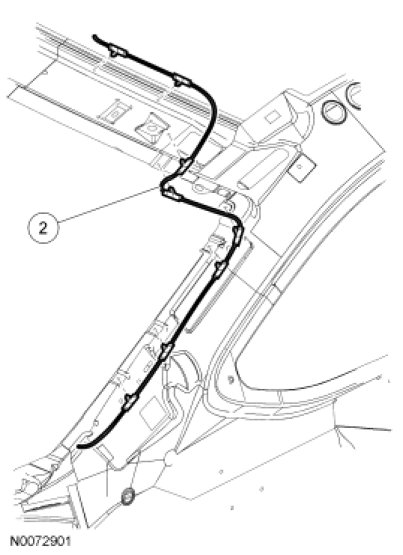

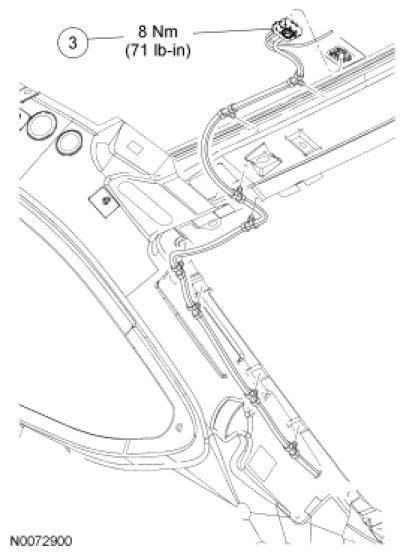

Removal and Installation
Rear cable
1. For coupe, remove the C-pillar trim panels. For additional information, refer to Interior Trim - Exploded View in Interior Trim and Ornamentation C-Pillar Trim Panel.
2. For sedan, remove the LH and RH quarter trim panels. For additional information, refer to Quarter Trim Panel - 4-Door in Interior Trim and Ornamentation Quarter Trim Panel - 4-Door.
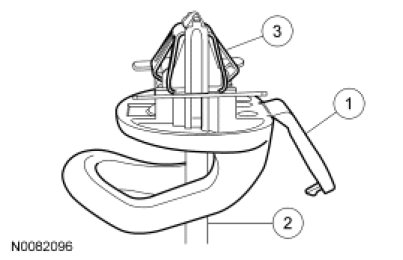
3. NOTE: To prevent damage to the garment hanger retainer, use a 3/16-inch flat-blade screwdriver for this step.
NOTE: The garment hanger is shown without the roof sheet metal to show the metal retainer clip. The metal retainer clip remains engaged in the sheet metal after the garment hanger is removed.
Remove the 2 garment hangers.
1. Open the garment hanger access cover.
2. Insert the flat-blade screwdriver fully into the garment hanger slot.
3. Rotate the screwdriver 90 degrees so that the screwdriver spreads the metal retainer clip. Remove the plastic garment hanger.
4. NOTE: Lower the rear of the headliner enough to access the bolt.
Loosen the antenna cable bolt and disconnect the satellite radio antenna cable from the antenna.
- To install, tighten to 8 Nm (71 lb-in).
Front cable
5. Remove the RH front and RH rear scuff plate trim panels. For additional information, refer to Interior Trim and Ornamentation Service and Repair.
6. Remove the RH lower cowl trim panel. For additional information, refer to Interior Trim - Exploded View in Interior Trim and Ornamentation Interior Trim - Exploded View.
7. Remove the Audio Control Module (ACM). For additional information, refer to Audio Control Module (ACM) Audio Control Module (ACM).
Both cables
8. Remove the satellite radio antenna cable.
9. To install, reverse the removal procedure.