Removal & Installation (E450)
- Raise and support vehicle. Remove wheels.
- Remove and plug the brake hose flow bolt. Discard the copper washers.
- Set the caliper locking pin drive-out. Set the notched end of the Brake Caliper Pin Remover (D89T-2196-A), or equivalent, at a 45-degree angle against the end of the upper caliper locking pin. Tap the tool to squeeze the caliper locking pin so the retention tabs can clear the support bracket. See Fig 1.
- Drive the caliper locking pin out of the caliper locking groove.
- Repeat for the lower caliper locking pin.
- Tilt the rear disc brake caliper out of the support bracket.
- To install, reverse removal procedure. Coat the caliper locking keys and the caliper locking grooves with silicone brake caliper grease. See Fig 2. Use NEW copper washer on the brake hose flow bolt. Bleed as necessary. See BLEEDING BRAKE SYSTEM .
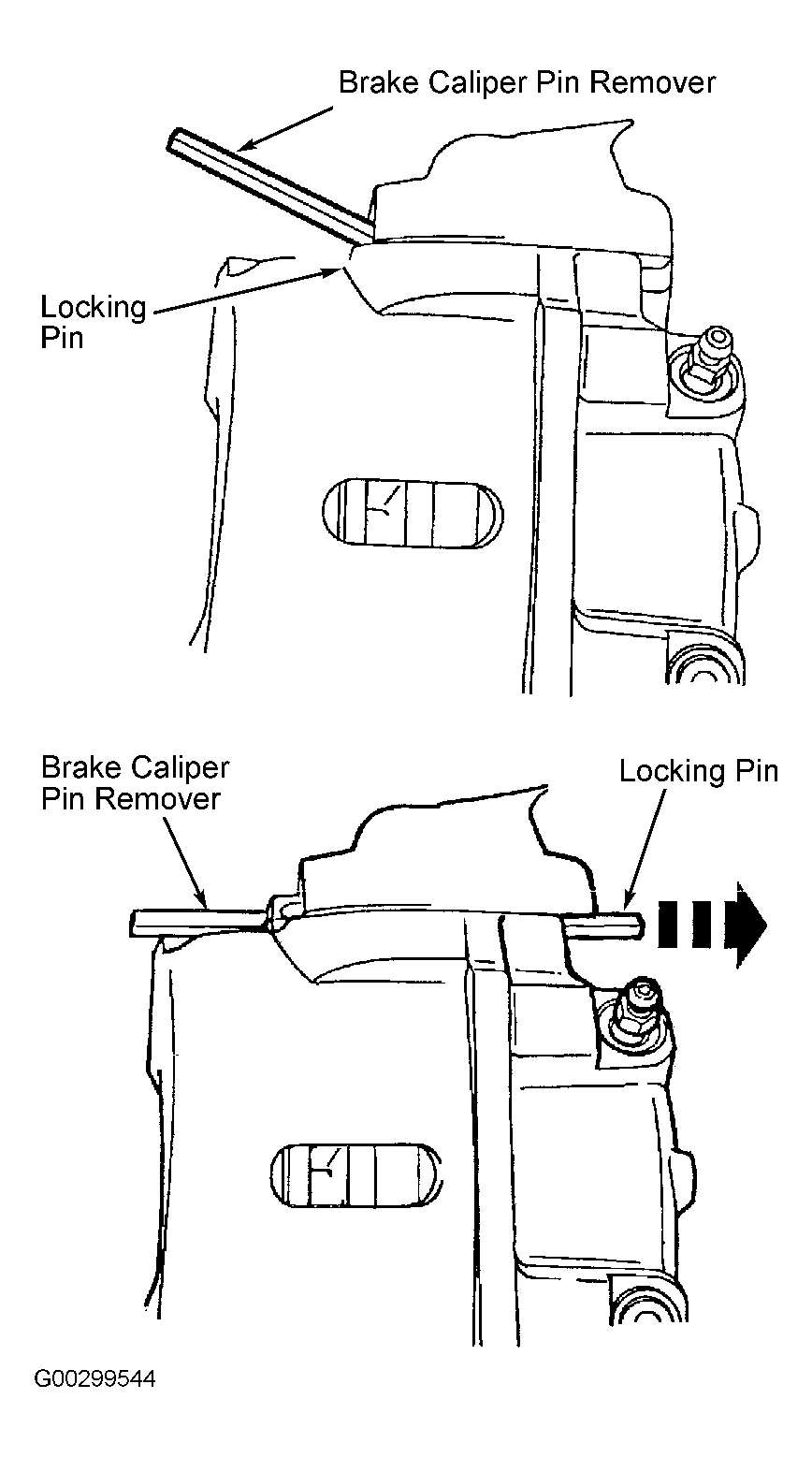 Courtesy of FORD MOTOR CO.
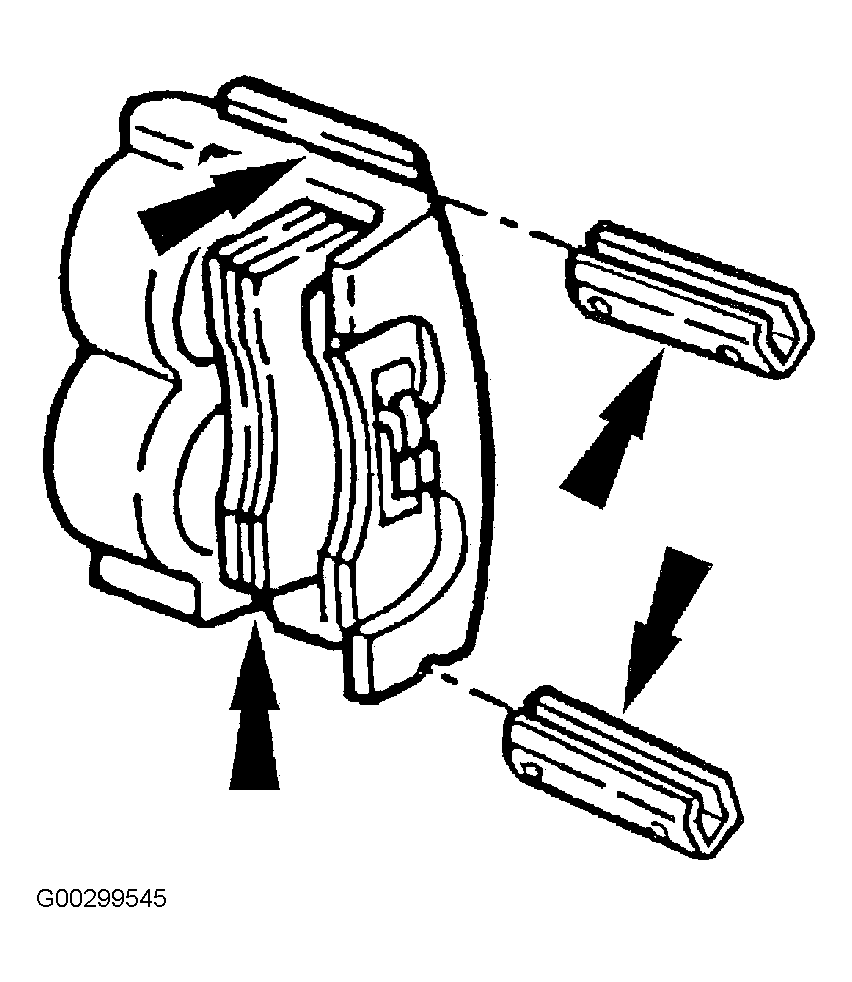 Courtesy of FORD MOTOR CO.