Removal and Installation
- Remove the ignition switch lock cylinder.
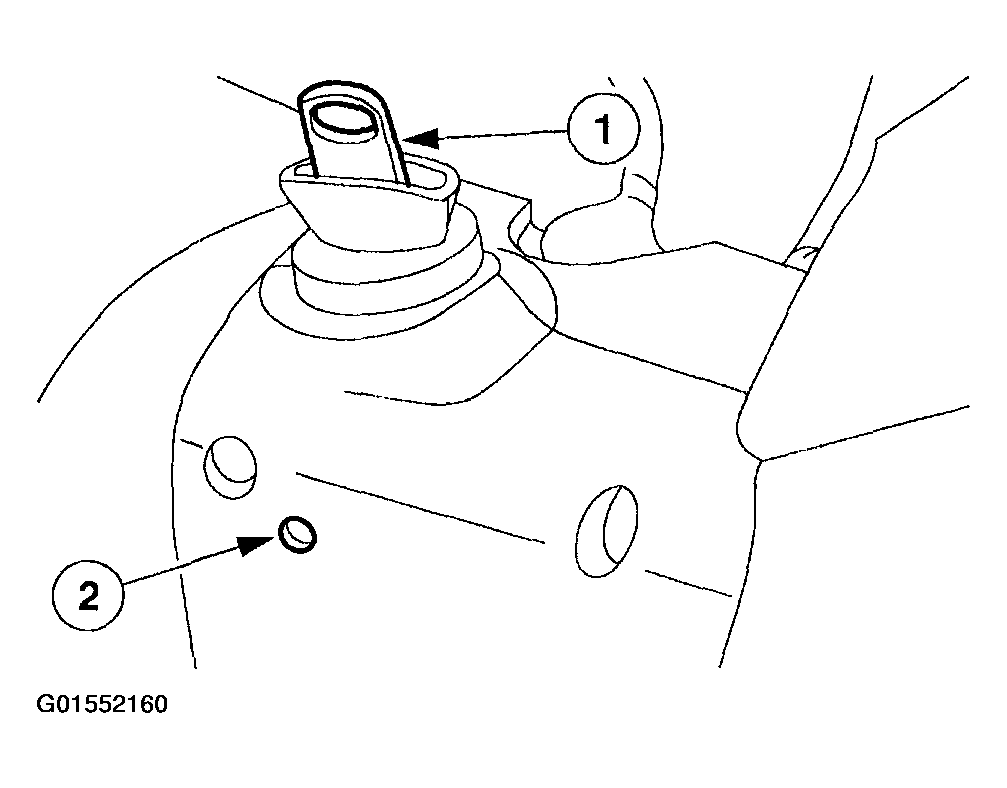
- Insert the ignition key into the lock cylinder and turn to the RUN position.
- Push the ignition switch lock cylinder release tab with a punch while pulling out the ignition switch lock cylinder.
 Courtesy of FORD MOTOR CO.
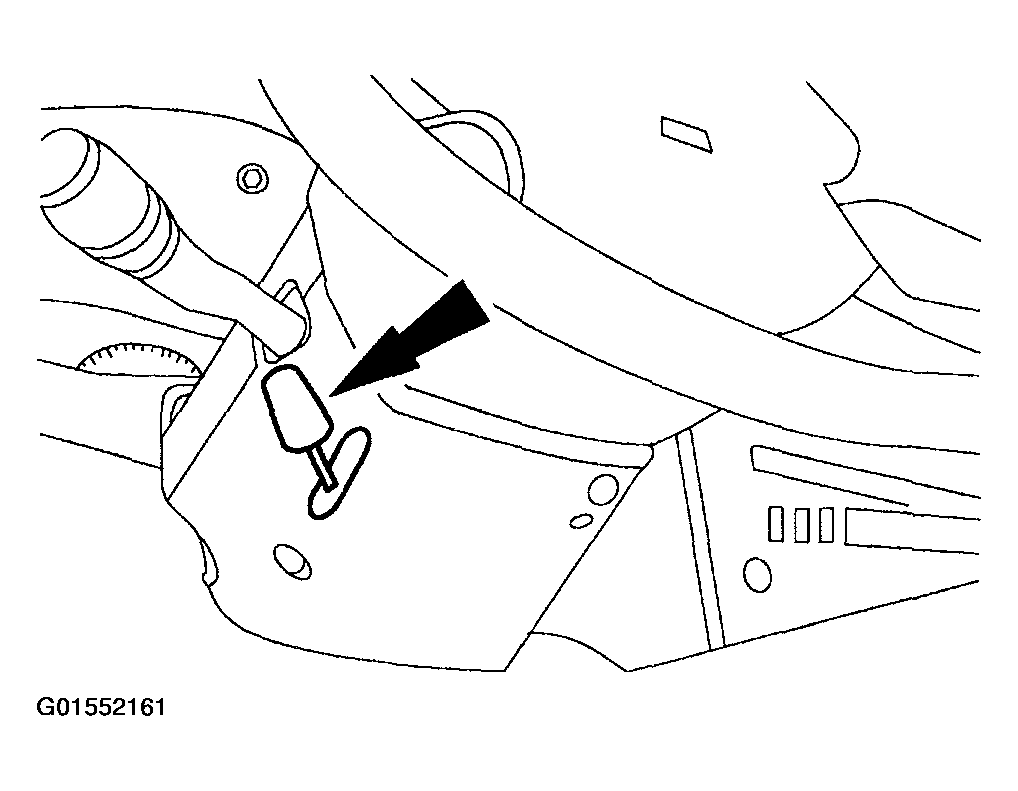
- If equipped, twist the tilt wheel handle and shank and remove.
 Courtesy of FORD MOTOR CO.
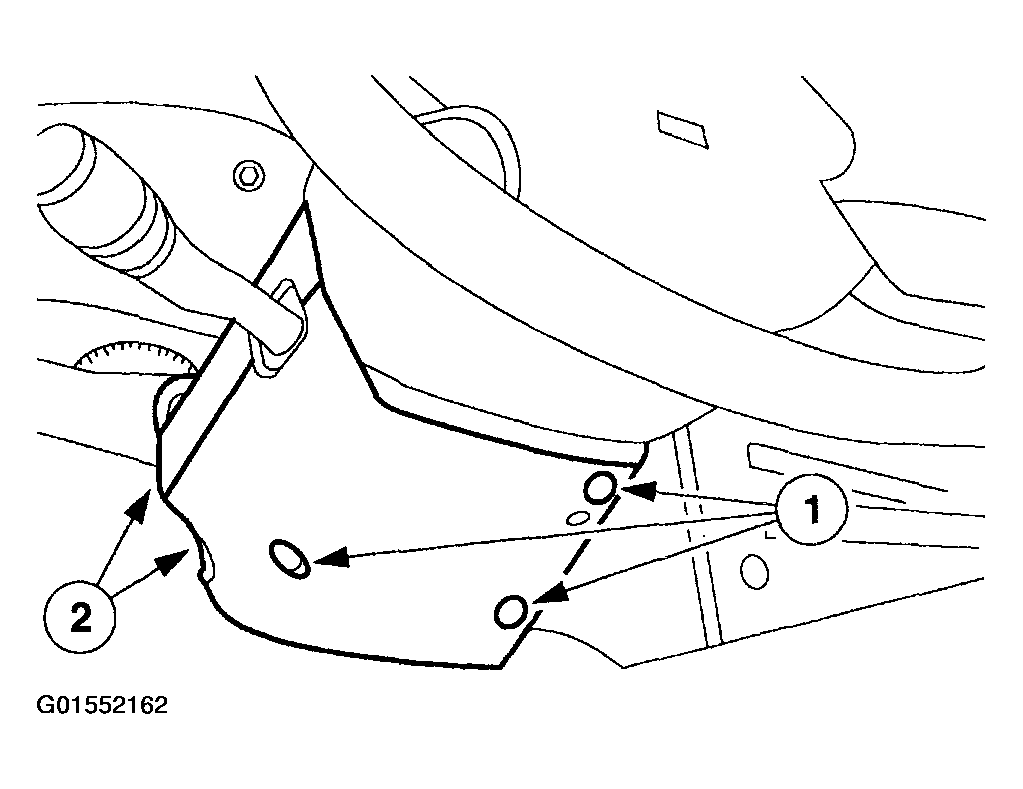
- Remove the upper and lower steering column shrouds.
- Remove the screws.
- Remove the upper and lower steering column shrouds.
 Courtesy of FORD MOTOR CO.
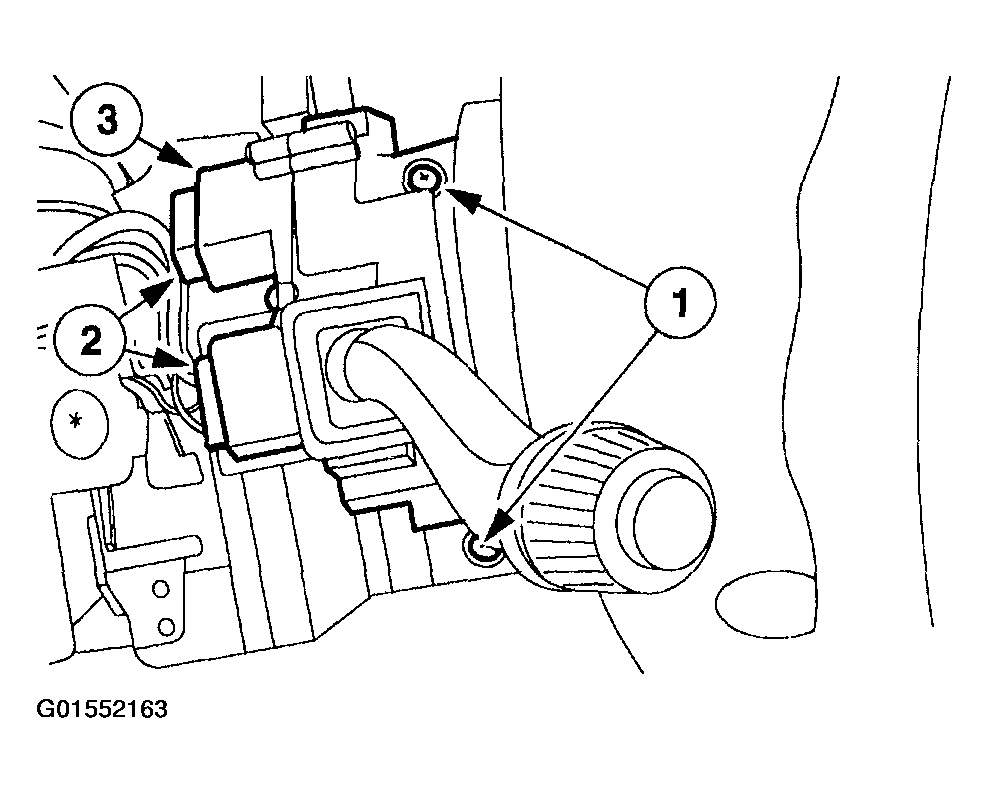
- Remove the multifunction switch.
- Remove the screws.
- Disconnect the electrical connectors.
- Remove the multifunction switch.
 Courtesy of FORD MOTOR CO.
- To install, reverse the removal procedure.