Removal Procedure
- Open the ashtray or the cupholder.
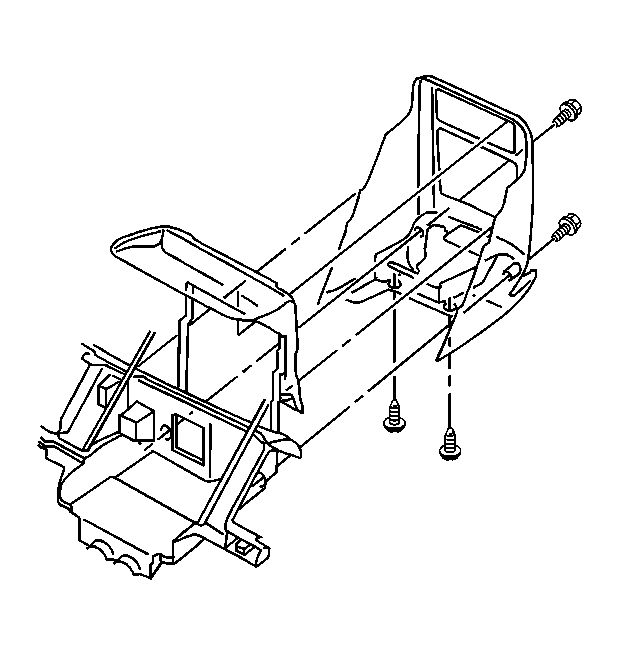 Courtesy of GENERAL MOTORS CORP.
- Remove the following sets of screws:
- Two screws from the front of the trim panel. For access to the front screws, remove the ashtray or the cupholder.
- Two screws from the bottom of the trim panel. For access to the bottom screws, remove the console storage box.
- Use a small, flat-bladed tool in order to remove the upper tabs on the IP accessory trim plate from the instrument panel.
- Disconnect the electrical connectors, if equipped.
- Remove the IP accessory trim plate from the instrument panel.