Disc Brake Hardware: Removal
- Remove the disc brake caliper bolts.
- Using a C-clamp installed to the center of the outer disc brake pad and the back of the caliper, slowly compress the caliper piston into its bore just enough to remove the caliper from the mounting bracket.
- Remove the disc brake caliper from the mounting bracket.
- Remove the disc brake pads from the disc brake caliper bracket.
- Remove the disc brake pad retainers from the disc brake caliper bracket.
- Remove the caliper pins from the disc brake caliper mounting bracket. See Fig 1.
- Remove the caliper pin boots from the disc brake caliper mounting bracket.
- Lightly wire brush all brake pad contact areas in order to remove any corrosion.
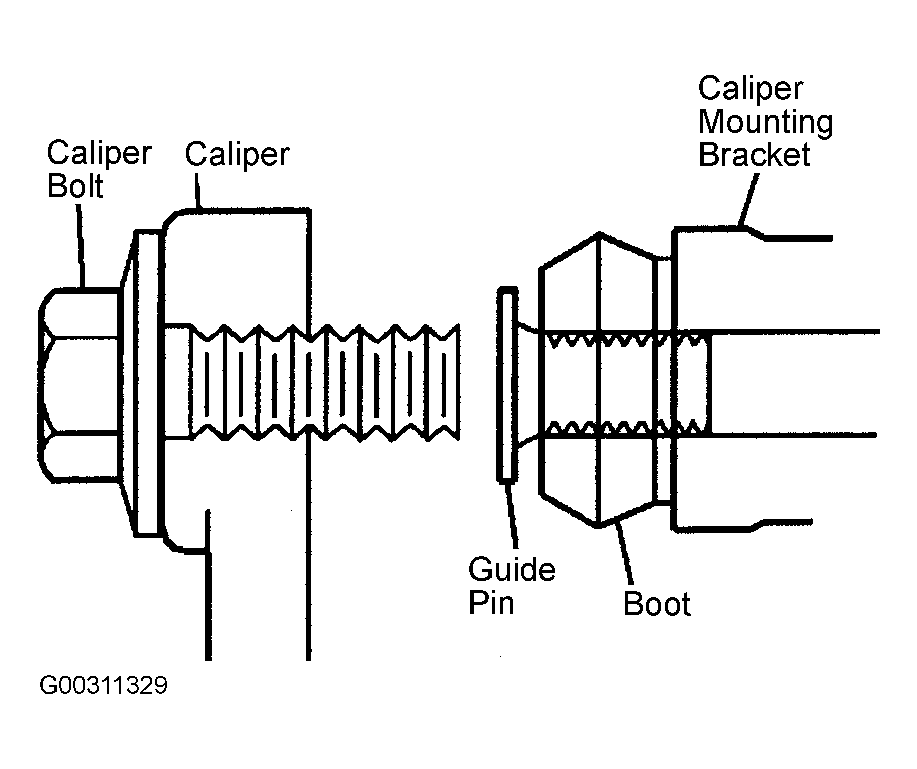 Courtesy of GENERAL MOTORS CORP.