Engine Front Cover - Cleaning & Inspection
- Remove the crankshaft position sensor bolts from the engine front cover.
- Remove the crankshaft position sensor.
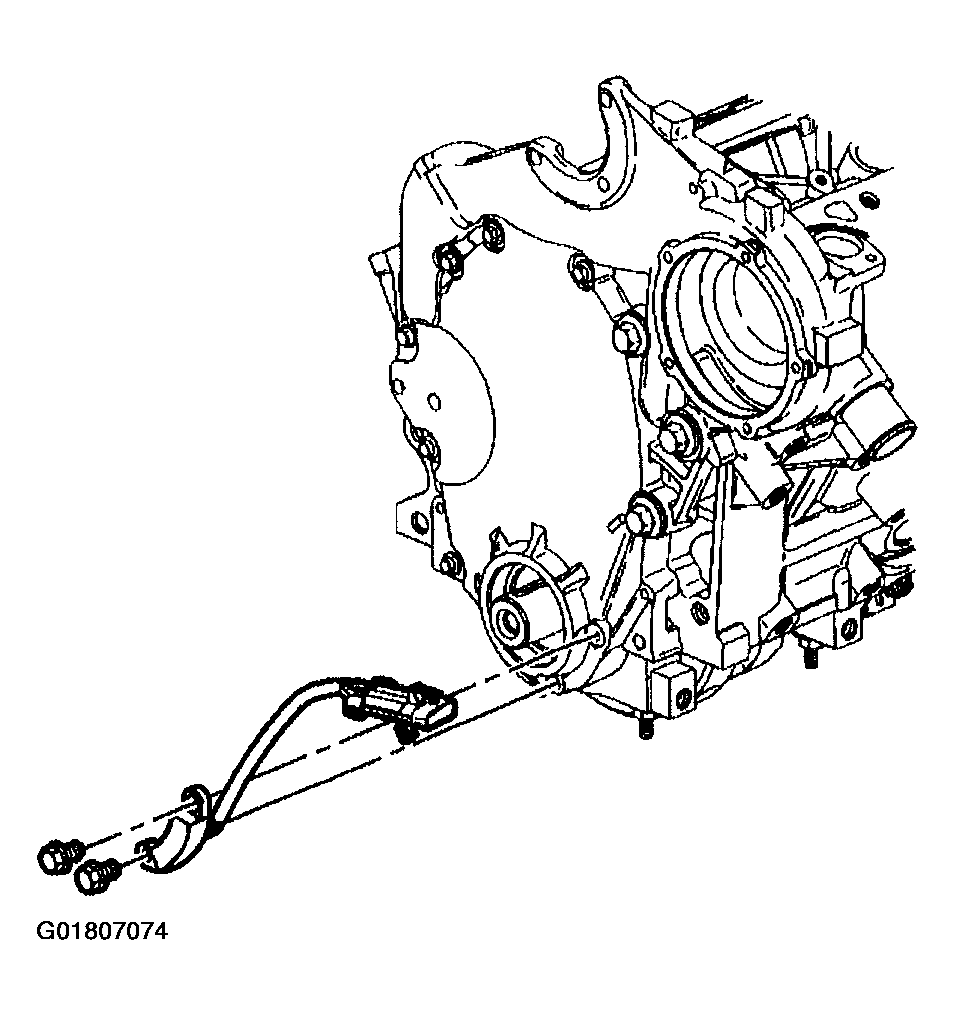 Courtesy of GENERAL MOTORS CORP.
- Clean the engine front cover with cleaning solvent.
- Inspect the engine front cover sealing surfaces for damage.
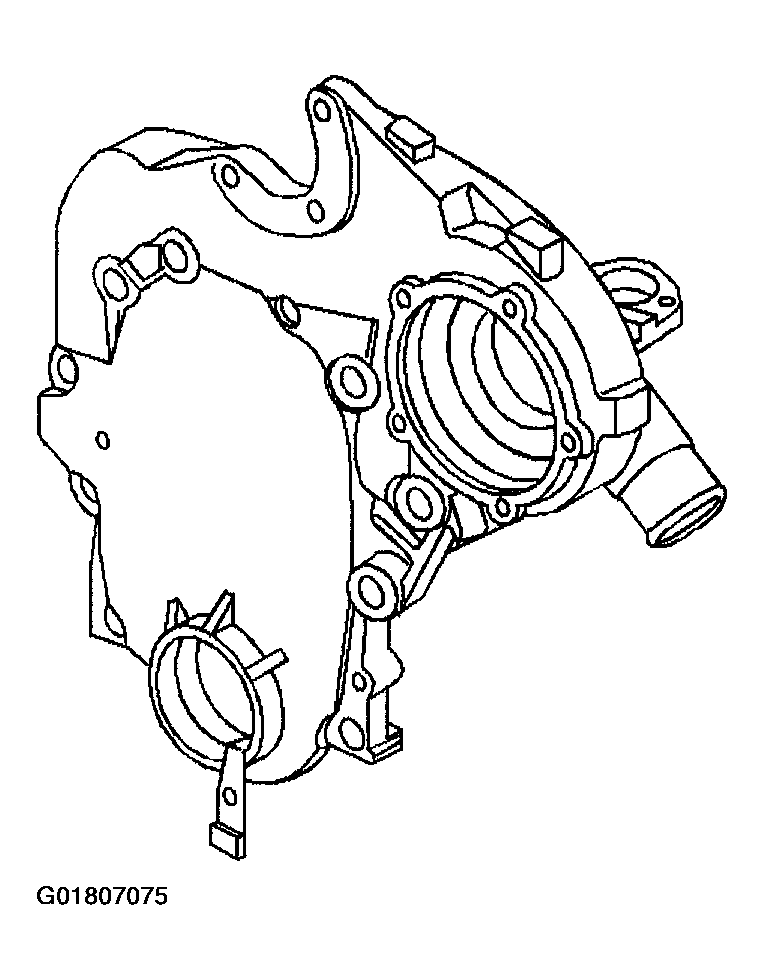 Courtesy of GENERAL MOTORS CORP.
- Inspect the engine front cover threaded holes.
- Repair or replace the engine front cover as necessary.
- Install the crankshaft position sensor to the engine front cover.
- Install the crankshaft position sensor bolts. Apply threadlock GM P/N United States 12345382, GM P/N Canada 10953489 or the equivalent to the threads. Tighten the crankshaft position sensor bolts to 10 N.m (89 in lbs).