Transmission Mount: Removal
- Raise and suitably support the vehicle.
- Support the transmission with a transmission jack.
- Remove the transmission mount to the transmission support retaining nut or nuts. See Fig 1.
- Raise the transmission to take the weight off of the mount.
- Remove the transmission mount to the transmission or transfer case adapter mounting bolts (1). See Fig 2.
- Raise the transmission just enough to remove the transmission mount.
- Remove the transmission mount from the vehicle.
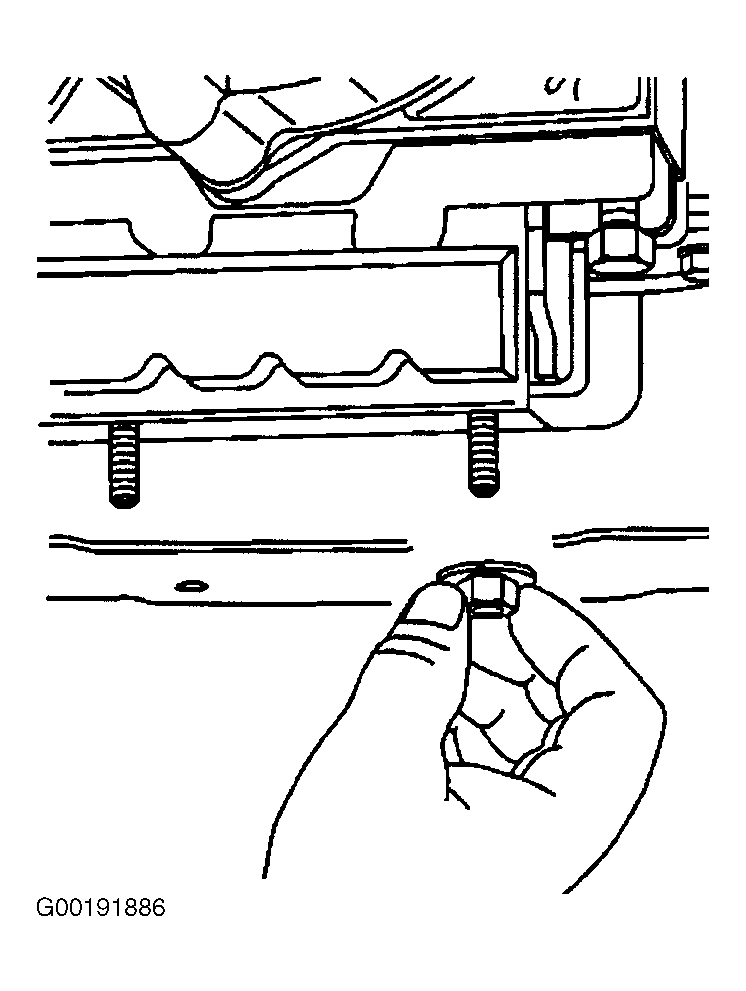 Courtesy of GENERAL MOTORS CORP.
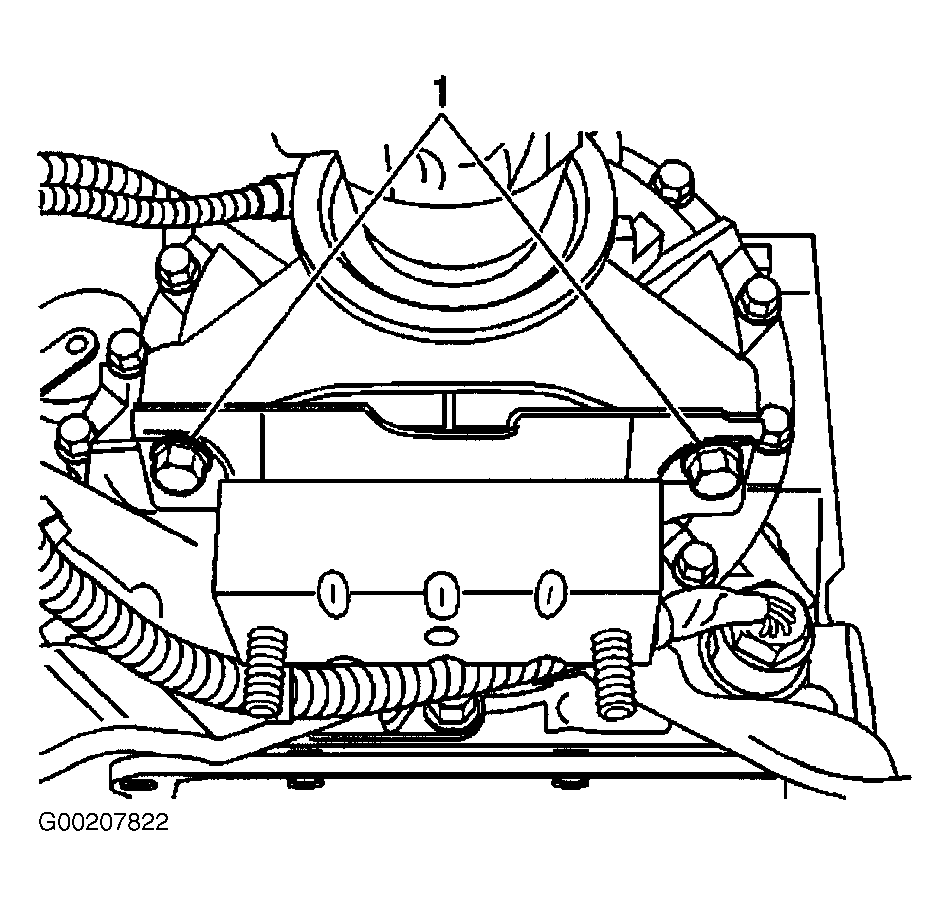 Courtesy of GENERAL MOTORS CORP.