Brake Master Cylinder Pressure Sensor Replacement
WARNING: This page is about a different car, the 2009 Saturn Vue. However, it is still accessible from the selected car via links, so may be relevant.
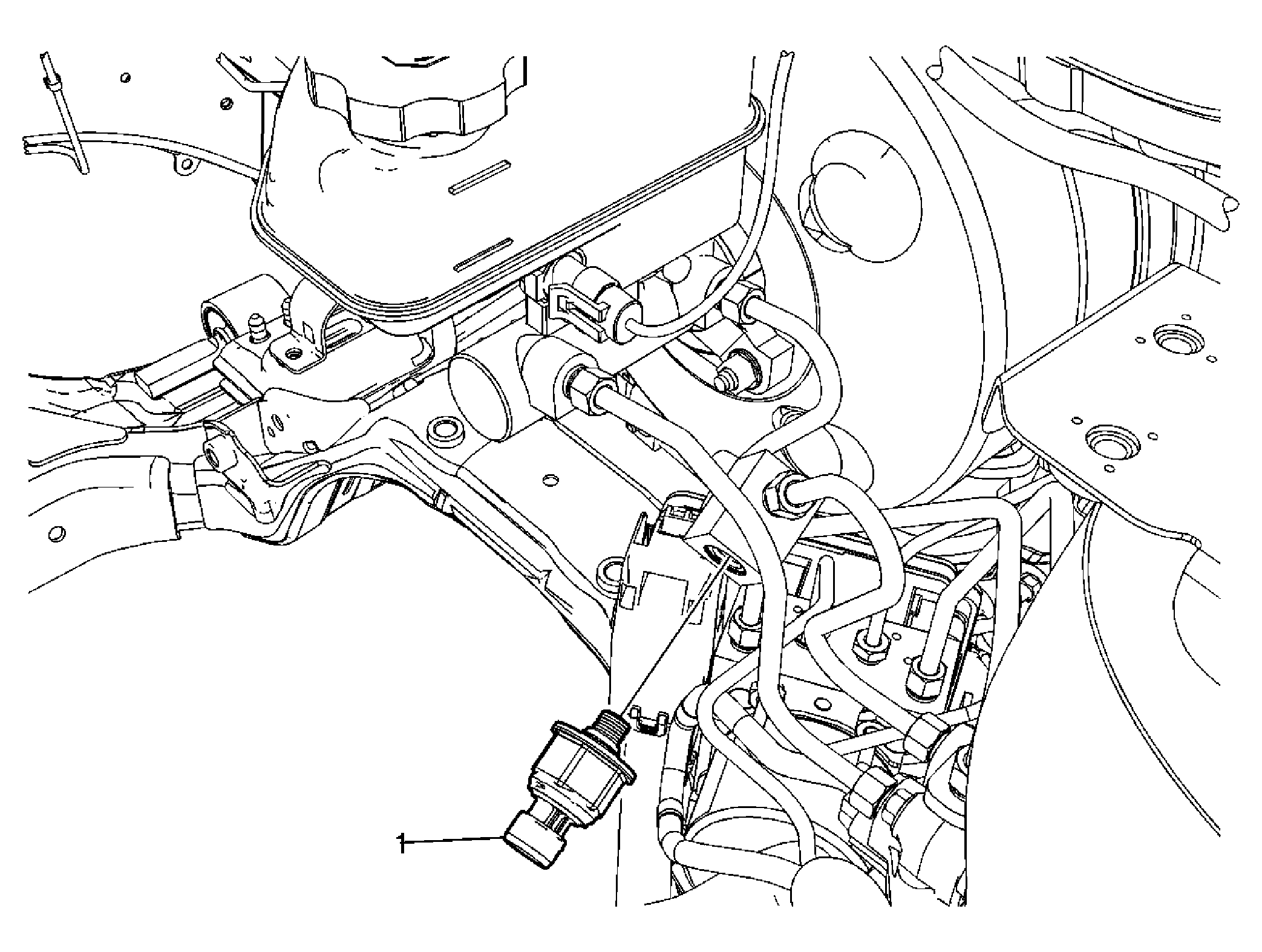 Courtesy of GENERAL MOTORS CORP.
| Callout |
Component Name |
|
Preliminary Procedures
- Turn the ignition switch to the OFF position.
- Remove the battery. Refer to Battery Replacement
.
- Without draining the coolant or removing the hoses, remove and position aside the radiator surge tank. Refer to Radiator Surge Tank Replacement
.
- Clean the area around the brake master cylinder pressure sensor of any foreign material or debris.
- Disconnect the brake master cylinder pressure sensor electrical connector.
- Place a clean shop cloth around the brake master cylinder pressure sensor mounting block outlet port brake pipe fitting to absorb any brake fluid.
|
| 1 |
Brake Master Cylinder Pressure Sensor
Procedure
- Bleed the hydraulic brake system. Refer to Hydraulic Brake System Bleeding (Manual) or Hydraulic Brake System Bleeding (Pressure) .
- Turn the ignition switch to the ON position. DO NOT start the engine.
- Perform the Diagnostic System Check - Vehicle
.
- Observe the feel of the brake pedal after performing the diagnostic system check. If the brake pedal feels spongy, perform the Antilock Brake System Automated Bleed Procedure
.
- Install a scan tool.
- Using the special functions menu on the scan tool, perform the brake master cylinder pressure sensor learn procedure. Refer to Service Programming System (SPS)
.
Tighten:
18 N.m (13 lb ft)
|