Removal Procedure
- Use a flat-bladed tool in order to pry the step upward.
- Remove the step pad from the panel.
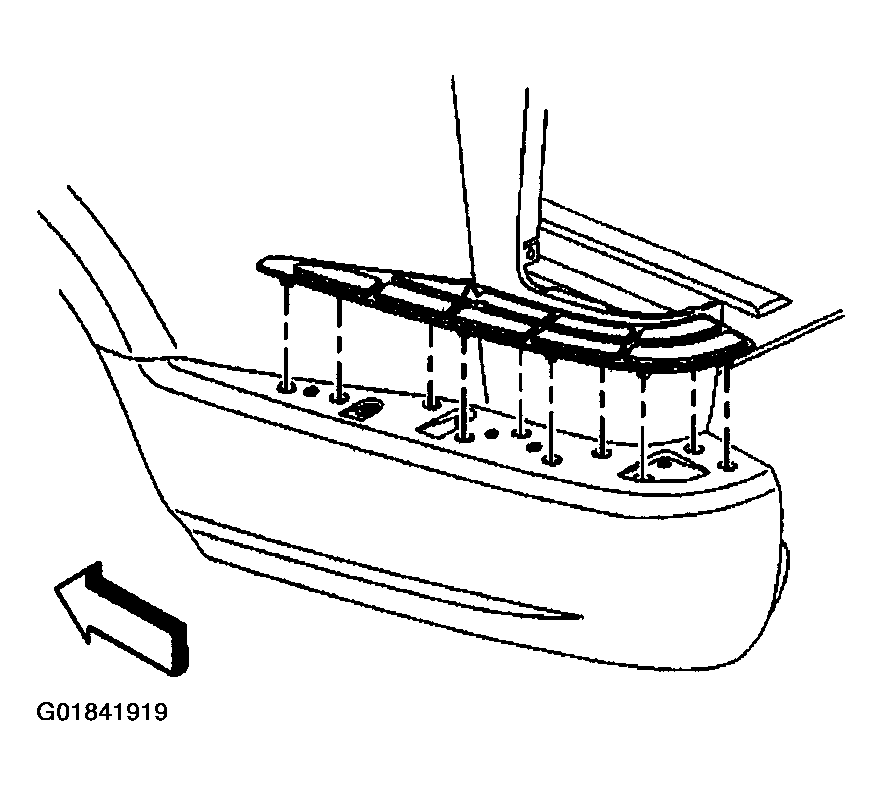 Courtesy of GENERAL MOTORS CORP.
- Remove the rear brace from the step panel.
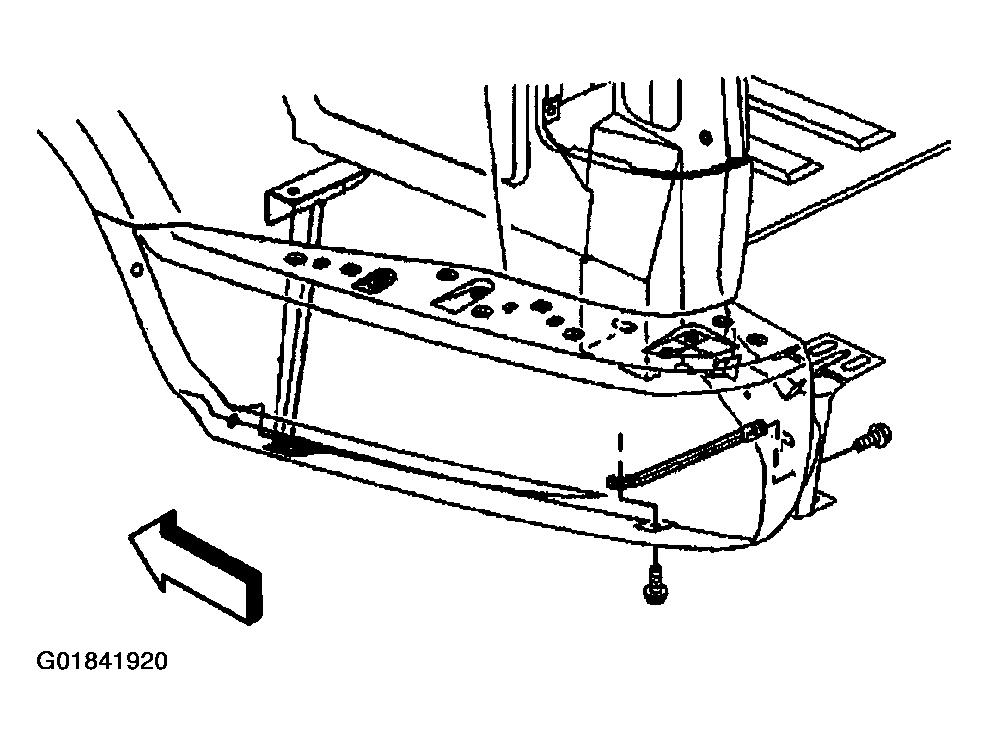 Courtesy of GENERAL MOTORS CORP.
- Remove the splash shield from the wheelhouse.
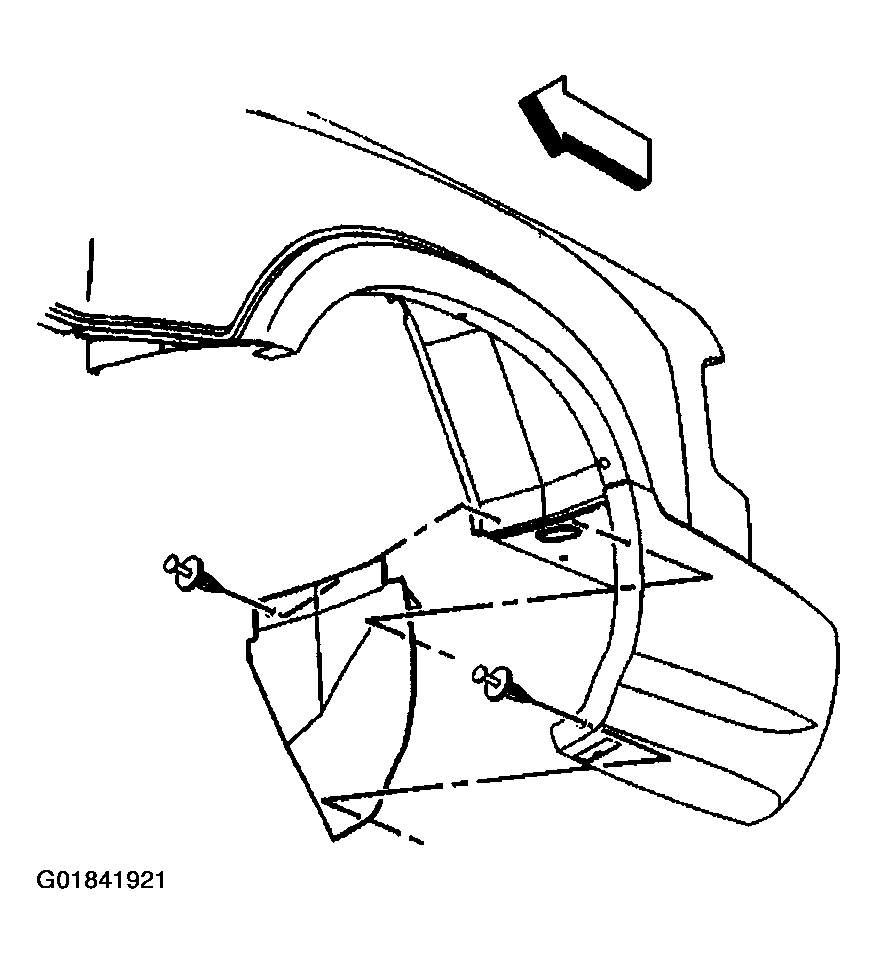 Courtesy of GENERAL MOTORS CORP.
- Remove the filler plate.
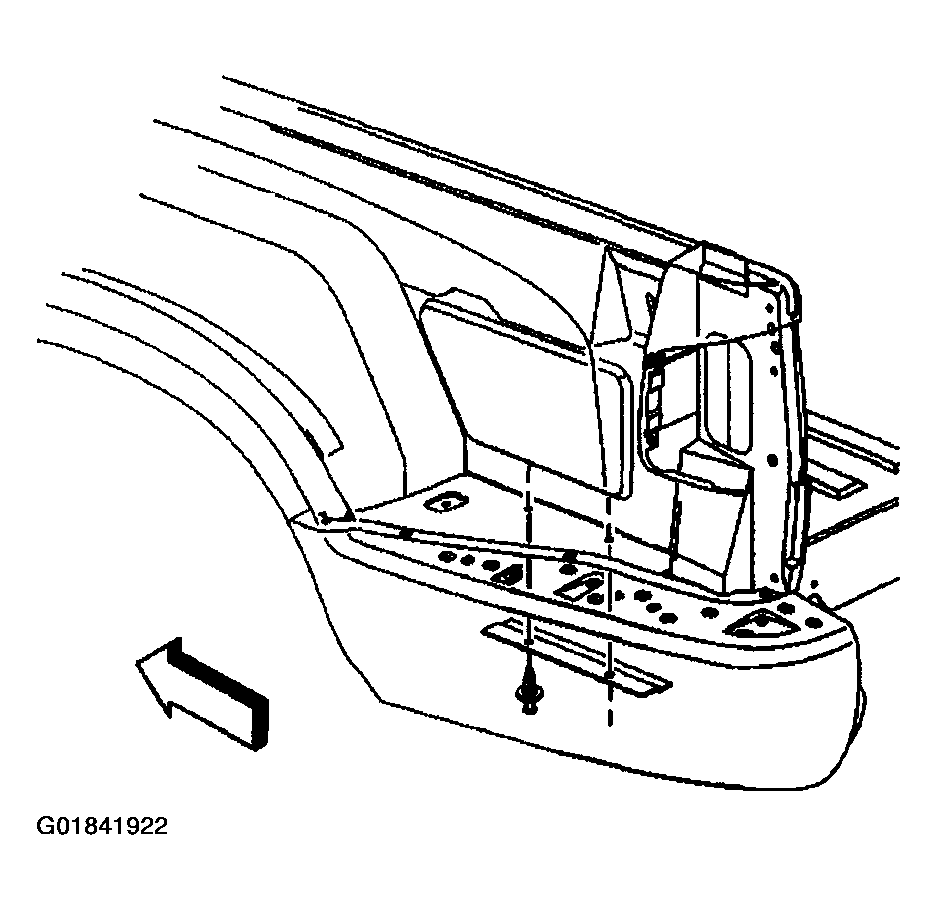 Courtesy of GENERAL MOTORS CORP.
- Remove the forward brace from the step panel and the forward support bracket.
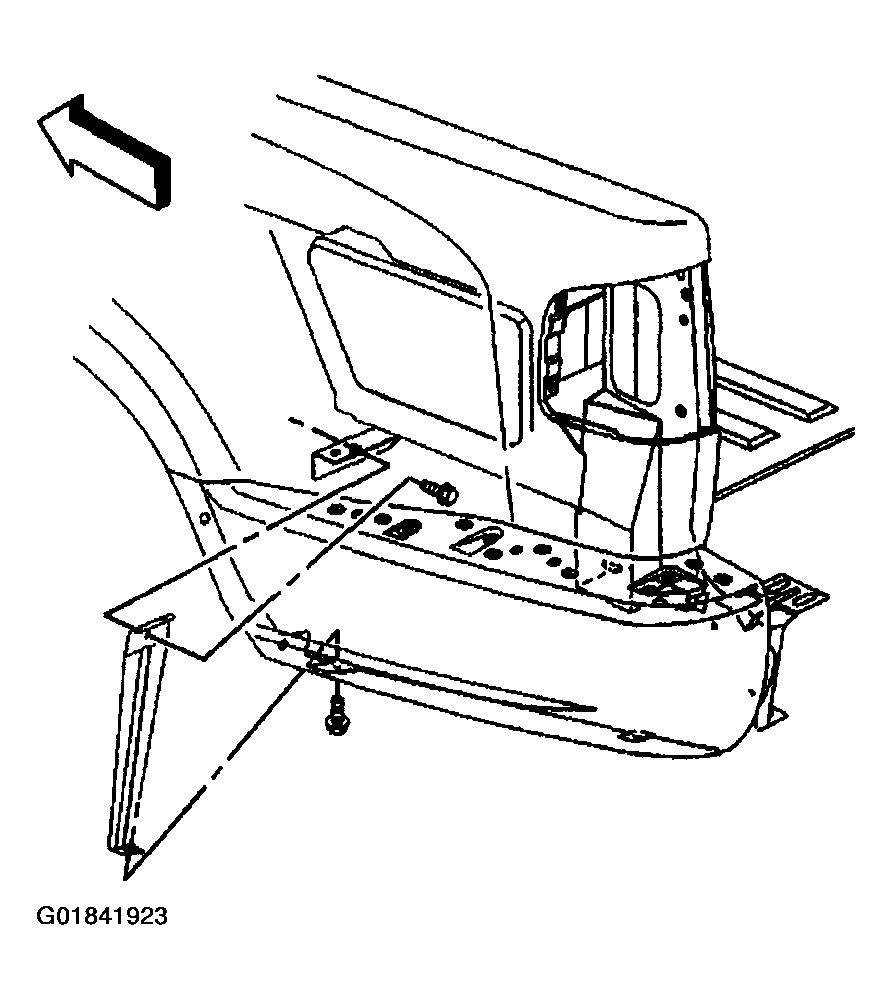 Courtesy of GENERAL MOTORS CORP.
- Remove the screw that secures the step panel to the pickup box rear inner pillar.
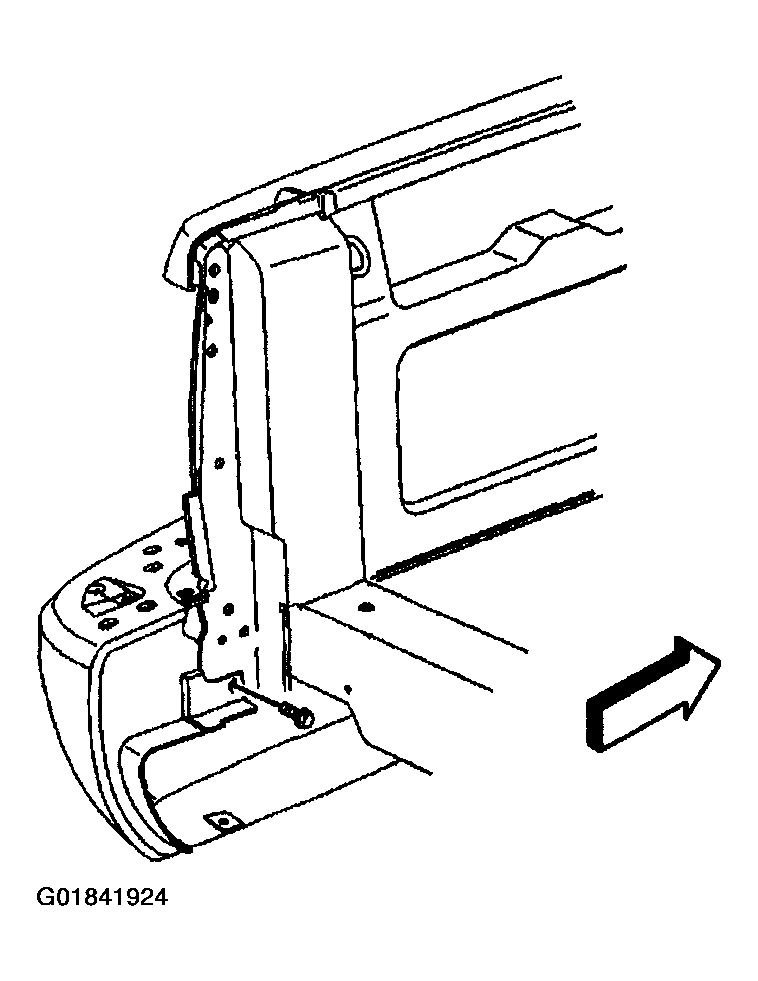 Courtesy of GENERAL MOTORS CORP.
- Remove the screws that secure the step panel to the forward and rear support brackets.
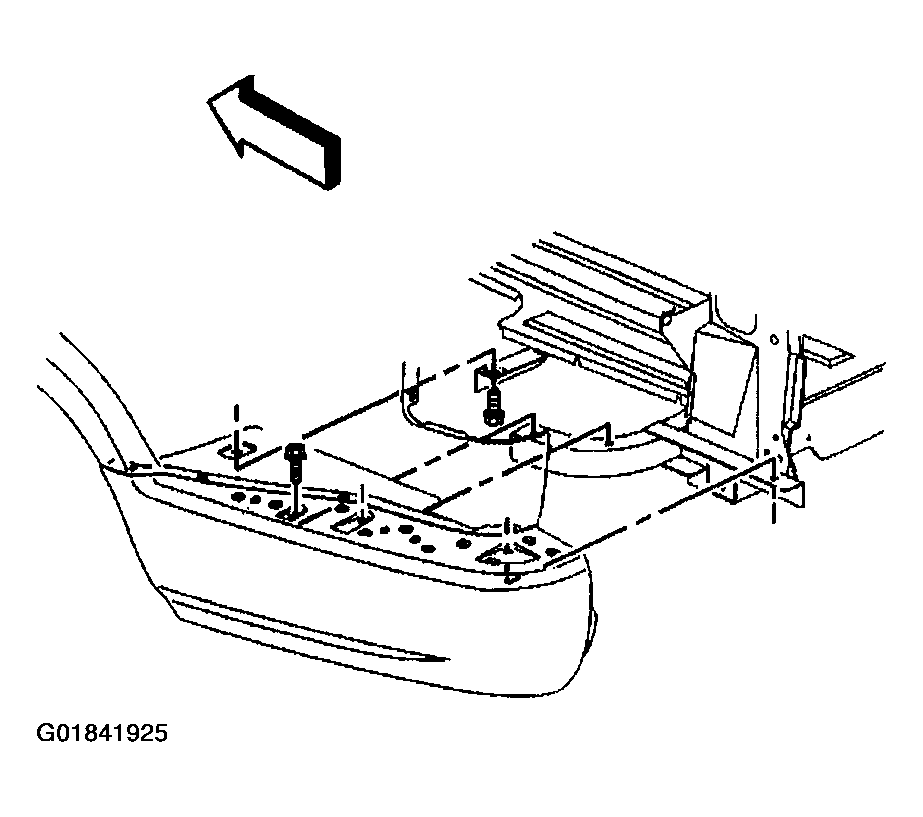 Courtesy of GENERAL MOTORS CORP.
- Remove the step panel from the side outer panel.
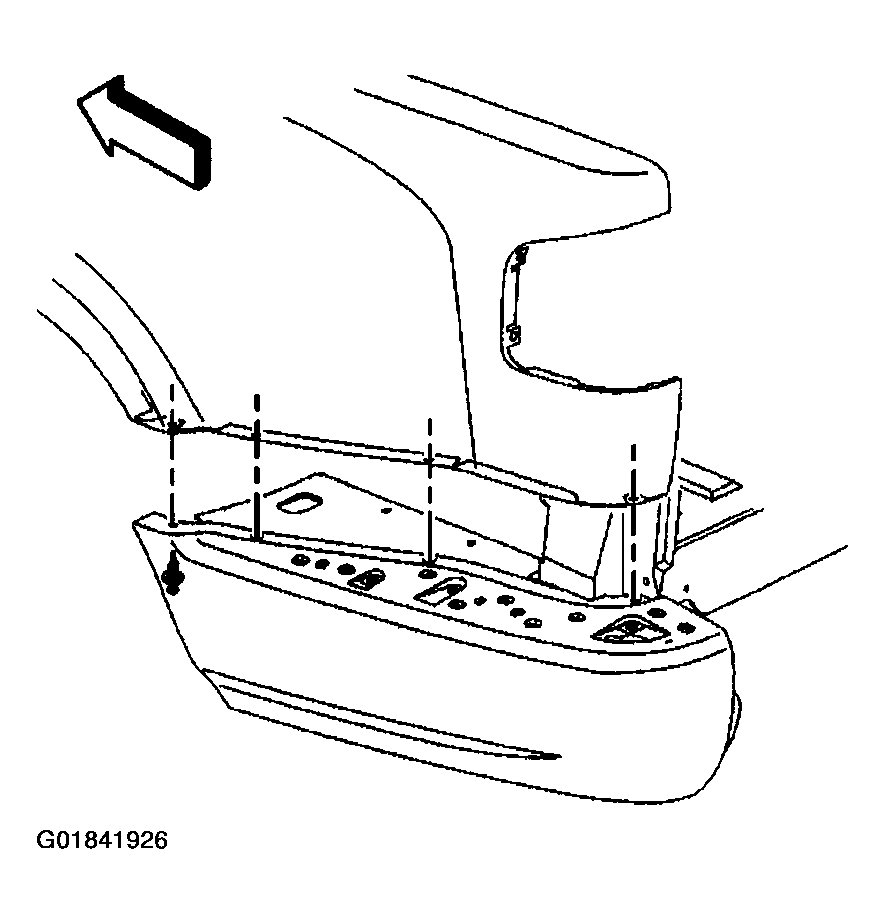 Courtesy of GENERAL MOTORS CORP.
- Remove the nuts that secure the forward and rear support brackets to the pickup box cross sills.
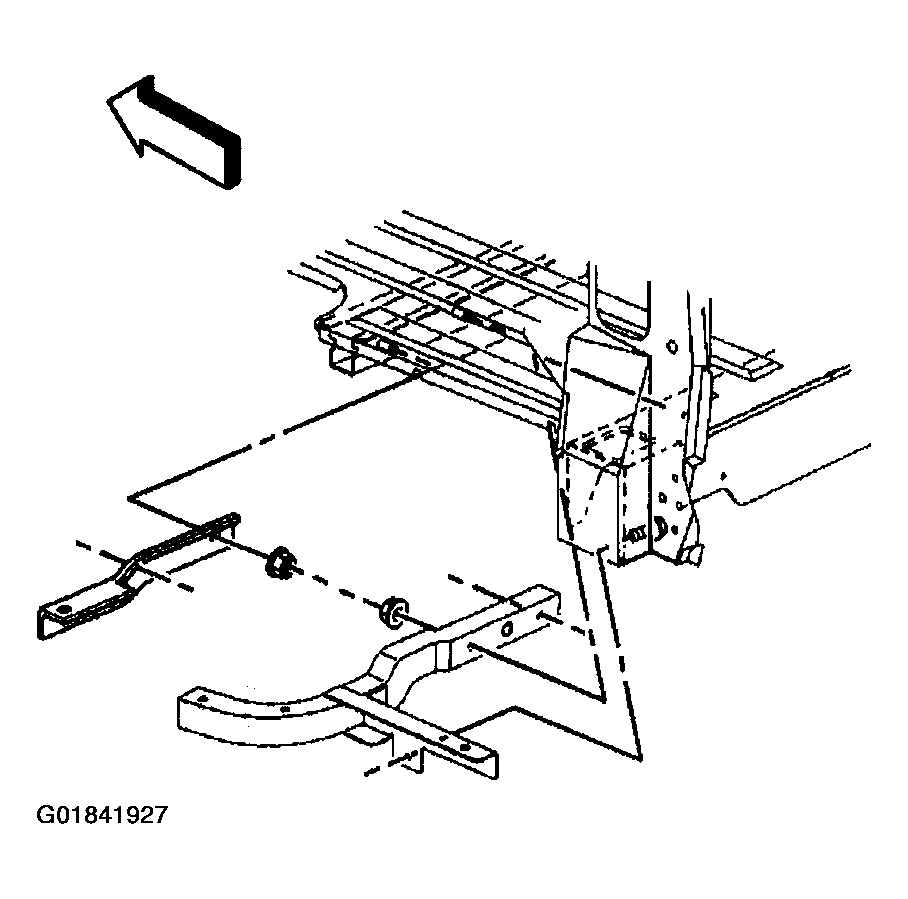 Courtesy of GENERAL MOTORS CORP.