Removal Procedure
- Use a flat-bladed tool in order to remove the pickup box endgate latch handle bezel.
- Perform the following steps in order to remove the endgate latch rods from the endgate latch handle:
- 2.1
Separate the retaining clip from the lower latch rod by prying the clip apart at the head of the latch rod.
- 2.2
Slide the lower latch rod from the retaining clip and the handle.
- 2.3
Lift the endgate latch handle in order to gain access to the upper latch rod retaining clip.
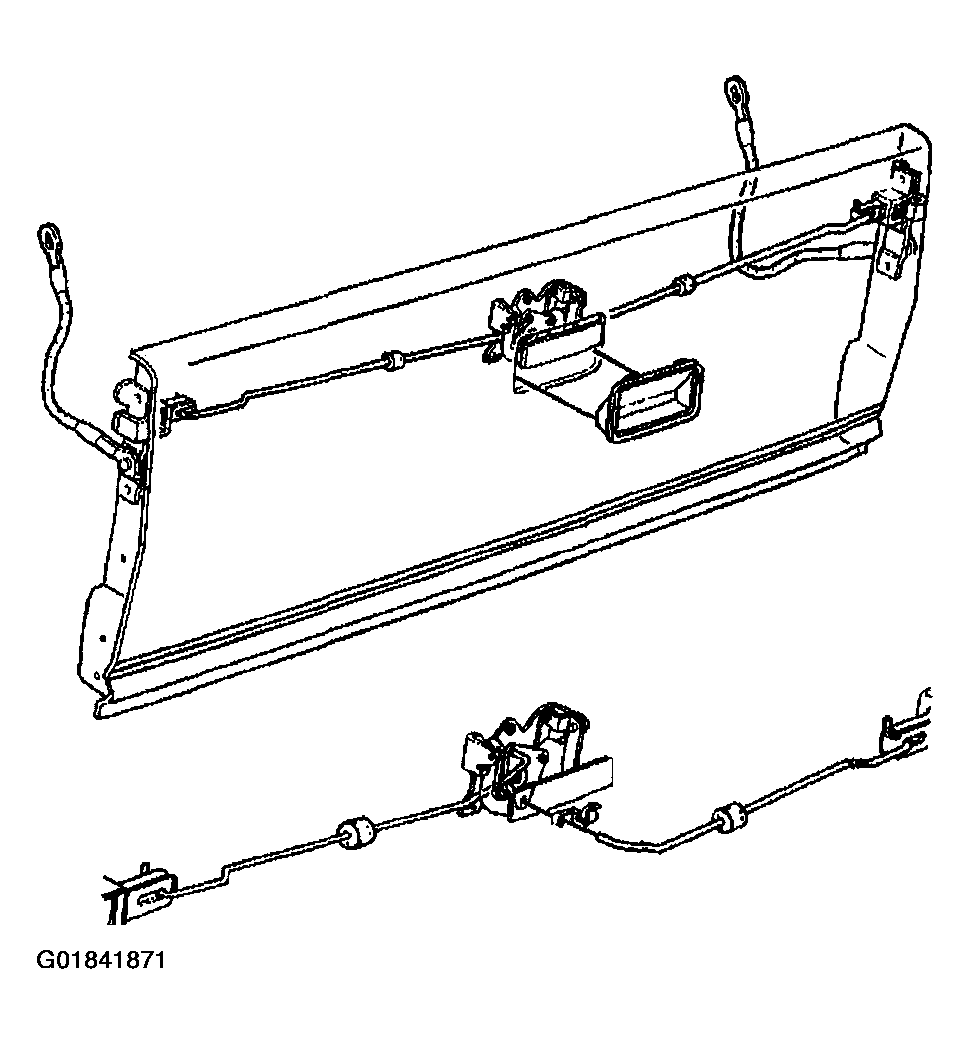 Courtesy of GENERAL MOTORS CORP.
- 2.4
Separate the upper latch rod retaining clip from the upper latch rod.
- 2.5
Slide the upper latch rod from the retaining clip.
- Remove the bolts that retain the pickup box endgate latch handle to the endgate.
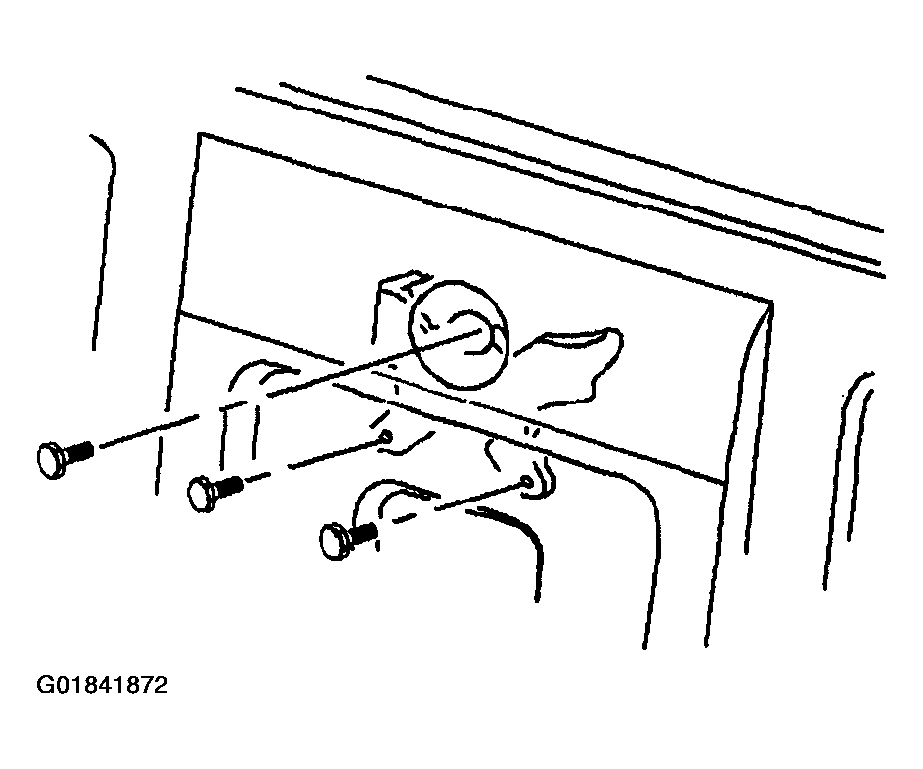 Courtesy of GENERAL MOTORS CORP.
- Remove the pickup box endgate latch handle from the endgate.