LEMON Manuals
: Even more car manuals for everyone
Home
>>
Chevrolet
>>
2002
>>
Blazer 4D Utility, 4WD, Part Time
>>
Repair and Diagnosis
>>
Accessories & Equipment
>>
Infotainment
>>
Entertainment System
>>
Repair Instructions
>>
Fixed Antenna Mast Replacement
>>
Removal Procedure
Removal Procedure
NOTE:
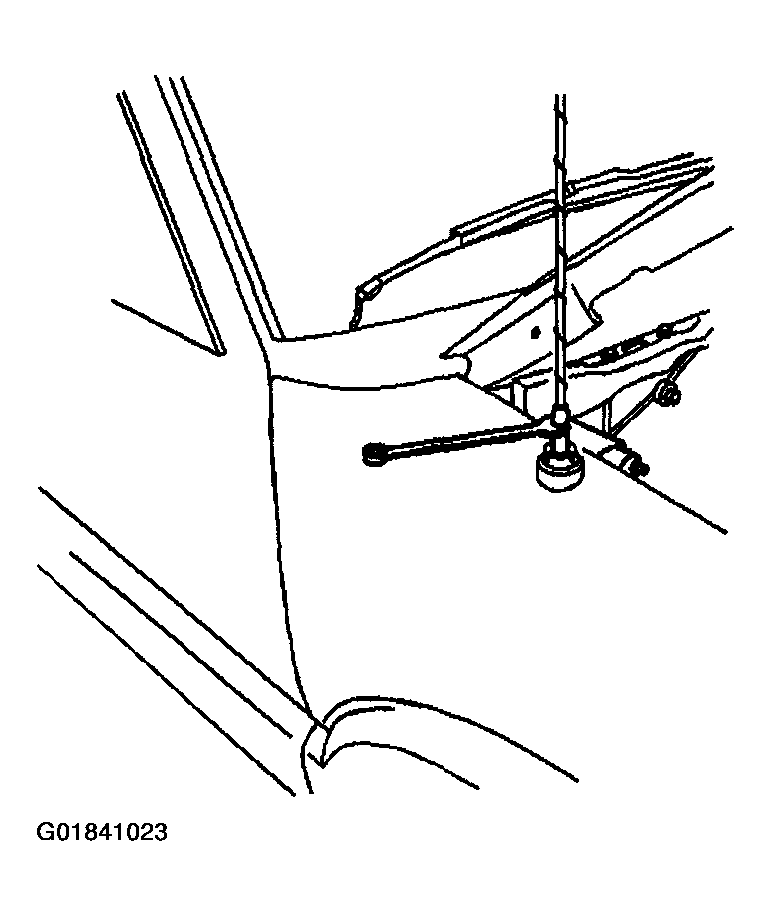
Use tape on the tool surface so that you do not damage the paint on the antenna mast.
Unscrew the antenna mast.
Fig 1: Positioning Wrench
Courtesy of GENERAL MOTORS CORP.
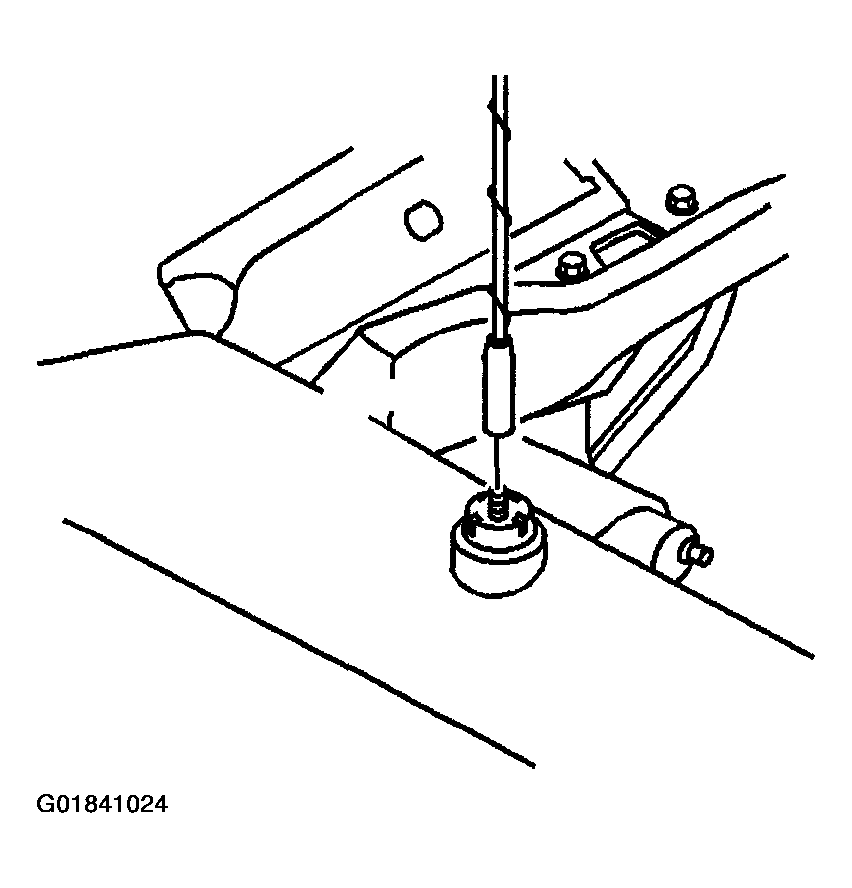
Remove the antenna mast from the antenna base.
Fig 2: Removing/Installing Antenna Mast
Courtesy of GENERAL MOTORS CORP.
 Courtesy of GENERAL MOTORS CORP.
 Courtesy of GENERAL MOTORS CORP.