Video Screen Replacement
REMOVAL PROCEDURE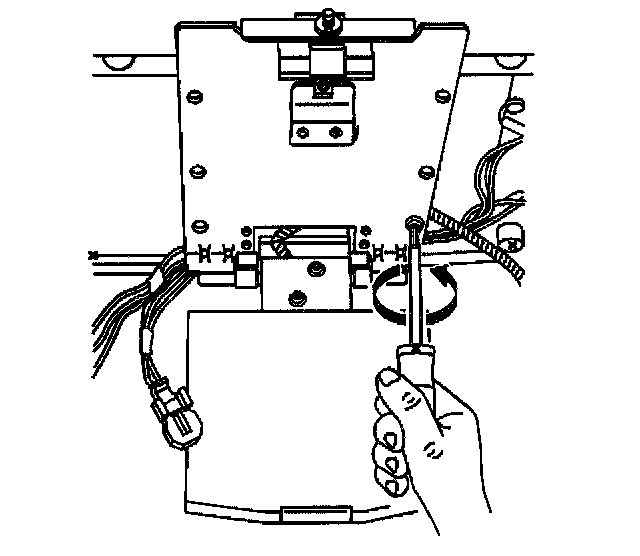
1. Remove the overhead entertainment console.
2. Carefully pull the front edge of the headliner down and remove the wiring harnesses.
3. Remove the video screen screws.
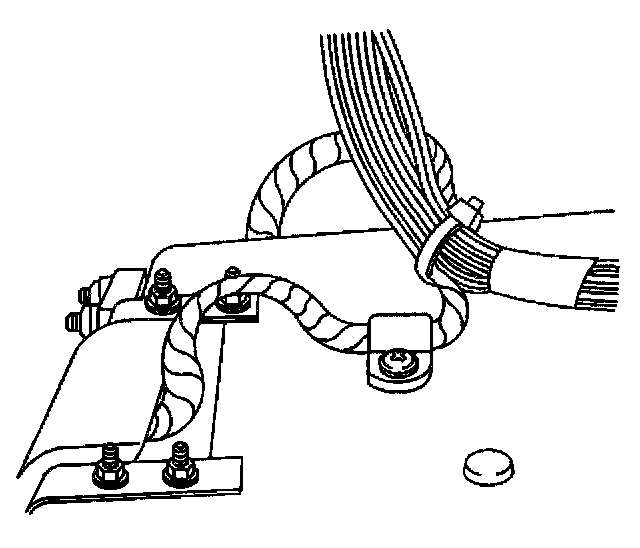
4. Lower the video screen and cut the plastic wire tie to separate the two wiring harnesses.
5. Remove the video screen from the support bracket.
INSTALLATION PROCEDURE
1. Install a plastic wire tie securing the two wire harnesses on the back side of the video screen.
2. Carefully pull the front edge of the headliner down and tuck the wiring harnesses underneath the headliner.
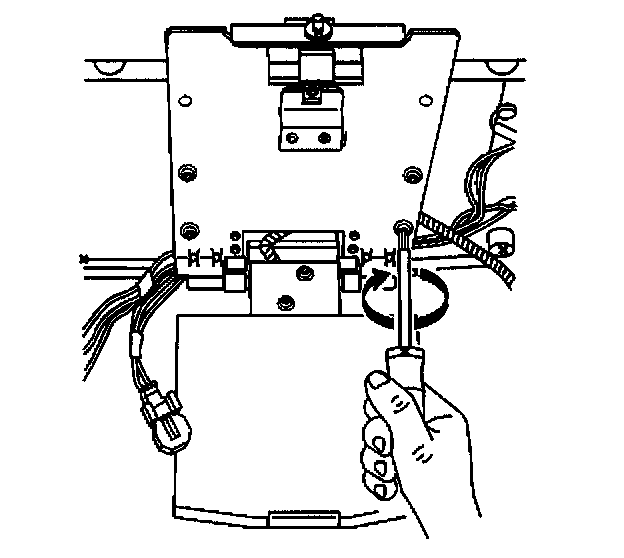
3. Install the video screen to the support bracket.
NOTE: Refer to Fastener Notice in Service Precautions.
4. Install the four screws to the video screen leaving out the two screws closest to the latch mechanism.
Tighten
Tighten the video screen screws to 2 N.m (18 lb in).
5. Install the overhead entertainment console.