General Information
Remote Control:
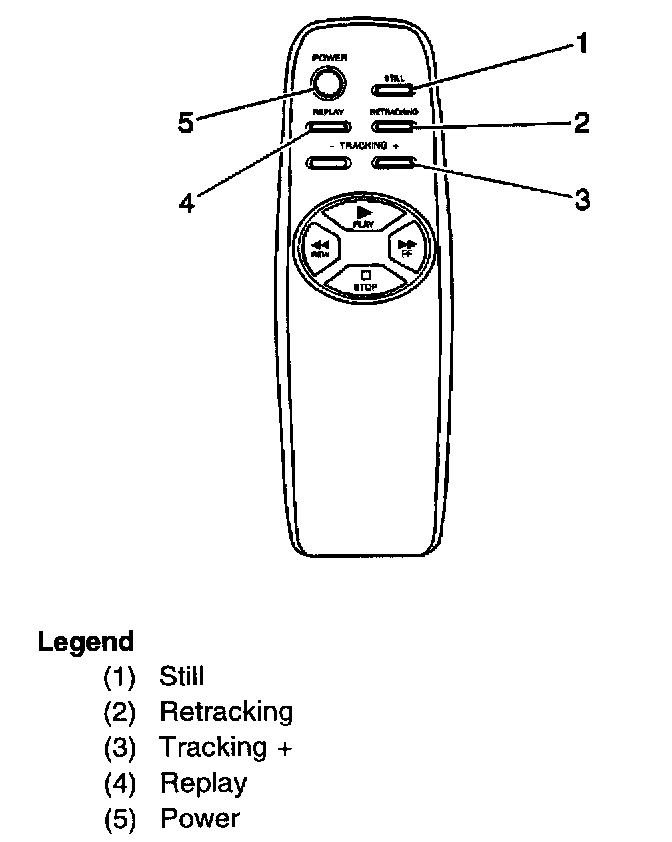
Simply aim the remote control at the VCP and press the desired function button. For best results, note that direct sunlight or very bright light will reduce VCP sensitivity to receive signals from the remote. Be sure the remote batteries are not discharged, as this will also reduce sensitivity to receive signals from the remote. Be sure the remote batteries are not discharged, as this will also reduce sensitivity. Objects blocking the remote's infrared beam may prevent operation of the VCP.