Front Brake Pads: Installation
- Clean outside surface of caliper piston boot with denatured alcohol. Slowly compress piston into bore with a "C" clamp, being careful not to cock piston to one side or damage piston boot. See Fig 1.
- Using small plastic or wood tool, lift inner edge of boot next to piston and press out any trapped air. Reposition boot so it lays flat with convolutions in proper position.
- Install inboard pad. Install outer pad with wear indicator as shown. See Figure.
- Install front brake caliper. See FRONT BRAKE CALIPER . Ensure boot is not touching pad. Ensure outboard pad lays flat against caliper. Apply brakes several times to seat brake pads. Remove the 2 lug nuts that were installed to secure the rotor while the caliper was removed.
- Install wheel/tire assembly, aligning marks made during removal. Tighten wheel lug nuts to specification. See TORQUE SPECIFICATIONS . Lower vehicle. Fill brake fluid reservoir. Road-test vehicle.
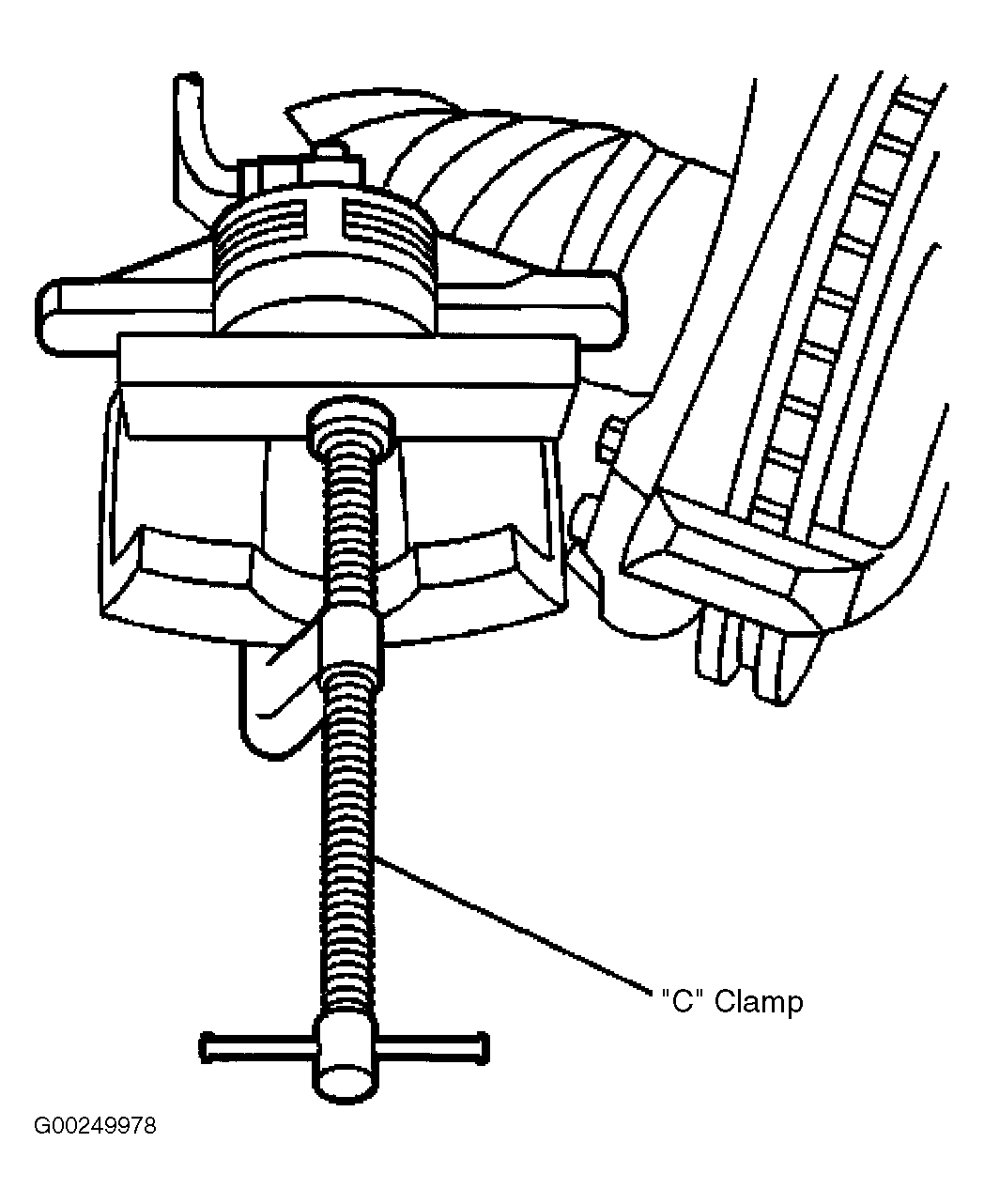 Courtesy of GENERAL MOTORS CORP.