Aftermarket Accessories
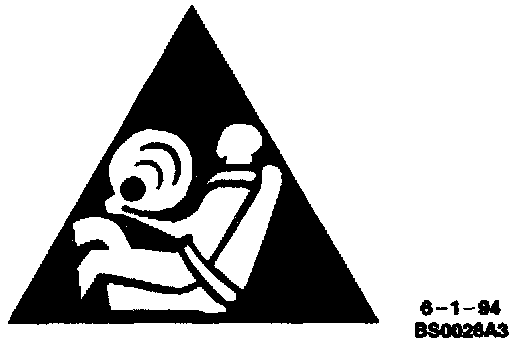
Do not tie aftermarket accessories into SIR circuits. All such circuits are indicated are indicated on circuit diagrams with the SIR symbol.SIR Symbol:
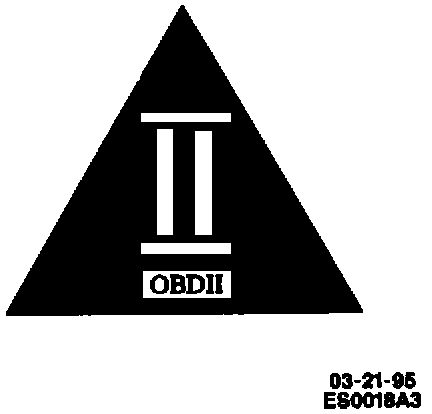
Do not tie aftermarket accessories into OBDII circuits. all such circuits are indicated on circuit diagrams with the OBDII symbol.
On Board Diagnostics II (OBDII) Symbol:
Always check for aftermarket accessories (non-OEM) as the first step in diagnosing electrical problems. If the vehicle is so equipped, disconnect the system to verify that these add-on accessories are not the cause of the problem.
Some possible causes of vehicle problems related to aftermarket accessories include:
1. Power feeds connected to points other than the Battery.
2. Antenna location.
3. Transceiver wiring located too close to vehicle electronic modules or wiring.
4. Poor shielding or poor connectors on antenna feed line.