Removal & Installation
- Disable air bag system. Disconnect the negative battery cable. Remove the IP center storage compartment or the floor console. See INSTRUMENT PANEL CENTER STORAGE COMPARTMENT or FRONT CONSOLE
. Remove both driver's side and passenger's side IP outer trim covers. See INSTRUMENT PANEL OUTER TRIM COVERS . Remove the headlight switch. See HEADLIGHT SWITCH . Remove the drivers knee bolster bracket. See KNEE BOLSTER BRACKET . Remove the radio or the navigation display head. See RADIO or NAVIGATION DISPLAY HEAD
. Remove instrument panel module. See INSTRUMENT PANEL INTEGRATION MODULE . Remove the IP cluster. See INSTRUMENT PANEL CLUSTER . Remove glove box. See GLOVE BOX Remove the right IP accessory trim plate. See INSTRUMENT PANEL ACCESSORY TRIM PLATE .
- Remove the IP fasteners from each end of the IP retainer. See Fig 1. Remove the remaining fasteners from the IP retainer. Partially remove the IP retainer from the carrier. See Fig 2. Disconnect the inside air temperature sensor harness connector. See Fig 3. Guide the wiring through the IP retainer openings as necessary. Remove the IP retainer from the vehicle. Disconnect the inside temperature sensor harness connector. Remove the screw from the inside temperature sensor. Remove the Inside air temperature sensor from the IP retainer. See Fig 4.
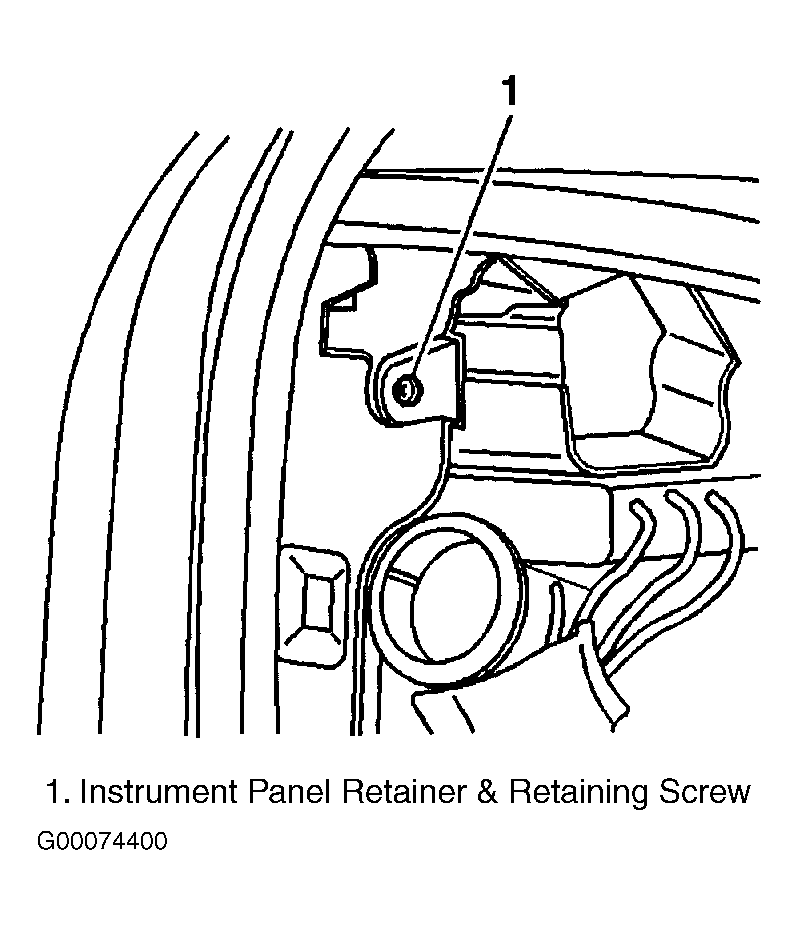 Courtesy of GENERAL MOTORS CORP.
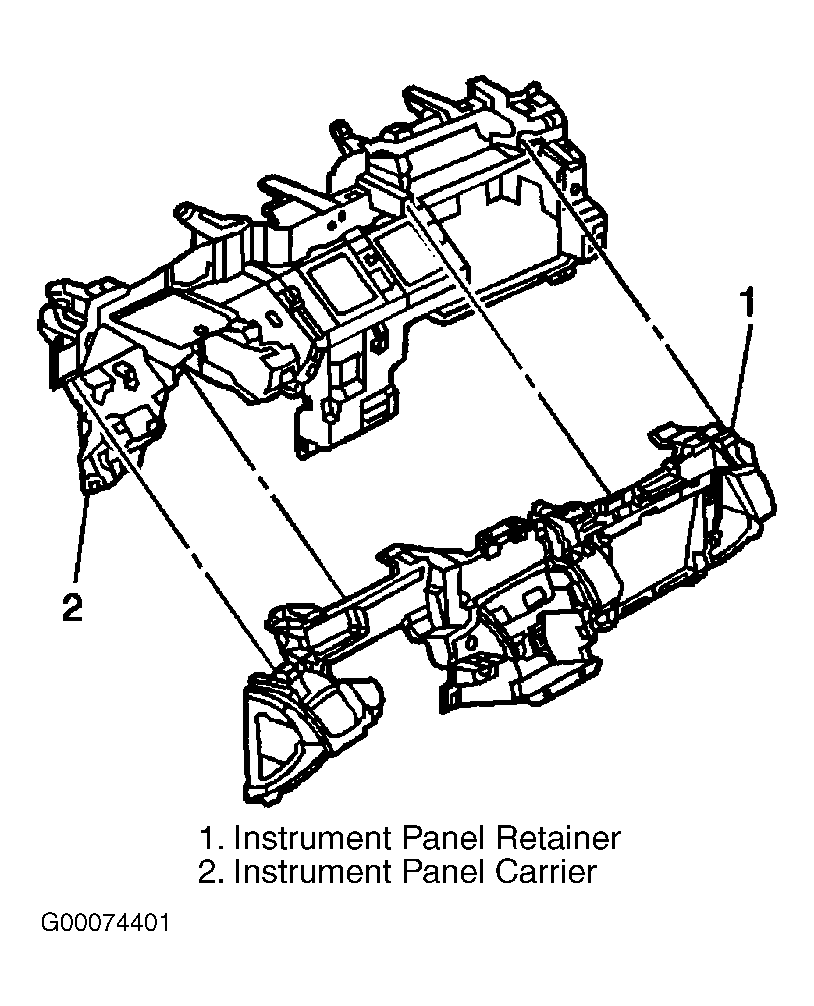 Courtesy of GENERAL MOTORS CORP.
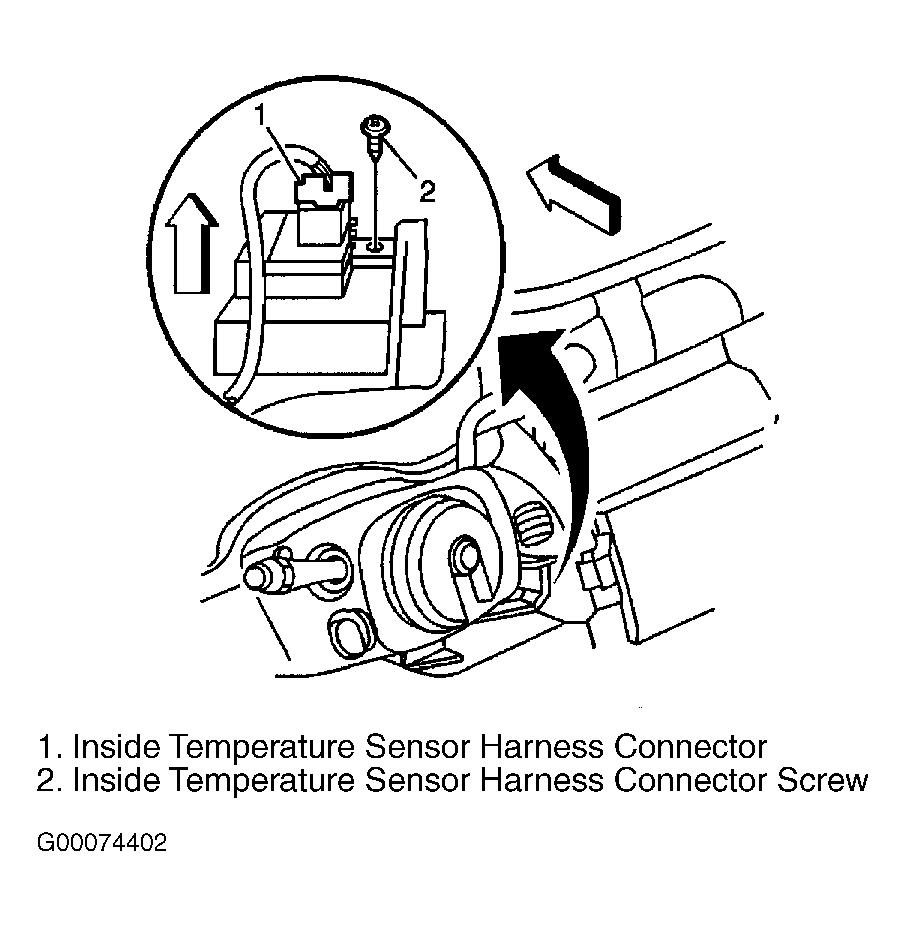 Courtesy of GENERAL MOTORS CORP.
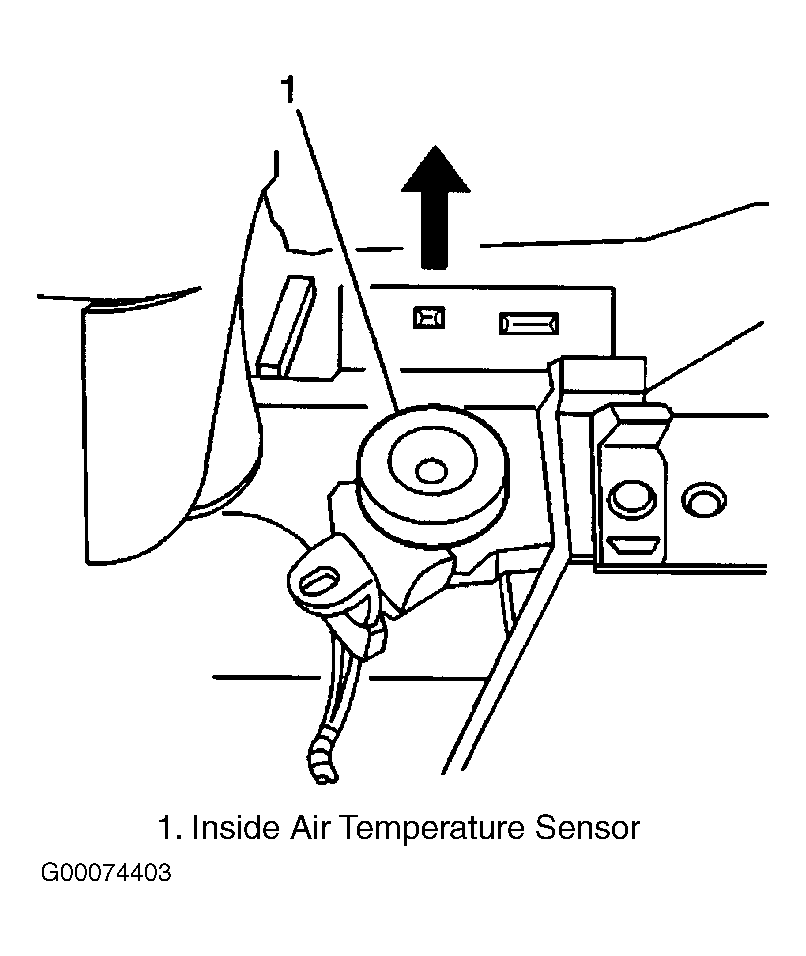 Courtesy of GENERAL MOTORS CORP.