Removal Procedure
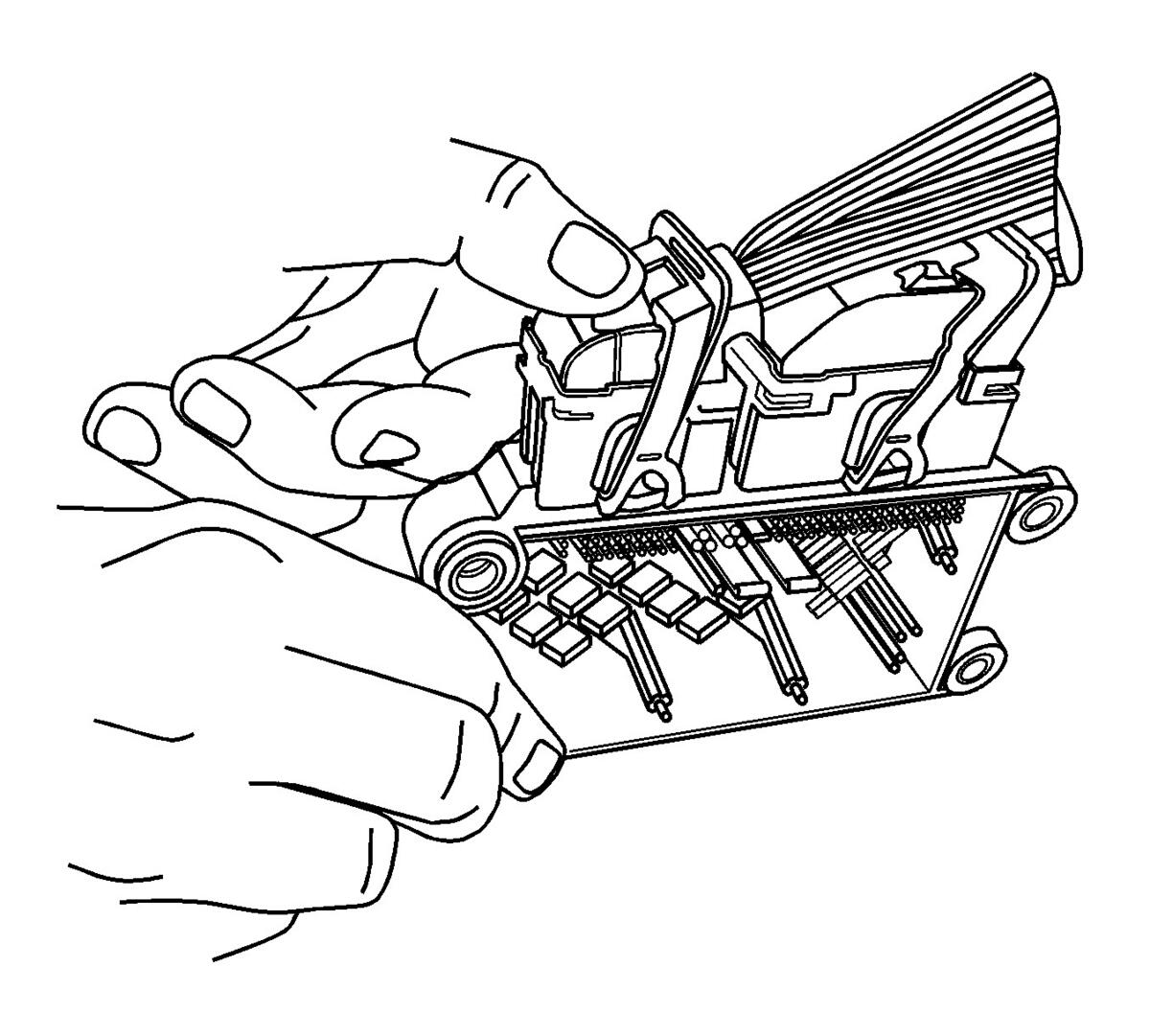 Courtesy of GENERAL MOTORS COMPANY
- Using your thumbs press down and slide the red CPA away from the connector lever.
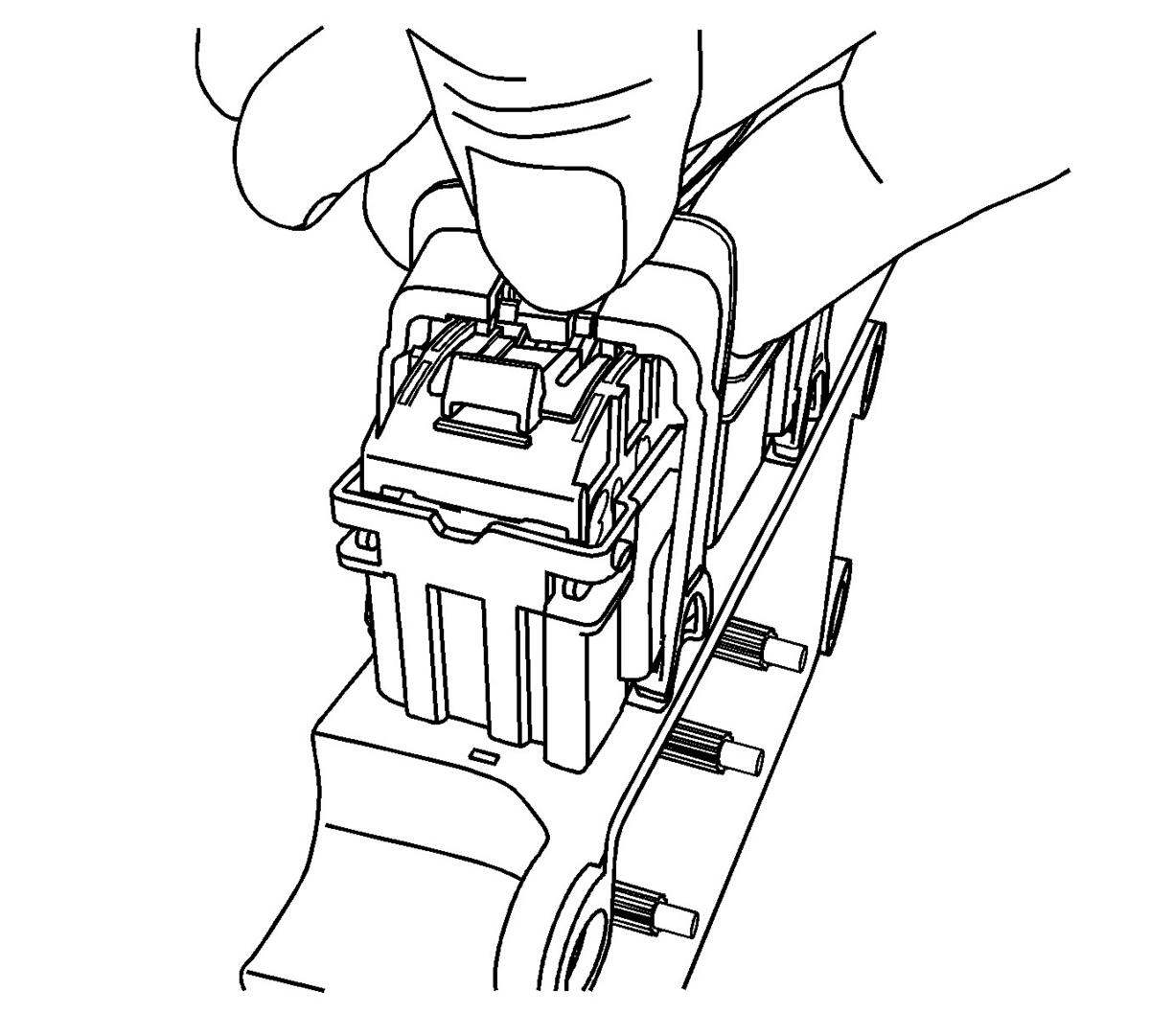 Courtesy of GENERAL MOTORS COMPANY
- Using your thumb press down on the locking tab and move the lever to the released position.
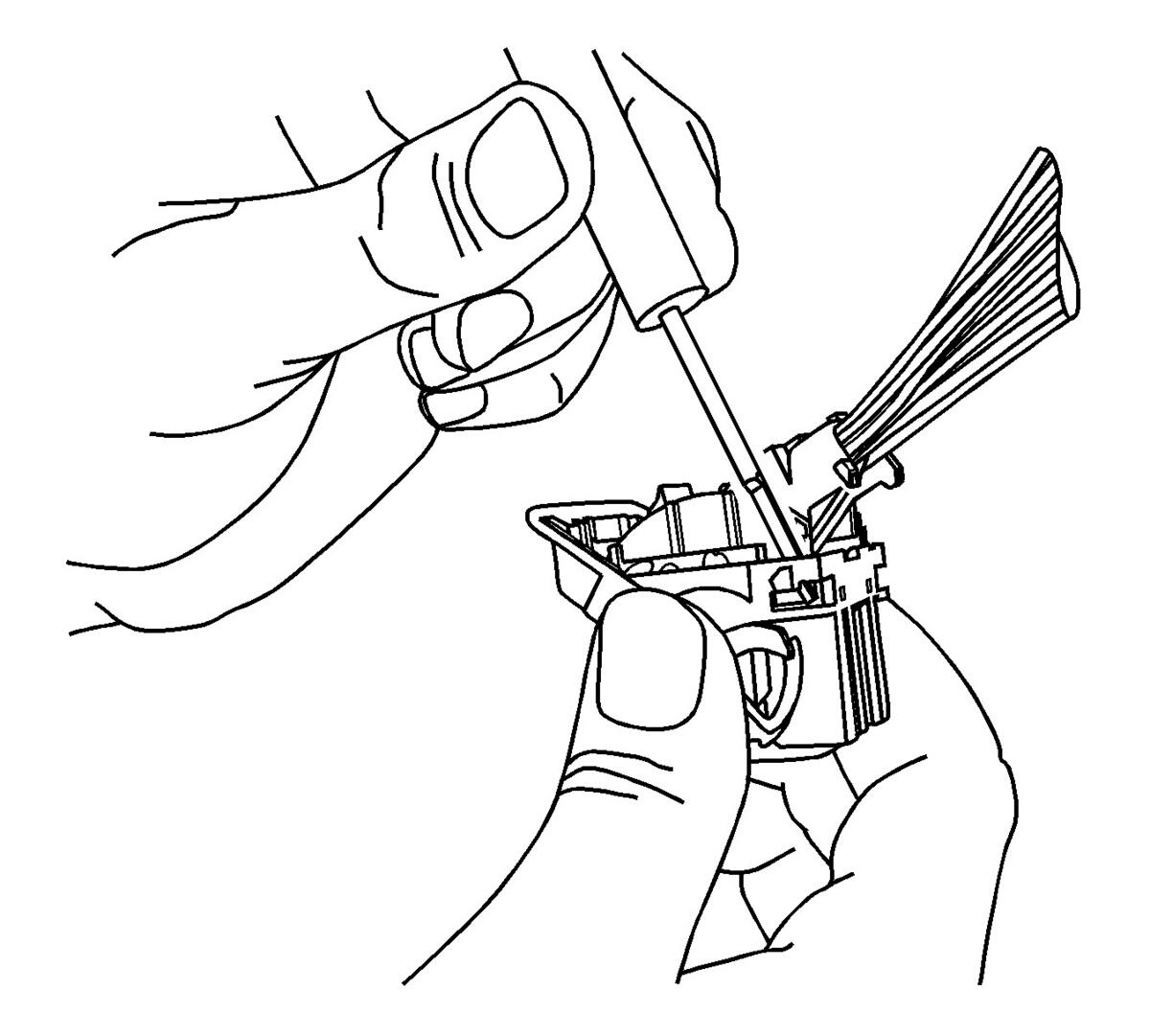 Courtesy of GENERAL MOTORS COMPANY
- Using terminal tool J-38125-11A or equivalent, release the wire dress cover locking tabs.
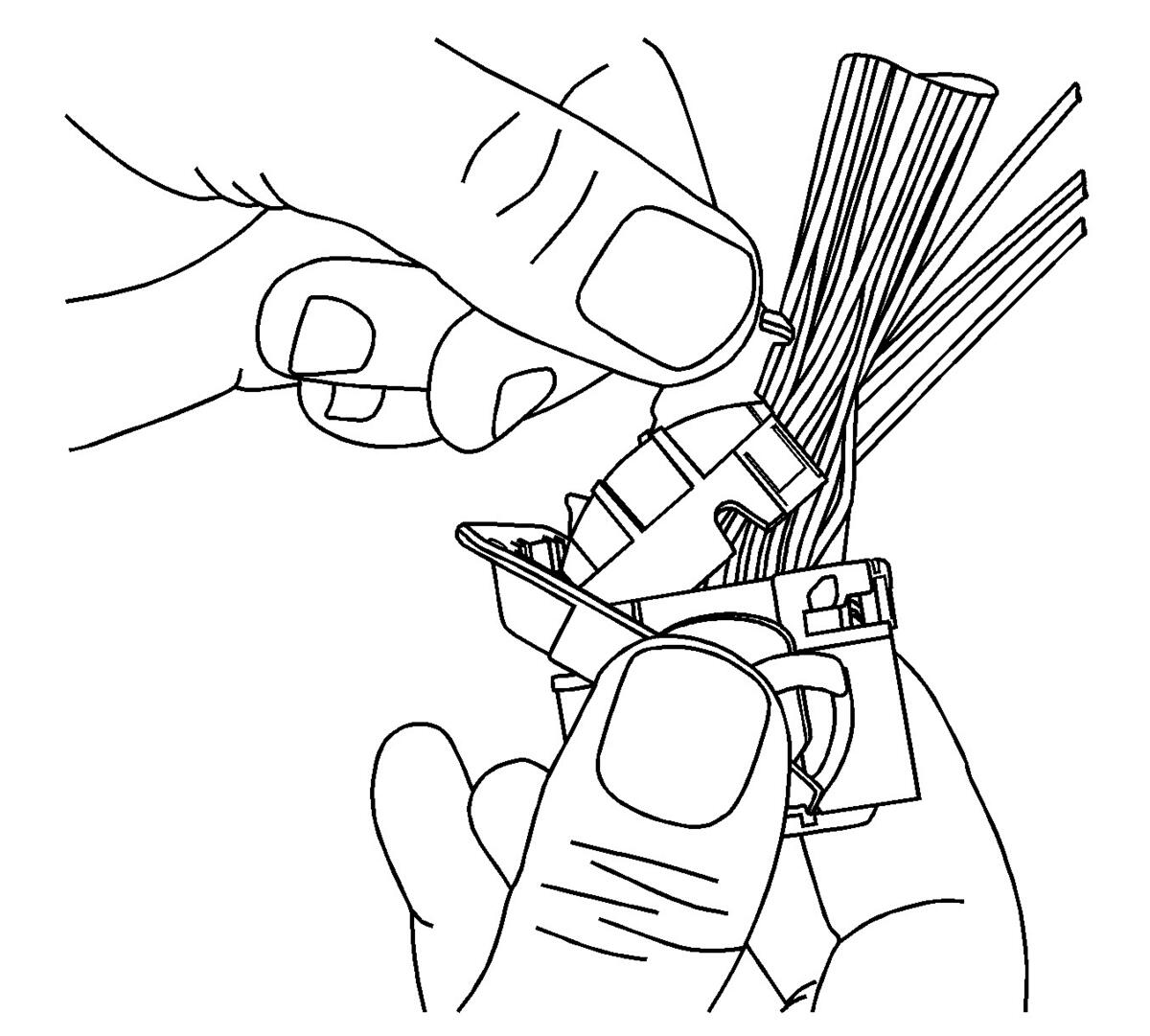 Courtesy of GENERAL MOTORS COMPANY
- Pivot connector wire dress cover while removing from the connector body.
 Courtesy of GENERAL MOTORS COMPANY
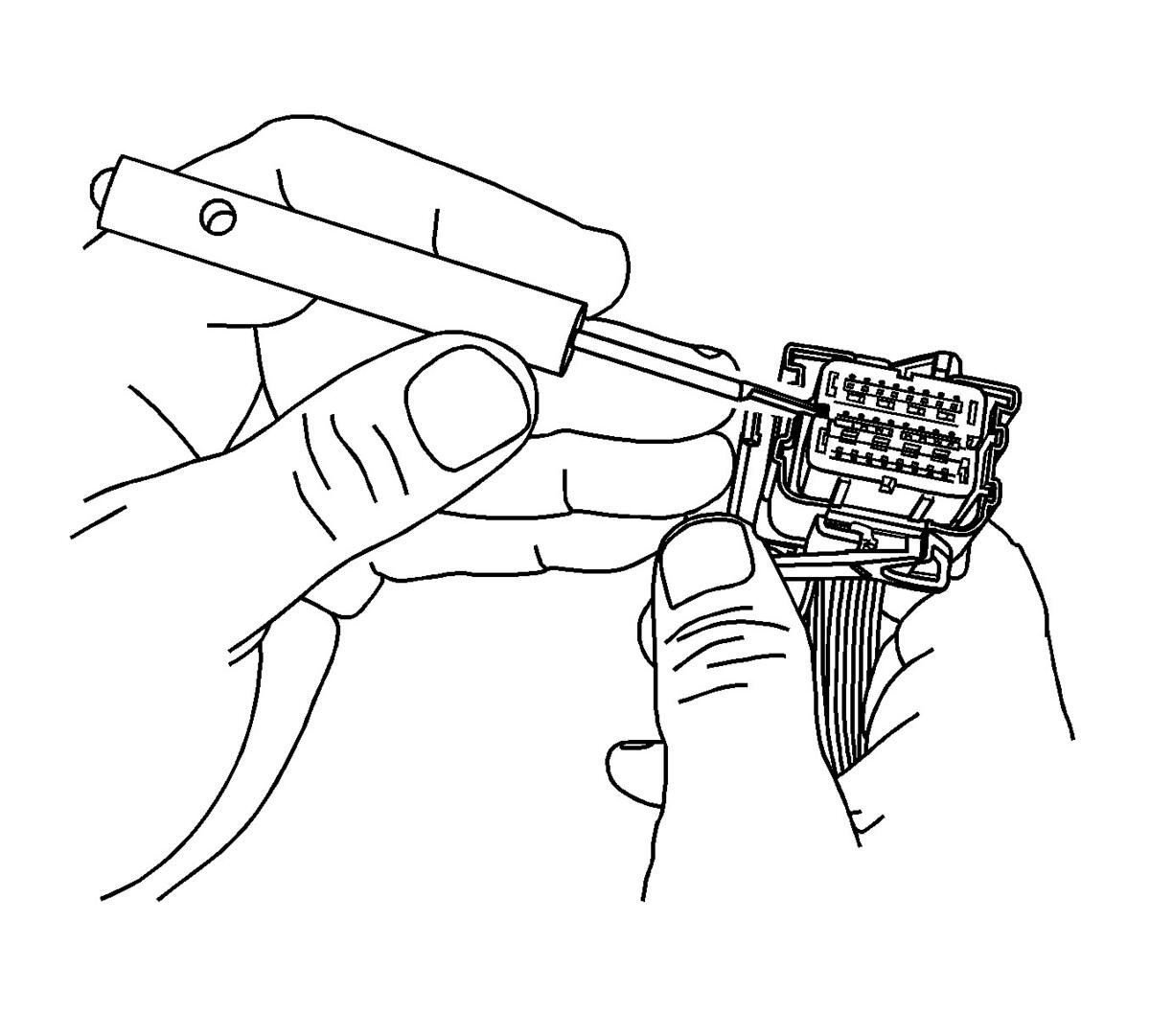
- Using terminal tool J-38125-11A or equivalent, remove the TPA by lifting straight off the connector body.
 Courtesy of GENERAL MOTORS COMPANY
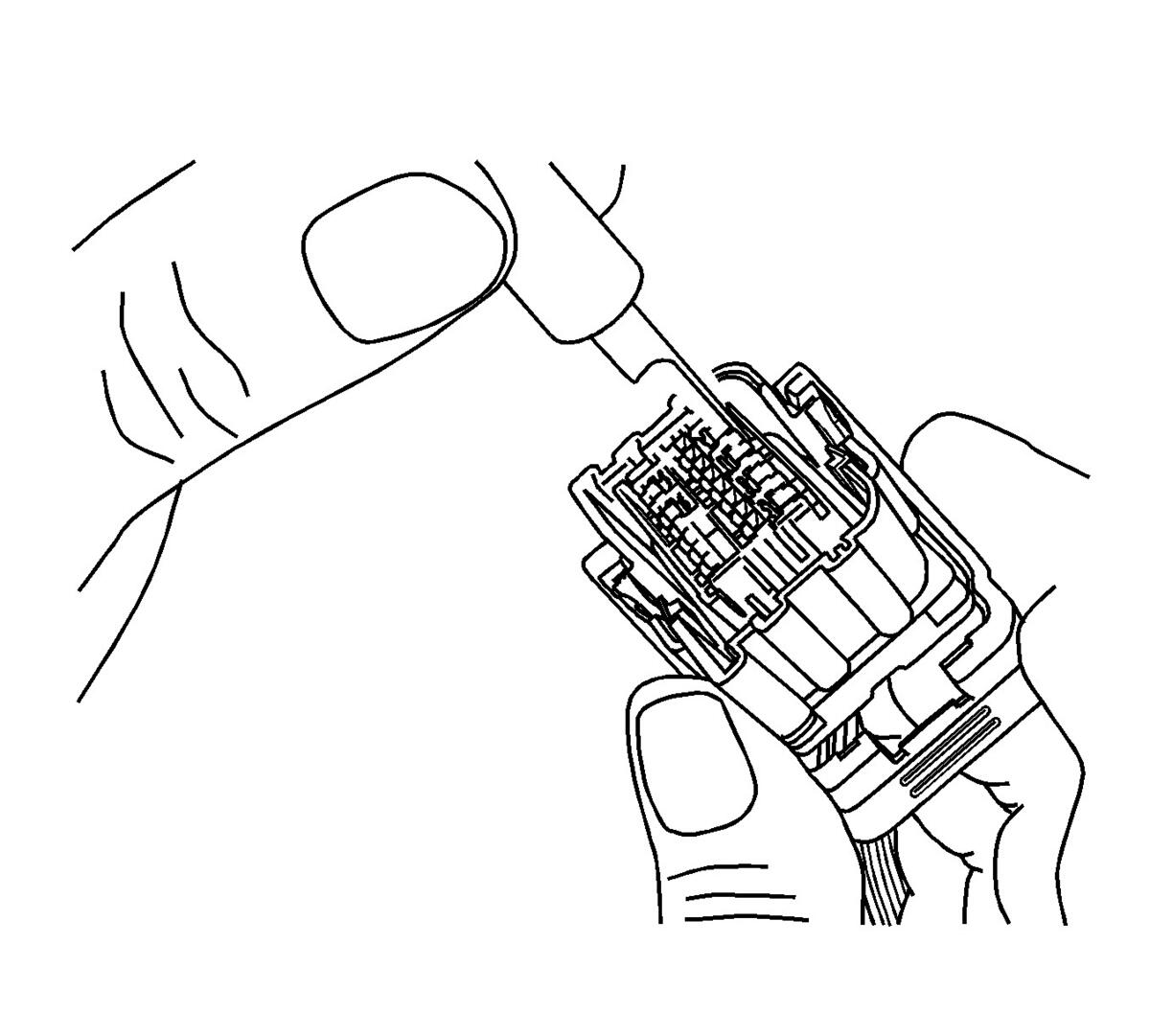
- Using terminal release tool J-38125-215A, place the tip of the tool on the outside edge next to the terminal and depress the lock tab and remove the rear of the connector body.