Removal Procedure
- Remove the steering column filler panel. Refer to Steering Column Opening Filler Replacement
- Remove the accessory trim plate, in not equipped with a front floor console. Refer to Instrument Panel Accessory Trim Plate Replacement
- Pull back the front floor console, if equipped. Refer to Front Floor Console Replacement
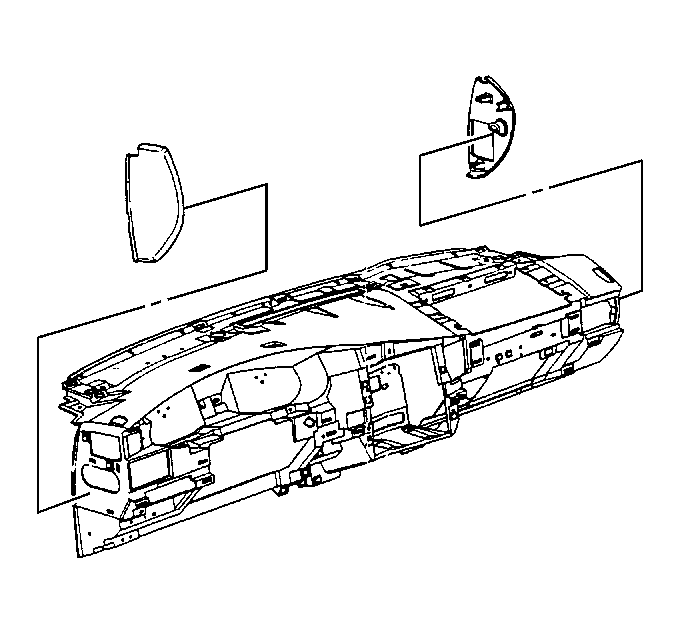 Courtesy of GENERAL MOTORS COMPANY
- Remove the instrument panel (IP) access opening covers from the IP
- Open the IP compartment door
- Remove the right lower IP trim plate. Refer to Instrument Panel Trim Panel Replacement - Right Side
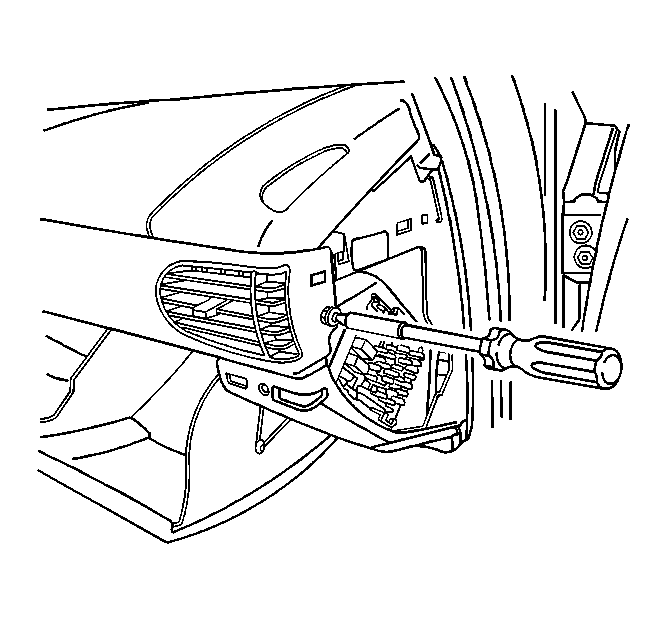 Courtesy of GENERAL MOTORS COMPANY
- Remove the screw from right end of the IP cluster trim plate
 Courtesy of GENERAL MOTORS COMPANY
- Release the retainer tab on the right end of the IP cluster trim plate
- Tilt the steering column to the lowest position
- Pull the IP cluster trim plate at the right edge, working towards the left slowly, in order to release the retaining clips
- Remove the IP cluster trim plate from the lP