Installation Procedure
- Position the instrument panel (IP) cluster trim panel cluster trim plate to the IP
- Install the IP cluster trim plate pressing in at each retainer clip location until fully seated
 Courtesy of GENERAL MOTORS COMPANY
- Install the screw to right end of the IP cluster trim plate. Tighten the IP cluster trim plate screw to 2 N.m (18 lb in)
- Install the right lower IP trim plate. Refer to Instrument Panel Trim Panel Replacement - Right Side
- Return the steering column to the original position
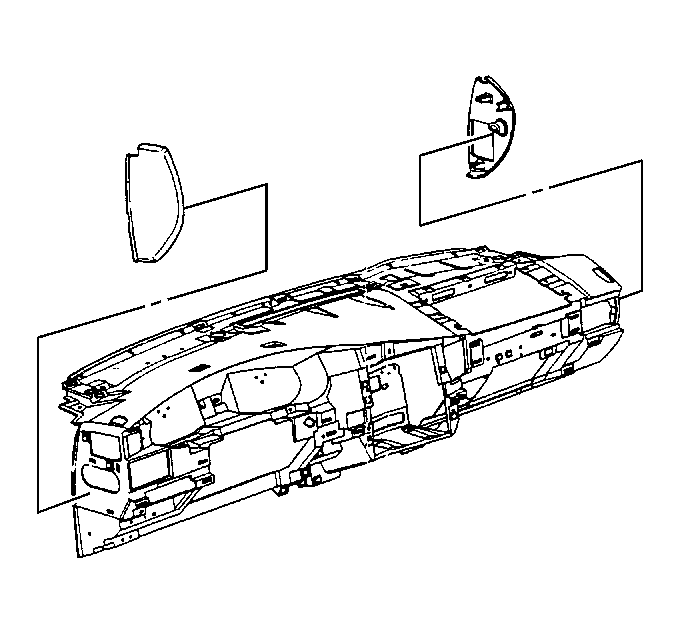 Courtesy of GENERAL MOTORS COMPANY
- Install the IP access hole covers to the instrument panel pressing into place until fully seated
- Close the IP compartment door
- Install the accessory trim plate, in not equipped with a front floor console. Refer to Instrument Panel Accessory Trim Plate Replacement
- Install the front floor console, if equipped. Refer to Front Floor Console Replacement
- Install the steering column filler panel. Refer to Steering Column Opening Filler Replacement